



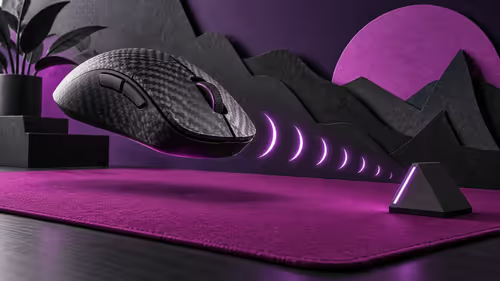
ATK Phantom: choose grip fit before chasing dual 8K polling
ATK Phantom pairs a 44g carbon-fibre composite shell with dual 8K polling. Treat those as specifications, then test shape, receiver placement and the settings your games can use.
Read moreAcer Googlebook 14 pairs an OLED touchscreen with a convertible design at the lowest listed US entry price. Its appeal is flexible interaction in a compact chassis, while regional configurations and South African pricing need model-specific confirmation.
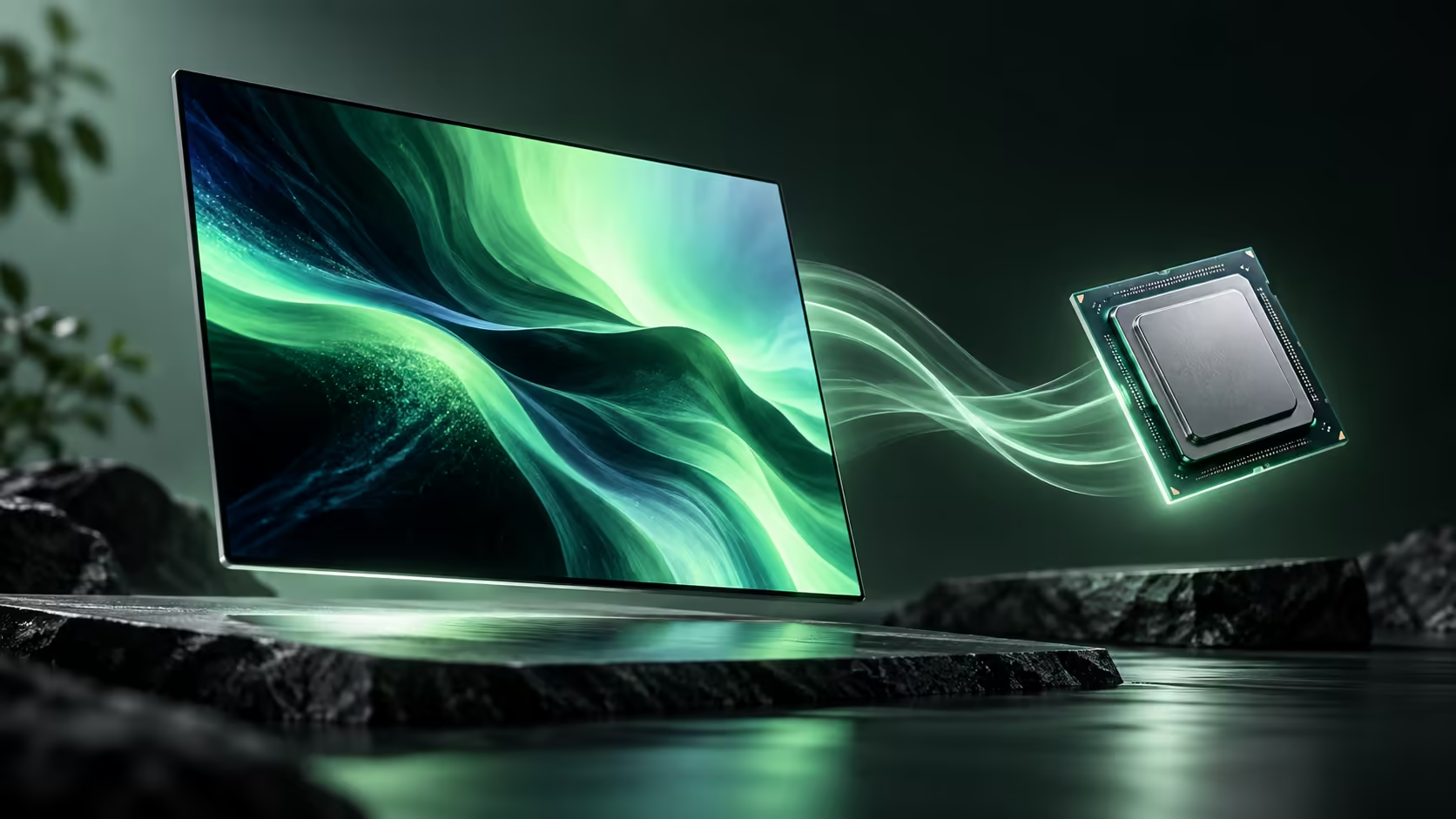
The Acer Googlebook 14 makes its strongest first impression through flexibility. Acer describes a convertible design, giving the OLED touchscreen a purpose beyond tapping a conventional laptop panel. It also occupies the lowest advertised US starting-price position in the initial Googlebook lineup. Those are useful distinctions, although neither establishes a South African price or a measured performance result.
Acer Googlebook 14 combines a 14-inch OLED touchscreen with a convertible chassis and Intel Core Ultra processor options. It is worth examining when touch interaction and a compact working setup matter alongside typing. Local Rand pricing, the exact configuration and included accessories need confirmation before the international entry-price position becomes a buying conclusion.
A convertible can place the keyboard out of the way when the display is the main focus. That can help when reviewing a layout with someone across a table, reading a long document or using a supported pen workflow. The important word is supported: a touch panel does not guarantee that every Android application has well-designed pen controls.
Acer describes touch, stylus, voice and keyboard interaction for this model. Acer specifies USI 2.0 stylus support and says the pen is sold separately. Include that accessory in a handwriting budget, then evaluate the application that will receive the input. A hinge specification establishes flexibility, not line accuracy or drawing latency.
The maker lists a 2880 x 1800 panel and calls it 3K, while Google uses a 2.8K label. The numerical pixel dimensions are the useful reference. Marketing shorthand can vary without meaning that a different panel has suddenly appeared.
Acer identifies the GP714-91N family with Core Ultra 5 325 and Core Ultra 7 355 processor options. That is a reason to keep the full product code when comparing offers. A general Googlebook 14 headline cannot tell you which configuration a seller is quoting. Acer also publishes a useful physical distinction: one Thunderbolt 4 port and two USB 3.2 Gen 2 Type-C ports, with display and power-delivery functions listed in its specification. Match those functions to the actual accessory requirements instead of selecting a dock by connector shape alone.
The published Google US entry listing pairs 16GB memory with a 512GB SSD. These figures describe working capacity and local file space; they do not establish upgrade access or the performance of a particular creative task. For a supported app, the size and complexity of the actual project still matter.
Compare the planned workload with current laptop options. A convertible is valuable when its alternate positions will be used regularly. If the machine will spend nearly all its time at a keyboard and external display, other characteristics may deserve more weight than the hinge.
Acer gives the machine a slim, approximately 1.14kg design. That is the bare computer, so a realistic travel load also includes its charger, any pen and protective storage. The benefit is easiest to understand through a real bag and a real commute rather than a weight figure alone.
Battery estimates belong to their test conditions. A web-browsing claim does not establish the runtime of continuous video calls or a demanding creative session. Likewise, a charging claim is a different measurement from discharge endurance. A buyer should not combine the best headline from each test into an invented all-day scenario.
The design choices that deserve evaluation are convertible interaction, panel comfort, the exact processor configuration and the practical travel kit. The AI laptop finder can help compare those needs with other laptop categories while South African Googlebook purchasing details are clarified. The Acer stands out because it offers a particular way to use the machine, not simply because its name appears first on a launch price list.
Yes. Acer describes the GP714-91N as a convertible Googlebook supporting laptop, touch and stylus interactions.
Acer lists a 14-inch 2880 x 1800 OLED touchscreen, marketed as 3K on its product page.
The published US Google configuration lists 16GB memory and a 512GB SSD.
No. South African configurations and quotations must be compared separately.
No. Acer lists Core Ultra 5 325 and Core Ultra 7 355 options, so the exact SKU matters.
Choose a laptop shape you will actually use Explore Evetech laptop options with your typing, touch and travel requirements in mind before committing to a configuration.
Yes. Acer describes the GP714-91N as a convertible Googlebook supporting laptop, touch and stylus interactions.
Acer lists a 14-inch 2880 x 1800 OLED touchscreen, marketed as 3K on its product page.
The published US Google configuration lists 16GB memory and a 512GB SSD.
No. South African configurations and quotations must be compared separately.
No. Acer lists Core Ultra 5 325 and Core Ultra 7 355 options, so the exact SKU matters.
ATK Phantom pairs a 44g carbon-fibre composite shell with dual 8K polling. Treat those as specifications, then test shape, receiver placement and the settings your games can use.
Read more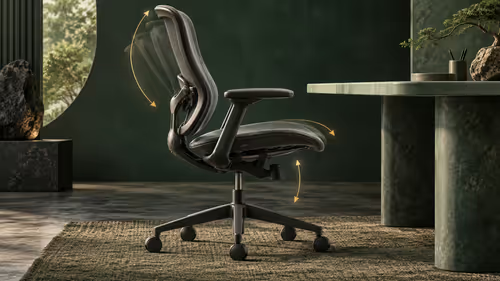
Boulies EP600 offers adjustable seat depth, back height and armrests. Use those ranges to check your seated fit and desk position; a feature count cannot establish comfort for your body.
Read more
AMD details a validated Halo software environment and says Windows-based Project Zenith systems are coming soon. Separate tested software claims from the operating system offered with a specific unit.
Read more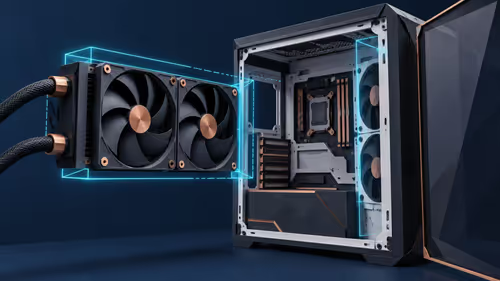
Montech CyberFlow arrives in 240mm and 360mm versions with a 32mm radiator. Measure the complete radiator-and-fan stack before choosing; socket support alone does not prove case fit.
Read more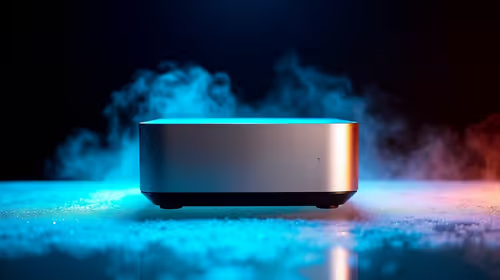
For the new tax year, a Ryzen mini PC is worth considering when the spend needs to stay near the R4,150 to R4,600 range shown in the source. The Minisforum NAB6 Lite is R4,150, with the UM750L and AI-X1-255 around R4,600, so the decision is mainly about workload and desk space.
Read more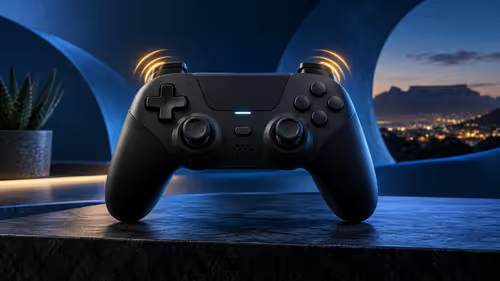
abxylute P5 controller combines Hall Effect sticks with adaptive triggers for PS5. The international launch listing is not a South African quote. Confirm game support, connection modes and warranty for the exact unit rather than buying on the stick technology alone.
Read more
RTX 5090 should be enough for Palworld at 1080p when the rest of the PC is balanced. Use this SA-focused guide to weigh settings, monitor refresh, CPU balance, and upgrade room without relying on unsupported FPS claims.

A second-hand GPU on a R5,000 SA budget can save money but adds condition risk. Check warranty, temperatures, fan noise, ports, seller proof, power draw, and return options first.

student laptop guide for Gqeberha gamers should be shortlisted around the job it must do. South African buyers should compare CPU, GPU, RAM, and screen quality, warranty path, and upgrade room before treating any pick as best.

Recommended build for Expedition 33 at R40 000 gives SA buyers premium 1440p headroom and selective 4K potential. Spend on the GPU, CPU balance, cooling, NVMe storage, power quality, and the right display pairing.

Windows transparency effects can be switched off to make supported backgrounds more opaque. Use Accessibility, Visual effects or the colour settings, then compare a menu against your wallpaper. This R0 preference changes appearance; it is not a promised.

Windows title bar window shake can minimise other open windows when you shake the active window by its title bar. Inspect the Multitasking setting and switch it off if that gesture interrupts your work. The preference costs R0 and does not require new hardware.

Windows Print Screen opens Snipping Tool when its keyboard preference is enabled. Change the option under Accessibility, Keyboard to choose another workflow. Test whether you need a clipboard image or a saved file.

Windows desktop icons missing may be a visibility setting. Right-click the desktop, choose View and inspect Show desktop icons. If only system icons are absent, use Desktop icon settings. Check the Desktop folder before assuming files were deleted.

Intel Core Ultra can look weaker in Roodepoort gaming benchmarks when tests are GPU-limited or tuned poorly. Check power settings, drivers, memory, game mix, and cooling before judging CPU value for an SA gaming PC.

RTX 5090 alternatives make more sense for office and study PCs in South Africa when the goal is smooth screens, quiet use, and sensible cost. Focus on display support, reliability, power use, desk space, and whole-system balance first for SA buyers.

Spider-Man 2 low FPS on RTX 5070 needs settings, driver, power, and background-load checks. For SA players, check updates, verify files, test overlays, reset graphics options, and keep changes reversible before reinstalling.

An RTX 4080 alternative can prioritise competitive shooters speed over excess. Compare high refresh, low latency, CPU balance, ZAR value, and monitor upgrade room before buying for a South African esports setup.