RX 9060 XT 4.837 GHz record. A big clock number gets your attention when you have a new card on a shortlist. This one came from a specialised bench run. Use a different set of checks for the PC you plan to play on every night.
Quick Answer
The RX 9060 XT 4.837 GHz record is a reported liquid-nitrogen clock result. It gives no everyday frame-rate target. An in-stock Ryzen 7 9700X RX 9060 XT desktop was R27,824 in Evetech's 25 November read.
🧪 Read the result as a clock measurement
Jack Huynh and Bill Alverson reported 4,837 MHz under liquid nitrogen. The run was listed for 15 November and publicised on 24 November. That tells you the clock they reported under particular test conditions. It gives you no average frame rate, no indication of how long a game would hold that clock, and no sound measurement on an off-the-shelf cooler. Leave the reference to the bench team if you buy the card.
Pull up a review of the exact retail card you are looking at. Check the test resolution and find out whether a game used upscaling or frame generation. Two graphs at the same nominal resolution can answer different questions if one changed how the frames were rendered.
🎮 Look for the slow spots in games you play
Choose a game where your current machine struggles and a second title where it is already smooth. Write down the resolution, graphics preset and the point in the first game where the slowdown happens. Check ordinary stock results for a comparable system at those settings. Look for longer tests that include busy fights, crowded environments or acceleration through scenery. A short stable run may miss the places where uneven frame times are most visible.
Compare the exact memory configuration and cooler on AMD Radeon RX 9060 XT listings. If a game already feels smooth and the machine stays quiet enough beside your desk, paying for a different cooler because of a peak clock result has little to do with your current problem.
If your monitor displays frame times through an overlay or the game includes one, save a short run at your normal settings. Keep it as the comparison after testing any upgrade.
🇿🇦 Compare the card with a complete build
Evetech's sample had a Ryzen 7 9700X RX 9060 XT DDR5 gaming PC in stock at R27,824 on 25 November. Use the complete system price only if you are comparing complete PCs. If you already have a compatible desktop, price a card first and add the cost of any changes it needs, such as a bigger case or a suitable power supply. Compare AMD Radeon Gaming PCs if you need to replace the whole machine.
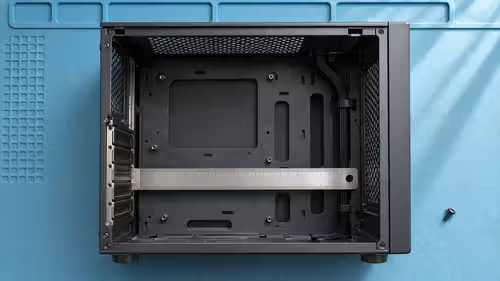
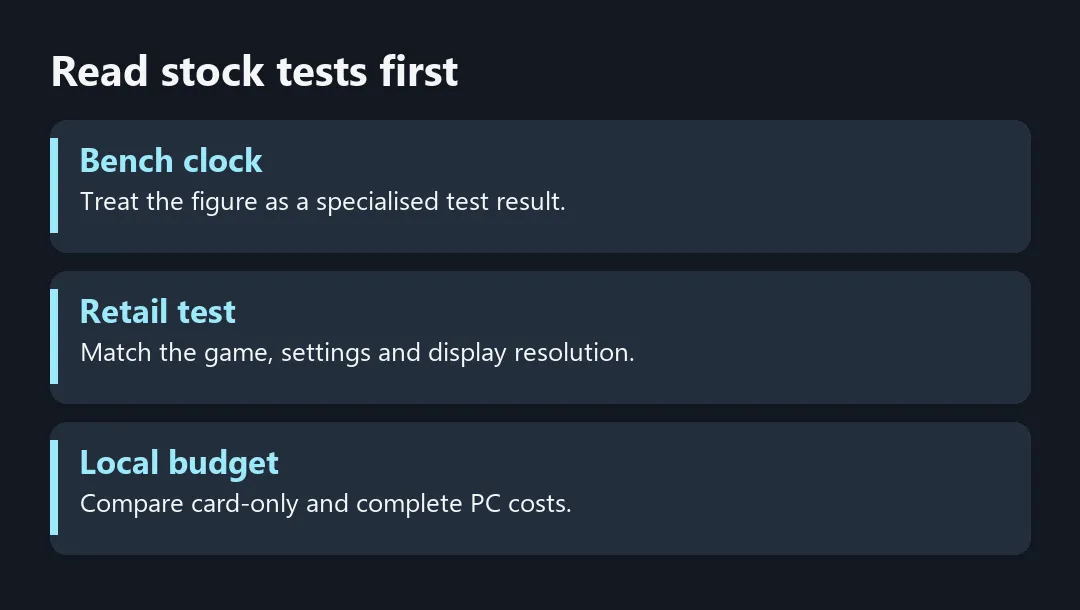
Look up the ports and power connector for the exact card and line them up with what you already own. Keep the purchase tied to a measurable problem in your games. If a stock configuration meets that target at a price that fits your budget, it can make sense today. Wait if an ordinary stock review of your target retail model is still missing.
Frequently Asked Questions
What clock did the team report?
4,837 MHz on a Radeon RX 9060 XT.
What cooling did they use?
The team reported using liquid nitrogen.
Is this a factory GPU clock?
No. It describes the reported bench result.
Does the clock tell me my frame rate?
No. Look for tests at your resolution and in your games at stock settings.
What cost R27,824 at Evetech?
A local Ryzen 7 9700X RX 9060 XT gaming PC in the 25 November sample.
How can I compare two local cards?
Check the exact memory, cooler and size, then compare sustained gaming tests.
Read stock tests first
Use stock gaming results to set your budget. Compare compatible options at Evetech.