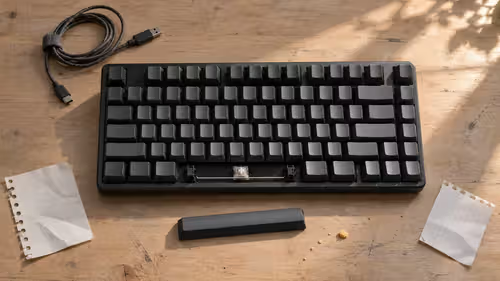
ZSA Wireless Voyager. A wide keyboard can push the mouse to the edge of a small desk. The Wireless Voyager gives you two halves you can place apart. Try the position and think through your shortcuts before you buy.
Quick Answer
The ZSA Wireless Voyager is a low-profile split Bluetooth keyboard with QMK. A local price was unconfirmed on 25 November. Evetech listed the one-piece Marvo Monka Sora 75 at R449 as a wireless keyboard price reference.
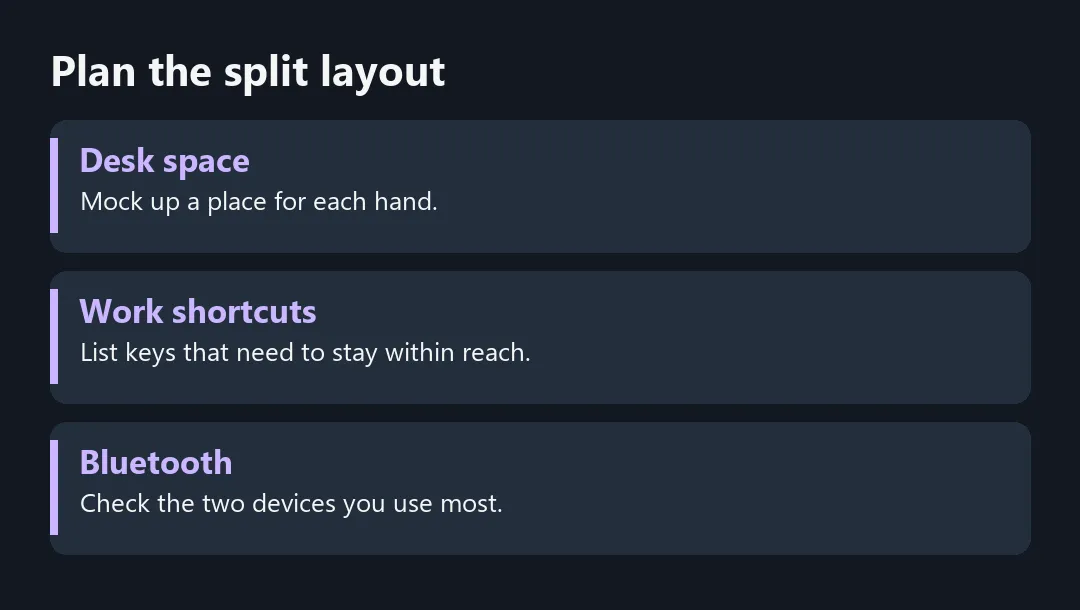
⌨️ Rehearse the desk layout
Put a notebook where you want the mouse and mark two positions for your hands with scraps of paper. Try keeping your elbows in a comfortable position while you move from typing to mousing and reaching for a phone. If you have to move one of the imaginary halves each time you open the notebook, try bringing them closer. Use the smallest desk you work at often for this test.
Think about the numbers, arrows and editing keys you can hit without looking on your current keyboard. A split layout changes the places your fingers reach for. If you work with a lot of spreadsheet shortcuts, list the ones that involve reaching across the keyboard and see how you would divide them between your hands.
🔧 Design the first layer for work
ZSA documents QMK and a setup workflow for the Wireless Voyager. Pick the six commands you use most, map a small trial layer and keep a note beside your monitor that reminds you how to reach it. Try the new arrangement on a short job you can stop and start. Keep your familiar keyboard handy if you have a time-sensitive task.
For PC gaming, check the keys you need under one hand while the other stays on the mouse. List any commands that use the number row and the modifiers you hold for crouch or sprint. Compare All Keyboards if you want a smaller chassis but need the familiar rows for games and work. A slight reduction in keyboard width can free the space you wanted without a new layout.
If keys sometimes repeat or go missing on a shared desk, retest with the laptop lid open and the computer in its normal position before assuming that the new keyboard will fix wireless reception.
🇿🇦 Compare the cost of wireless
Evetech's 25 November sample included a Marvo Monka Sora 75 at R449 in stock. Its one-piece layout is a local wireless reference, designed for a different use from a split board. Decide how much of your budget is for more mouse space and how much is for the ability to place the halves independently. Check Gaming Keyboards if your priority is the space around the mouse and you want to keep a familiar layout.
Check the Bluetooth and device policies on any work computer where you plan to use the Voyager. Confirm your home system's Bluetooth at the same time. Wait for an exact local listing if moving each half solves a problem you encounter every week. Choose a one-piece model if removing a cable gives you enough room and you want to keep the shortcut habits you already have.
Frequently Asked Questions
Is the Wireless Voyager a split keyboard?
Yes. It has two separate halves in a low-profile design.
Does it use Bluetooth?
Yes. ZSA documents Bluetooth pairing for the Wireless Voyager.
Can I change the layout?
Yes. ZSA supports QMK and its own configuration workflow.
Does it have a confirmed local price?
The 25 November check did not establish an Evetech price for the Voyager.
Is the Marvo example also a split board?
No. It is a one-piece wireless price reference.
What should I test at my desk?
Try where you will place each half and list the shortcuts you use most at that desk.
Plan the split layout
Test hand positions and familiar shortcuts before choosing the layout. Compare compatible options at Evetech.