


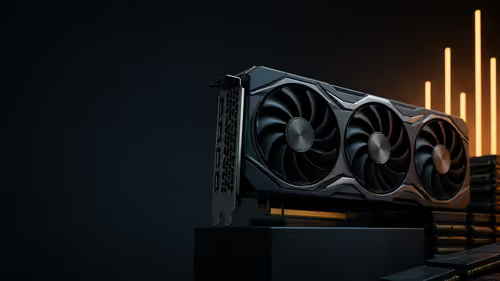
MSI GPU Price Hike: A South African Graphics Card Check
MSI has joined a new wave of overseas graphics-card price increases. South African buyers should compare the card they need against live local options rather than panic-buy.
Read moreDiscover why the Sapphire Nitro+ RX 9070 XT Crimson Desert is the ultimate upgrade for SA gamers. 🎮 Get the lowdown on cooling, clock speeds, and local availability at Evetech. 🚀
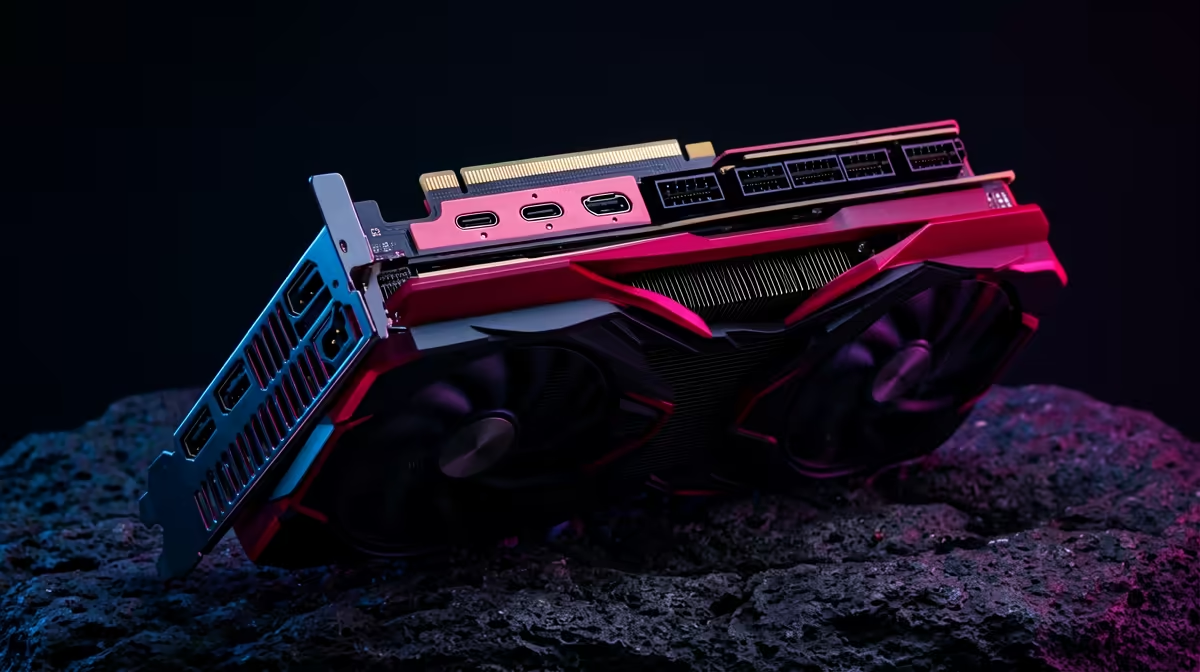
If you’re building a South African “it just works” gaming PC, you’ve probably hit that moment… where you want power, but you also want to avoid the wrong thermal, PSU, or compatibility surprises. The Sapphire Nitro+ RX 9070 XT Crimson Desert: SA Buyer Specs Guide is for that exact moment. We’ll walk through what to check before you buy, how to match it to your current setup, and how to plan your build like a local who understands load-shedding realities too.
Sapphire’s Nitro+ line is known for strong cooling and a focus on stable performance under sustained load. For gamers in Mzansi, that matters because many of us run long sessions, stream Discord, and keep web browsers open while we grind. The card you buy should stay consistent, not just score well in one benchmark.
Before we get into compatibility, two quick buyer notes:
Because GPU model naming can be confusing (and variants can differ by retailer listing), the safest approach is to verify the exact specifications on the product page you’re considering. Evetech’s category listings make it easy to compare like-for-like within their inventory.
a South African build, do a quick “fit check” before you buy: measure your case GPU clearance (length), then compare it with the GPU’s listed dimensions. If you’re unsure, ask Evetech support or confirm on the exact product page to avoid guessing.
If you’re still deciding whether to lean Radeon or explore alternatives, start with Evetech’s Radeon GPU selection and filter by tier. This stops you from comparing the wrong price bracket or the wrong performance class. For SA buyers, that’s where your money actually stays protected.
Sometimes the best “spec guide” is knowing where to look when your first plan changes. Maybe your current PSU won’t support the new GPU… or your case can’t fit the cooler. If that happens, it’s faster to pivot using a reliable catalogue.
Here’s what I’d do if I were advising a friend in Johannesburg, Cape Town, or Durban building around a premium GPU:
If you want the smoothest experience, treat the purchase like you’re matchmaking… not shopping.
If you check those boxes, you’ll avoid most of the common SA build headaches.
Ready to Find Your Perfect Match? If you want maximum power, choice, and value in South Africa, picking the right GPU and pairing it properly with your system matters. Browse Evetech for the latest Radeon and GPU options, then match it to your build with confidence: Explore our graphics card selection and specials.
This edition features a custom Crimson Desert aesthetic, improved thermal cooling, and factory-overclocked speeds designed for high-end gaming performance.
Yes, the RX 9070 XT delivers exceptional frame rates at 1440p, making it one of the best choices for demanding modern titles at high settings.
Yes, the RX 9070 XT includes dedicated hardware for ray tracing, allowing for realistic lighting and reflections in supported games.
We recommend a high-quality 750W or 850W 80+ Gold power supply to ensure stable performance for the Sapphire Nitro+ RX 9070 XT under heavy loads.
You can purchase the Sapphire Nitro+ RX 9070 XT Crimson Desert edition directly from the Evetech online store for fast, reliable local delivery.
The Nitro+ cooling system utilizes premium fans and an advanced heatsink design to maintain lower temperatures and quieter operation than reference models.
MSI has joined a new wave of overseas graphics-card price increases. South African buyers should compare the card they need against live local options rather than panic-buy.
Read more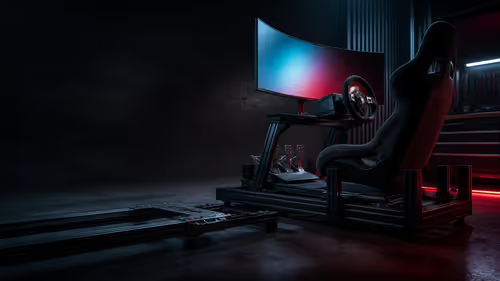
Corsair has acquired Trak Racer's assets and will place the cockpit specialist alongside Fanatec. South African sim racers should focus on compatibility, support and full-rig cost.
Read more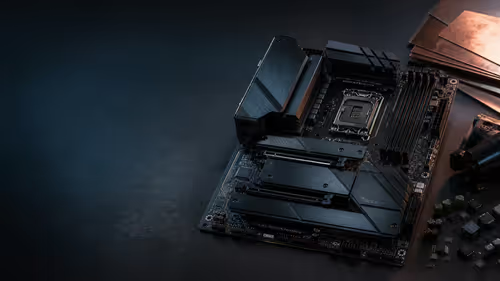
Motherboard prices are moving in overseas channels as PCB costs rise. South African builders can still compare live AMD and Intel boards from R3,149 before changing a build plan.
Read more
Memory supply is expected to stay tight into 2027. South African builders with a near-term project should price the correct RAM now instead of waiting for an assumed drop.

AMD's Q2 results show weaker gaming revenue but stronger Ryzen-led client sales. South African buyers should judge today's CPU value by platform cost, not the headline alone.

SpaceX is exploring a terrestrial mobile network, but that does not change Starlink's South African licensing position. Local buyers should wait for formal authorisation and launch terms.
Black Friday Gaming PC Wait can help if your PC need is flexible. On a R8,000 SA budget, compare deal risk, component balance, warranty, and timing before waiting.
Memory supply is expected to stay tight into 2027. South African builders with a near-term project should price the correct RAM now instead of waiting for an assumed drop.
AMD's Q2 results show weaker gaming revenue but stronger Ryzen-led client sales. South African buyers should judge today's CPU value by platform cost, not the headline alone.

Steam's July 2026 survey puts 16GB VRAM and 8-core CPUs at the top of their categories. South African buyers can reach both from about R12,998 before the rest of the build.
Fresh reports warn of 20% to 40% GPU order increases in Japan, but no matching South African rise is confirmed. The checked local 16GB shelf still starts at R9,999.
MSI has joined a new wave of overseas graphics-card price increases. South African buyers should compare the card they need against live local options rather than panic-buy.
Corsair has acquired Trak Racer's assets and will place the cockpit specialist alongside Fanatec. South African sim racers should focus on compatibility, support and full-rig cost.
Marvel Rivals Season 9.5 will cut roughly 40GB from the PC install through texture compression. South African players should clear patch space before buying more storage.

Leaked documents point to selected Xbox 360 games coming to PC and Project Helix with publisher approval. South African gamers should treat it as a roadmap, not a buying promise.