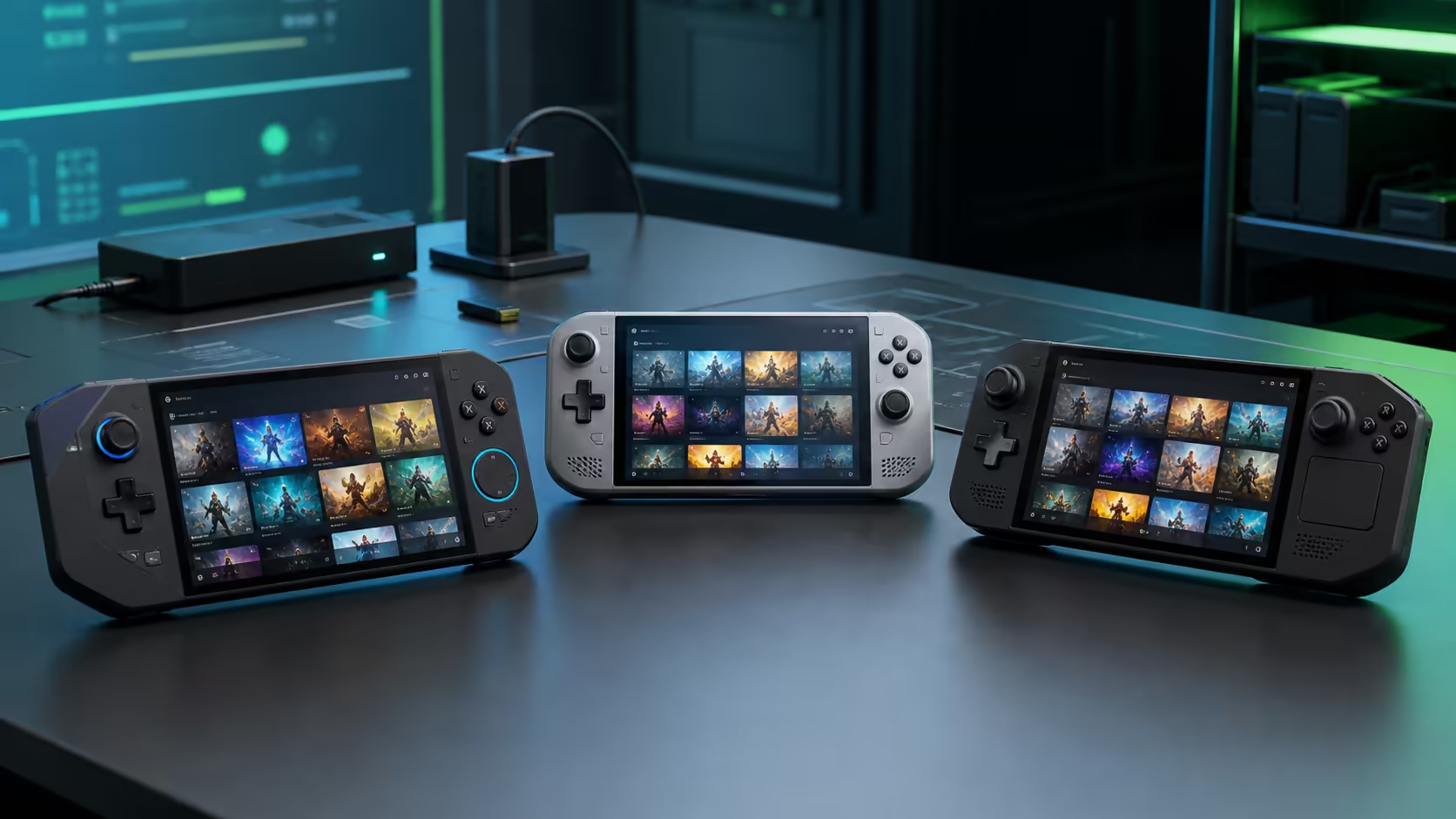
SteamOS 3.8.25 Beta adds initial gamepad support for three newer handhelds: the MSI Claw 8 EX AI+, Konkr FIT and Ayaneo Pocket S2. It also improves support for existing MSI Claw and OneXPlayer variants. That is welcome progress, but the word "initial" and the Beta label matter more than the length of the device list.
Quick Answer
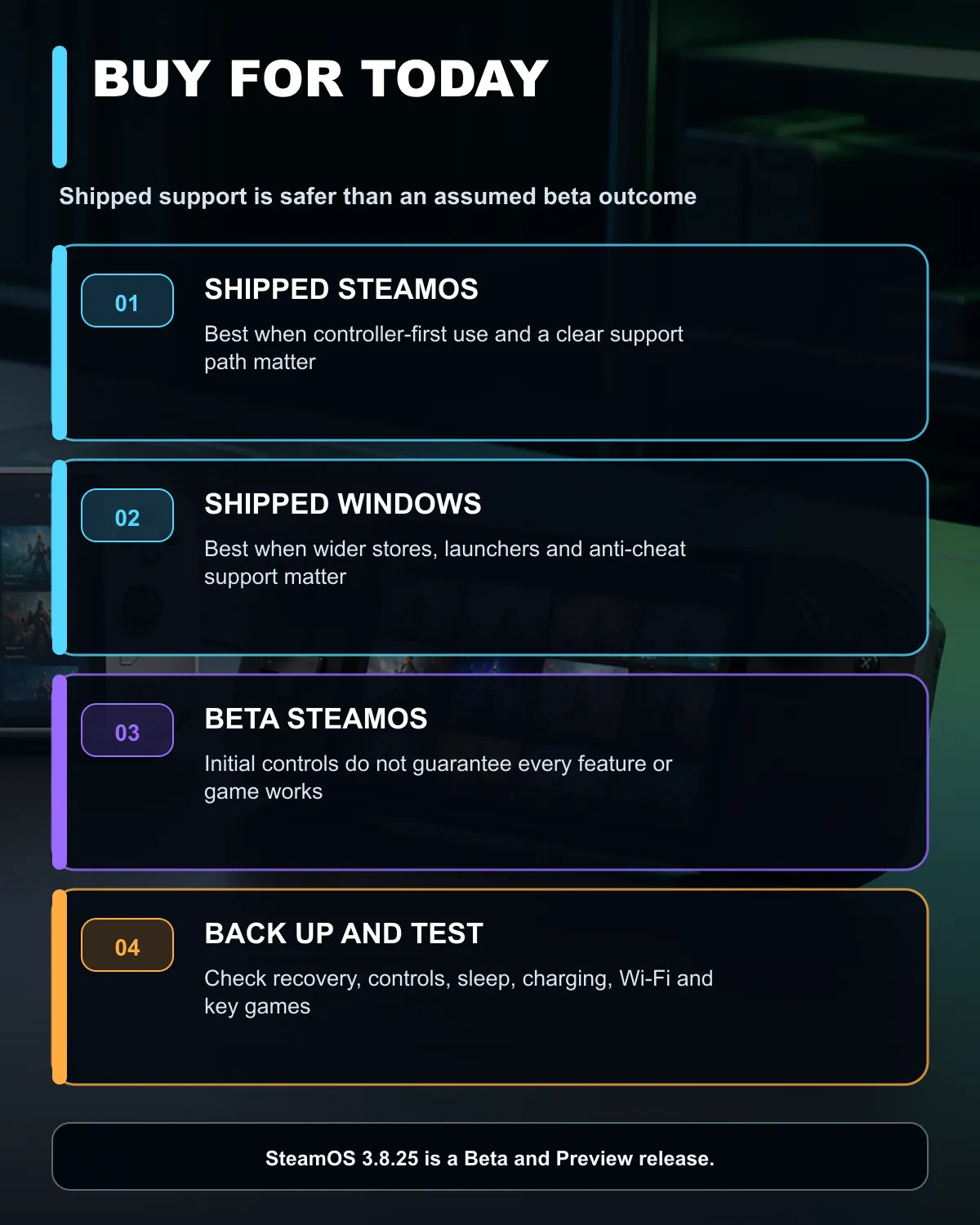
Do not buy a Windows handheld on the assumption that SteamOS now works perfectly. The 3.8.25 release is in the Beta and Preview channels, includes a known performance issue in some composition cases and describes the new controls as initial support. If you want the simplest supported SteamOS experience today, the local catalogue already has Legion Go S models shipped with SteamOS. Choose a Windows handheld when its wider game and launcher compatibility matters more than a console-like interface.
What SteamOS 3.8.25 Beta changes
The update adds initial gamepad support for the MSI Claw 8 EX AI+, Konkr FIT and Ayaneo Pocket S2. OneXPlayer Apex gamepad support is updated for newer firmware, and Valve lists broader improvements for MSI Claw and OneXPlayer device variants.
The same release contains general fixes for Wi-Fi connections, HDMI hot-plugging and failed updates. It also improves the battery indication when a connected charger cannot supply enough power for the current load. These changes show SteamOS expanding beyond Valve's own hardware, but they do not certify every button, sensor, power mode or game on every handheld.
There is a known issue in this beta: performance can be degraded in some cases when composition is required, with FSR named as an example. Valve says the issue is fixed in the current stable release but has not yet been carried into this beta branch. That is exactly why a buyer should separate "supported in a beta update" from "ready for my daily device."
The four handhelds checked locally
The 10 August catalogue snapshot found four in-stock handheld gaming PCs. A Lenovo Legion Go S with Ryzen Z2 Go, 16GB memory, 512GB storage and SteamOS was R12,799. A faster Ryzen Z1 Extreme Legion Go S with 1TB storage and SteamOS was R17,499.
The Windows side included an MSI Claw 8 AI+ with 32GB memory and 1TB storage at R18,999, plus a Ryzen Z1 Extreme Legion Go S with 16GB and 1TB at R19,999. The MSI model in this snapshot is the Claw 8 AI+ A2VM, not the newly named Claw 8 EX AI+ in the beta note.
That distinction prevents a common mistake. A software note for one exact device does not automatically cover a similar earlier model, even when the names differ by only two letters. Match the model code, processor and hardware revision before changing an operating system.
Browse the current handheld gaming console range to compare shipped operating systems. A portable monitor can add a larger screen at a desk, while gaming laptop deals remain the better comparison when keyboard use, ports and sustained cooling matter more than pocketable controls.
SteamOS or Windows?
SteamOS is designed around controller navigation and a console-like library. Suspend and resume, gamepad-first menus and a low-friction Steam experience can make a handheld feel like a dedicated gaming device. Compatibility still depends on the game, anti-cheat system, launcher and Proton behaviour.
Windows gives access to a broader set of stores, launchers and applications. It can be the safer choice for games with unsupported anti-cheat, subscription services that rely on Windows apps or a handheld that doubles as a tiny general-purpose PC. The cost is more desktop-style maintenance and an interface that is not always comfortable on an eight-inch screen.
Do not reduce the choice to one performance chart. Firmware, graphics drivers, power profiles, controller mappings and sleep behaviour can change the result. A device shipped with an operating system also comes with a clearer support path than a community installation on hardware the maker sold for another OS.
What to test before switching
Start with a backup and a recovery route for the factory system. Confirm that Wi-Fi, Bluetooth, audio, touchscreen, volume buttons, fingerprint reader, sleep, charging and every rear control work. Test at least one demanding game, one anti-cheat title and an external display if those uses matter.
Check battery draw as well as frame rate. A higher average FPS can still be a worse mobile result when it empties the battery much faster. Compare the same game, resolution, power limit and brightness on both systems.
Beta software belongs on a device where you can tolerate regressions. A stable gaming handheld used every day should stay on the supported channel unless a specific beta fix outweighs the risk.
Buy for the shipped experience
Buy the handheld for the operating system and compatibility it has today. Treat beta support for another platform as a bonus under development. That keeps a purchase useful even if one control, game or driver takes months to mature.
Frequently Asked Questions
Which devices gained initial support in SteamOS 3.8.25 Beta?
The update lists the MSI Claw 8 EX AI+, Konkr FIT and Ayaneo Pocket S2.
Is SteamOS 3.8.25 a stable release?
No. It is for the Beta and Preview channels and contains features still being tested.
Does the update guarantee every MSI Claw feature works?
No. It describes initial or improved support, and exact model codes still matter.
What was the lowest checked SteamOS handheld price?
The Lenovo Legion Go S Ryzen Z2 Go model was R12,799 on 10 August 2026.
What was the checked MSI Claw price?
The in-stock MSI Claw 8 AI+ A2VM was R18,999. It is not the same model name as the Claw 8 EX AI+ in the update.
Should I replace Windows with the beta immediately?
Only if you have a tested recovery path and can accept device or game regressions. Otherwise, buy and use the shipped supported system.
Comparing a handheld for travel or couch gaming? Choose from the games and operating system you need today, then treat beta support as future flexibility rather than a purchase guarantee.