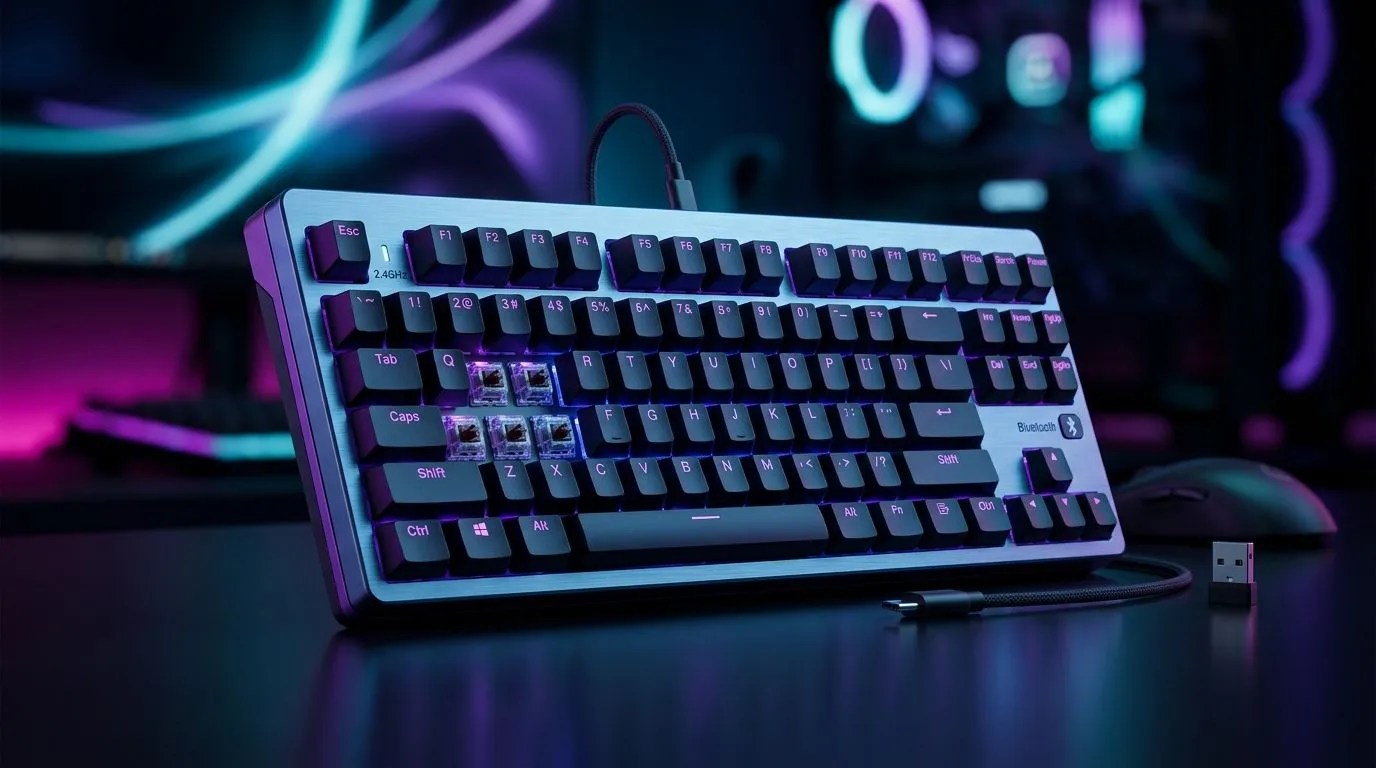
2.4 GHz Wireless vs Bluetooth for Gaming Keyboards: what South African gamers should know ⚡
If you’re shopping for a new keyboard in South Africa, the connection type matters more than most people think. A great switch feel is nice. A clean desk is nice too. But if your inputs feel laggy in a clutch moment, the whole setup loses its shine. That’s why the 2.4 GHz wireless vs Bluetooth for gaming keyboards debate is worth a proper look.
For gamers, buyers, and even casual PC users, the right choice often comes down to three things: responsiveness, convenience, and how your gear fits your daily routine. A keyboard that works beautifully for office use may not be the one you want for fast-paced play. And if you’re building around a neat, cable-light setup, that changes the conversation again.
2.4 GHz wireless vs Bluetooth for gaming keyboards: the real difference
At a basic level, both are wireless. But they behave differently.
2.4 GHz wireless
This option uses a dedicated USB dongle or receiver. It usually connects with lower latency than Bluetooth, which is why many gaming-focused keyboards use it. In plain English, your keypresses are more likely to register quickly and consistently.
That matters in competitive play, especially in titles where timing is everything. If you’ve ever felt a split-second delay while strafing, building, or swapping weapons, you already know why players care.
Bluetooth
Bluetooth is brilliant for convenience. It’s widely compatible, often easy to pair, and ideal if you switch between a laptop, tablet, or work PC. But it’s generally not the first pick for serious gaming. The reason is simple... it can be less responsive than a dedicated 2.4 GHz connection, depending on the device and setup.
For a deeper look at keyboard options built for value and performance, Evetech’s best gaming keyboard deals page is a smart place to compare current choices.
2.4 GHz wireless vs Bluetooth for gaming keyboards: when each makes sense
The best choice depends on how you actually use your setup.
If you mainly game at a desk and want the most responsive wireless experience, 2.4 GHz is usually the safer bet. It’s the format many players prefer when every millisecond counts.
If you move between devices, work in shared spaces, or want fewer dongles taking up USB ports, Bluetooth has obvious appeal. It can be especially useful for students, remote workers, and anyone who wants one keyboard for both play and productivity.
For budget-conscious buyers, it also helps to check what’s available at different price points. Evetech’s cheapest gaming keyboard range in South Africa makes it easier to compare options without overspending.
What about battery life?
Wireless keyboards naturally need power management. Bluetooth can sometimes be attractive for low-power use, while 2.4 GHz gaming models may prioritise speed and stable performance. Battery life varies by model, so check the product page before buying rather than assuming.
What about compatibility?
Bluetooth often wins on cross-device flexibility. 2.4 GHz usually wins on plug-and-play consistency for a primary PC. If you use a gaming laptop in one room and a tablet in another, Bluetooth is convenient. If your rig lives on your desk, 2.4 GHz is usually simpler.
Keyboard Buying Tip 🔧
If you’re unsure, match the connection to your main use case. For competitive gaming, prioritise a dedicated 2.4 GHz wireless link. For mixed work-and-play use, Bluetooth adds flexibility. If you want the safest all-rounder, look for a keyboard that supports both.
2.4 GHz wireless vs Bluetooth for gaming keyboards: build your setup around your habits
A keyboard should fit your routine, not the other way around. That’s especially true in South Africa, where many buyers want one purchase to cover gaming, study, and work.
If you’re building a starter battlestation, a keyboard and mouse combo can save time and keep the setup coherent. It’s a practical move when you want matching wireless behaviour, fewer compatibility worries, and better value in one bundle.
You can also filter by connection type if you already know what you want. For a no-nonsense cable-free desk, see Evetech’s wireless gaming keyboard options. If you’d rather keep latency concerns out of the equation entirely, browse the wired gaming keyboard selection.
A practical buying rule
Ask yourself one question: do you want the keyboard to disappear into the background, or do you want it to actively support fast, competitive play?
If the answer is “competitive play”, 2.4 GHz is usually the stronger pick. If the answer is “maximum flexibility”, Bluetooth makes a lot of sense.
2.4 GHz wireless vs Bluetooth for gaming keyboards: final take
There’s no universal winner. There’s only the better fit for your setup.
Choose 2.4 GHz if you want quicker response, steadier performance, and a gaming-first feel. Choose Bluetooth if you want easy pairing, device hopping, and simple everyday use. Choose a dual-mode keyboard if you want the best balance of both.
That’s the key takeaway. Don’t buy wireless just because it sounds cleaner. Buy it because it suits how you game, work, and move through your day. A good keyboard should feel invisible in use, and obvious in comfort.
Ready to Find Your Perfect Match? The Mac vs Windows debate is complex, but for maximum power, choice, and value in South Africa, Windows is hard to beat. Explore our massive range of laptop specials and find the perfect machine to conquer your world.