


Think "Linux" and "gaming" in the same sentence, and most people imagine a world of command lines and compatibility nightmares. But what if I told you that high-performance, jaw-dropping 4K gaming on Linux is not just a dream, but a reality for South African gamers right now? The days of compromise are over. With the right hardware and a little know-how, you can unlock an incredibly smooth, customisable, and powerful gaming experience... maybe even better than Windows.
Why Even Bother with 4K Gaming on Linux?
Let's be honest, Windows is the path of least resistance. So why swim upstream? For a growing number of gamers, the answer is simple: control and performance. 🚀
Linux distributions are typically leaner and less bloated than Windows, potentially freeing up system resources for your games. But the real magic comes from Valve's Proton compatibility layer. Built into Steam, Proton translates Windows games to run on Linux, often with shockingly good performance. For many titles, you just click "Play," and it works. This isn't the fiddly Linux of old; this is a streamlined system ready for high-resolution gaming.
Getting Your Rig Ready for the 4K Plunge
Making the leap to 4K gaming on Linux requires a bit of prep work, but it's straightforward. Your success hinges on three key components: your graphics card, your Linux distribution (distro), and of course, the screen you'll be staring at.
The Graphics Card: Red vs. Green
- AMD (Team Red): Generally offers a smoother, "it just works" experience on Linux. The open-source drivers are built directly into the Linux kernel, meaning setup is often as simple as plugging in the card.
- NVIDIA (Team Green): Performance is excellent, but you'll need to install their proprietary drivers. While this is easier than ever on gaming-focused distros, it's an extra step to be aware of.
Regardless of your choice, you need a powerful GPU to push the 8.3 million pixels that 4K resolution demands.
Choosing Your Flavour of Linux
Forget what you've seen in hacker movies. Modern Linux is beautiful and user-friendly. For gaming, consider distros like Pop!_OS or Nobara Project, which come pre-configured with gaming essentials like Steam, Lutris, and the latest graphics drivers. They make the transition for a Windows user incredibly smooth.
Performance Monitoring Pro Tip 🔧
Once you're in a game, you'll want to see how your system is performing. Install MangoHud! It's a fantastic overlay that shows your FPS, CPU GPU temperatures, and more. On most gaming distros, it's easy to enable and gives you the crucial data you need to optimise your settings for that perfect 4K experience.
The Star of the Show: Your Monitor
Your R40,000 graphics card is useless for 4K if your screen is still stuck at 1080p. The monitor is where the magic happens. It’s the final, crucial piece that delivers the crisp detail and vibrant colours you've invested in. When you start exploring the world of PC monitors, you'll see options for refresh rate, response time, and panel type, all of which are vital for a great gaming experience.
Making Your Games Run ✨
The perception that you need to be a coding genius to play games on Linux is outdated. Thanks to Steam and Proton, your existing library is likely ready to go.
Before buying a new game, your first stop should be ProtonDB. This community-driven website has reports on how well thousands of games run on Linux via Proton. A "Platinum" rating means it runs perfectly out of the box. You'll be surprised how many AAA titles are on that list. For everything outside of Steam (like games from GOG or the Epic Games Store), an app called Lutris simplifies the installation process brilliantly.
A full setup often involves more than just the game itself. Many gamers use a second screen for Discord, guides, or streaming tools. Adding a versatile portable monitor to your desk can seriously improve your workflow without taking up much space.
The Picture-Perfect 4K Linux Experience
So, what's it actually like? When it works, Linux 4K gaming is sublime. Games like Cyberpunk 2077, Elden Ring, and Baldur's Gate 3 run beautifully, showcasing the stunning detail that only 4K can provide. The experience feels clean, snappy, and free from the background noise of Windows.
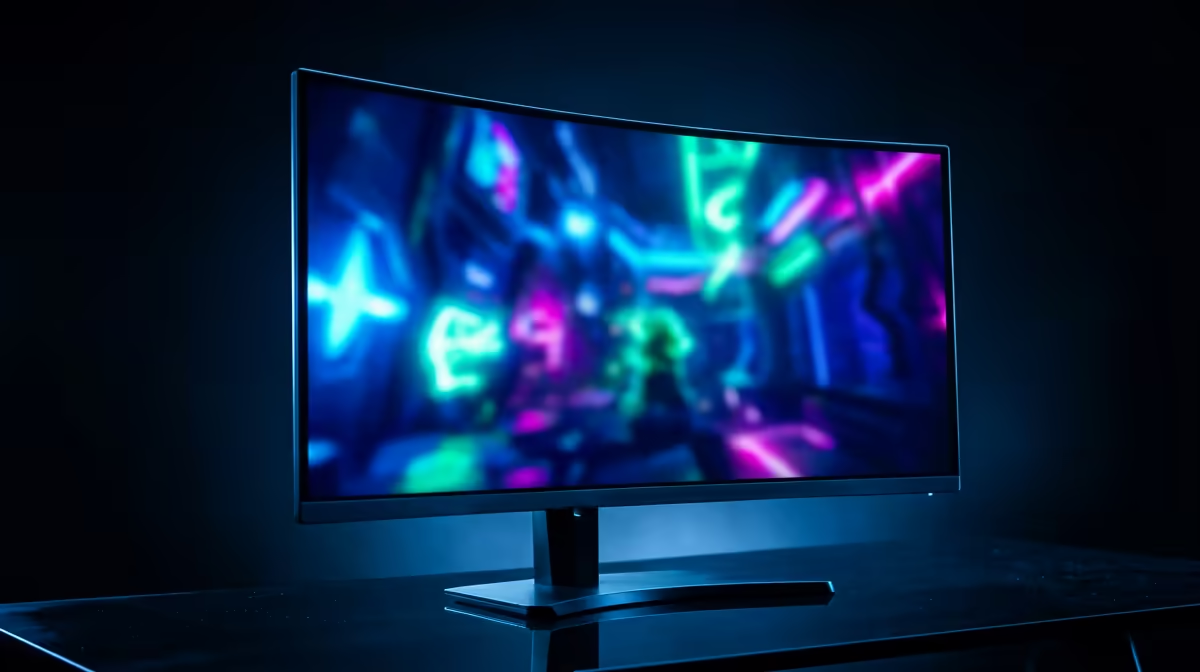
Of course, it’s not always perfect. Some competitive shooters with aggressive anti-cheat systems can still be a hurdle. But the list of incompatible games is shrinking every month. To truly appreciate the visual upgrade, you need a display that can keep up. Browsing through the latest best PC monitor deals can help you find a high-spec screen without breaking the bank. For ultimate immersion, nothing beats the wrap-around view of the latest curved monitors, which pull you right into the game world. But for the purest visual quality, diving straight into the dedicated 5K & 4K monitors category is your best bet.
Final Verdict: Is It Worth It?
Absolutely. If you're a PC enthusiast who loves to tinker and values performance and control, 4K gaming on Linux is an incredibly rewarding journey. The community is vibrant, the tools are powerful, and the results speak for themselves. While there's a slight learning curve, the payoff is a stable, fast, and custom-tailored gaming rig.
Before you finalise your setup, don't forget the finishing touches. Proper ergonomics and calibration can make a huge difference in long gaming sessions. Investing in quality monitor accessories like a good VESA mount can perfect your battle station. The range of all gaming monitors available today means there's a perfect panel for every budget and every desk.
Ready to See the Difference? 4K gaming on Linux is more than just possible... it's incredible. But you can't experience those crisp visuals without the right screen. Explore our massive range of 4K monitors and find the perfect panel to bring your Linux rig to life.










