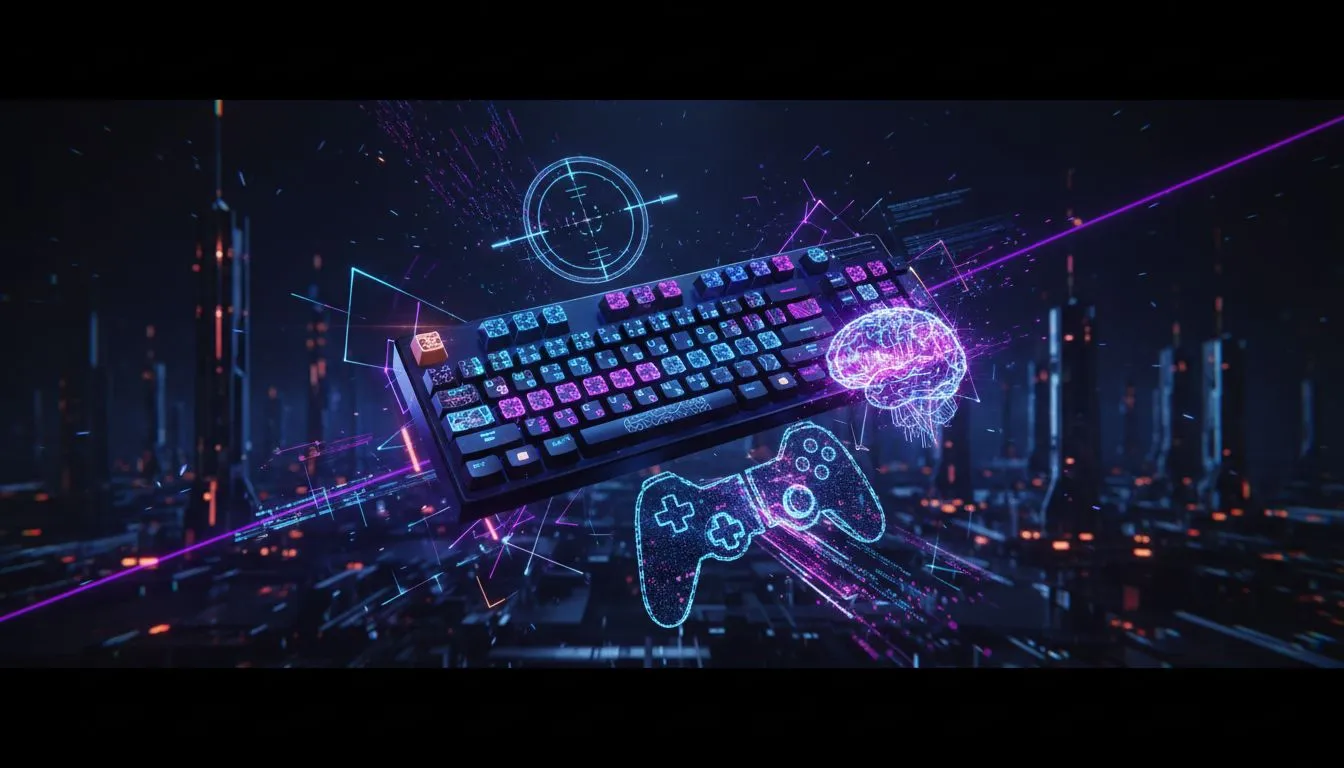
Pro keyboard settings for CS2 and Valorant — quick intro 🎯
South African players: want crisp aim, faster peeks, and fewer misfires? This concise pro guide to keyboard settings for CS2 and Valorant cuts the fluff and gives practical tweaks you can test in a single session. Expect keybind examples, polling and debounce tips, and hardware links so you can upgrade without guessing. Ready to tighten your input and shave milliseconds off your plays? 🔧
Pro keyboard settings for CS2 and Valorant — the essentials
Start with consistent key placement. Bind movement, crouch and jump to reachable keys and avoid hand-rolling tricks that feel clever but introduce mistakes. Keep your primary weapon swap and grenade keys within two keys of your reload. For a hardware baseline, see options for the cheapest gaming keyboards in South Africa to get started right away: https://www.evetech.co.za/components/buy-cheapest-gaming-keyboard-in-south-africa-52. Every pro begins with an ergonomic layout.
Pro keyboard settings for CS2 and Valorant — keybinds and macros
Use single-action binds for critical moves. Avoid macroed multi-action binds that can fail under pressure or violate tournament rules. Set crouch to toggle or hold based on your movement style. Examples:
- Crouch: Hold C for controlled bursts.
- Jump: Space for regular play; consider an alternate key for bhopping practice.
- Use small practice routines to test binds in deathmatch. For RGB visual cues on mode or DPI, check the RGB backlit deals to match your desk lighting: https://www.evetech.co.za/best-gaming-keyboard-deals/x/055?attributes-backlitcolor=RGB.
Productivity Pro Tip ⚡
If you swap desks or monitors, export your keybinds or keep a screenshot of settings. Small changes in posture or reach can shift performance; consistency matters more than flashy binds.
Pro keyboard settings for CS2 and Valorant — polling, debounce and wired vs wireless 🚀
Polling rate and debounce timings influence how quickly keystrokes register. Most competitive players use 1000 Hz polling where supported. For hardware choices, wired keyboards remain the gold standard for lowest latency; compare wired models here: https://www.evetech.co.za/best-gaming-keyboard-deals/x/055?attributes-connectivity=Wired. Wireless options have improved; if you prefer a cable-free desk, review vetted wireless sets here: https://www.evetech.co.za/best-gaming-keyboard-deals/x/055?attributes-connectivity=Wireless. These pages list specs and customer reviews to help you decide.
Pro keyboard settings for CS2 and Valorant — fine-tune and routine
Turn down key repeat and set debounce to a low setting (if adjustable). Practice one change at a time and log your results over a week. Use a standard 5–10 minute warm-up that replicates your in-game pacing: flicks, peeks, and grenade throws. Track perceived input reliability after hardware tweaks and revert if accuracy dips.
Pro keyboard settings for CS2 and Valorant — where to buy locally
If you want to upgrade today, browse Evetech’s curated keyboards by price and features. For budget-focused builds or first-time upgrades, review the cheapest options and check ZAR pricing and shipping details on the product pages linked above. Real equipment testing beats guessing.
Ready to Find Your Perfect Match? The Mac vs Windows debate is complex, but for maximum power, choice, and value in South Africa, Windows is hard to beat. Explore our massive range of laptop specials and find the perfect machine to conquer your world.