


Is your PC roaring like a jet engine during a tense firefight, especially during a scorching South African summer? We've all been there. That frantic fan noise isn't just annoying; it's a cry for help from your overheating CPU. Choosing the best PC cooling solution is crucial for unlocking stable performance, and the age-old debate rages on: traditional air cooling or a sleek liquid AIO? Let's settle it.
The Core Showdown: Air vs. Liquid Cooling
At its heart, PC cooling is about one thing: moving heat away from your processor as efficiently as possible. Both air and liquid coolers do this, but they take fundamentally different paths. Understanding these differences is the first step to finding the best PC cooling solution for your specific needs, whether you're building a budget rig for playing Minecraft or a beast for competitive titles.
The Reliable Workhorse: Air Cooling 💨
Air cooling is the classic, trusted method. It’s simple, effective, and often kinder on the wallet.
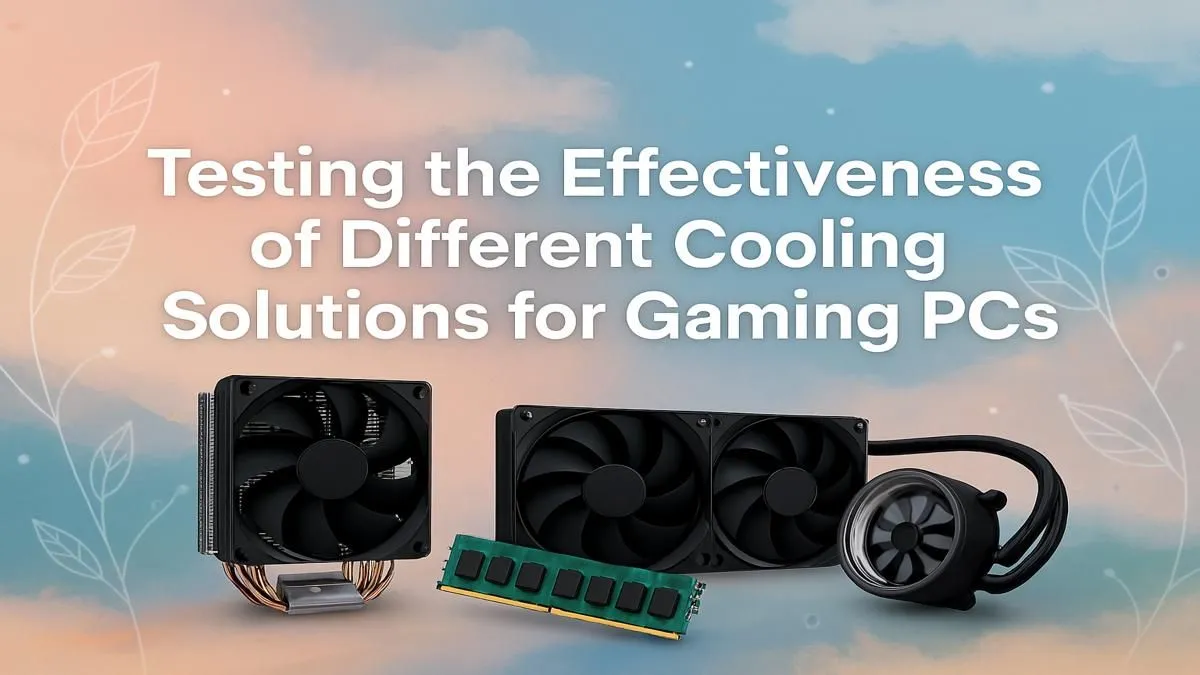
- How it Works: A metal heatsink, usually made of aluminium and copper, sits directly on your CPU. Heat pipes draw thermal energy away from the processor into a large fin stack. A fan (or two) then blows cool air across these fins, dissipating the heat into your case.
- Pros: Generally more affordable, highly reliable with fewer points of failure (it’s just a fan and a block of metal), and installation is typically straightforward.
- Cons: High-performance models can be massive, potentially interfering with tall RAM modules or small cases. Their cooling potential has a lower ceiling compared to high-end liquid coolers, which can be a factor in graphically intense games like Cyberpunk 2077.
The High-Performance Option: Liquid Cooling 💧
All-In-One (AIO) liquid coolers offer superior thermal performance and a clean, modern aesthetic. They've become the go-to for enthusiasts and anyone pushing their hardware to the limit.
- How it Works: A pump block sits on the CPU, circulating a special coolant. This liquid absorbs heat and travels through tubes to a radiator. Fans attached to the radiator then cool the liquid down, which cycles back to the CPU block to repeat the process.
- Pros: Top-tier thermal performance, ideal for overclocking and keeping CPU-heavy games like Microsoft Flight Simulator running smoothly. They also produce less direct noise from the CPU socket area and offer a much cleaner look inside your case.
- Cons: More expensive, more complex with more potential points of failure (pump, fittings), and the risk of leaks, however small, is always a consideration.
Thermal Paste Pro Tip 🔧
The 'pea method' is your best friend for any cooler installation. Apply a small, pea-sized dot of quality thermal paste to the centre of your CPU. The mounting pressure from the cooler will spread it perfectly. Using too much paste can actually reduce cooling efficiency!
Which Cooling Solution is Best for Your Rig?
So, which one wins the air vs. liquid cooling battle? The truth is, the best PC cooling solution depends entirely on you, your budget, and your gaming habits.
- For the Budget-Conscious Builder: A quality air cooler is unbeatable value. It provides more than enough cooling power for mainstream gaming PCs built for titles like Fortnite or even the ever-popular GTA V, all without breaking the bank.
- For the Silent Enthusiast: This is a tough one. While AIOs move the fan noise to the radiator (often at the top or front of the case), high-end air coolers from brands like Noctua or be quiet! are famously silent. It often comes down to the specific models being compared.
- For the Competitive Gamer & Overclocker: 🚀 If you demand the lowest possible temperatures for maximum boost clocks in games like Counter-Strike 2 and Overwatch 2, a 240mm or 360mm AIO liquid cooler is the clear winner. The superior heat dissipation allows your CPU to sustain higher performance for longer, which is critical during intense, drawn-out matches in games like PUBG.
- For the Aesthetics-Focused Builder: Liquid cooling wins hands-down. The clean look of an AIO block, often featuring customisable RGB lighting, provides a sleek, high-tech centrepiece for your build that a bulky air cooler just can't match. This is especially true when you're building a monster rig to handle the chaos of Call of Duty: Warzone.
Ultimately, you can't go wrong with either option, as long as you choose a quality product that matches your CPU and case. The competition has pushed both air and liquid cooling technology to incredible heights.
Ready to Chill Out? ❄️ Whether you're a fan of air or a liquid loyalist, the right cooling unlocks your PC's true potential. Explore our massive range of CPU coolers and build a rig that stays frosty under pressure, no matter the game.









