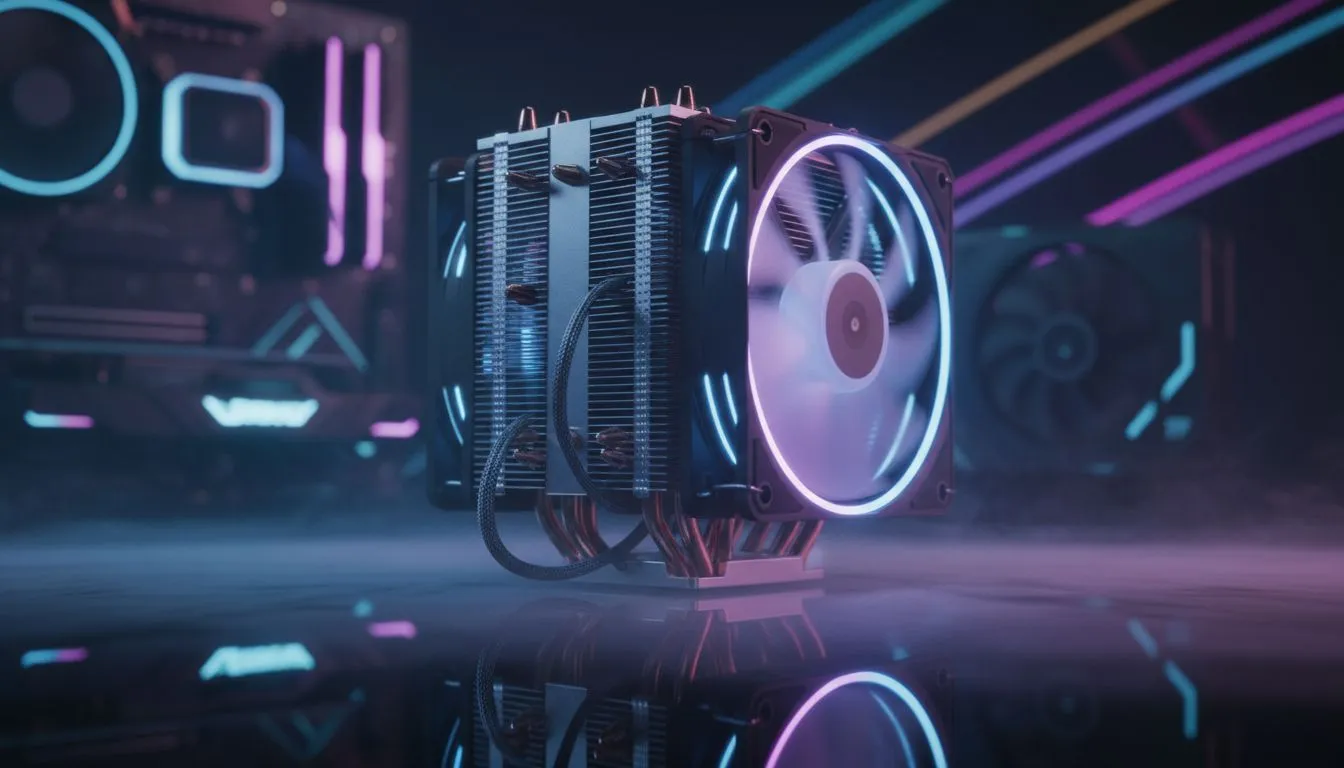
It is mid-January in South Africa. Your small bedroom feels like a sauna while you are mid-match. We have all been there. You do not always need to swap out your hardware to fix high temperatures. Managing gaming PC cooling for small rooms is about strategy and airflow physics rather than just buying more fans. Let us get those temps down.
Master the Art of PC Placement
Positioning is the most overlooked factor in thermal management. If your rig is tucked into a tight corner or shoved under a desk... it is likely recycling its own hot air. Most modern computer cases are designed with specific intake paths that require space. Ensure there is at least 15cm of clearance behind the exhaust fans. If you are on a carpet... use a solid stand to prevent the power supply from choking on dust and fabric.
Cleanliness and Dust Management
South African dust is relentless and acts as an unwanted insulator. It clogs heatsinks and slows down fan blades. If you are using high-end Fractal Design PC cases, you likely have excellent dust filters already. Clean these every two weeks. A simple can of compressed air can drop your component temperatures by several degrees without costing a fortune.
Airflow Pro Tip ⚡
Try undervolting your GPU using software like MSI Afterburner. It reduces power consumption and heat output without sacrificing your frame rates. This is incredibly effective in small rooms where ambient heat builds up quickly during long gaming sessions.
Optimise Your Internal Airflow Path
Hot air naturally rises... but your fans should dictate the direction. Ensure you have a clear "front-to-back" or "bottom-to-top" flow. Many Gamdias gaming cases feature mesh front panels that significantly improve intake compared to solid plastic or glass. Check your cable management too. Bundled cables blocking a front intake fan can increase your internal ambient temperature by 3 to 5 degrees.
Budget-Friendly Thermal Solutions
You do not need to spend R5000 to see a difference in performance. Sometimes... simply adding one extra exhaust fan can create the negative pressure needed to pull heat away from the CPU. You can find highly efficient Gamdias gaming cases under R1500 that provide better thermal headroom than older, closed-off designs. Lowering the ambient temperature of the room with a small desk fan can also help the PC intake cooler air.
Ready to Chill Your Rig?
Keeping your hardware cool is the best way to ensure a long lifespan and consistent frame rates. From high-airflow mesh panels to premium silent builds, we have the hardware you need. Explore our massive range of computer cases and find the perfect thermal solution for your setup.