


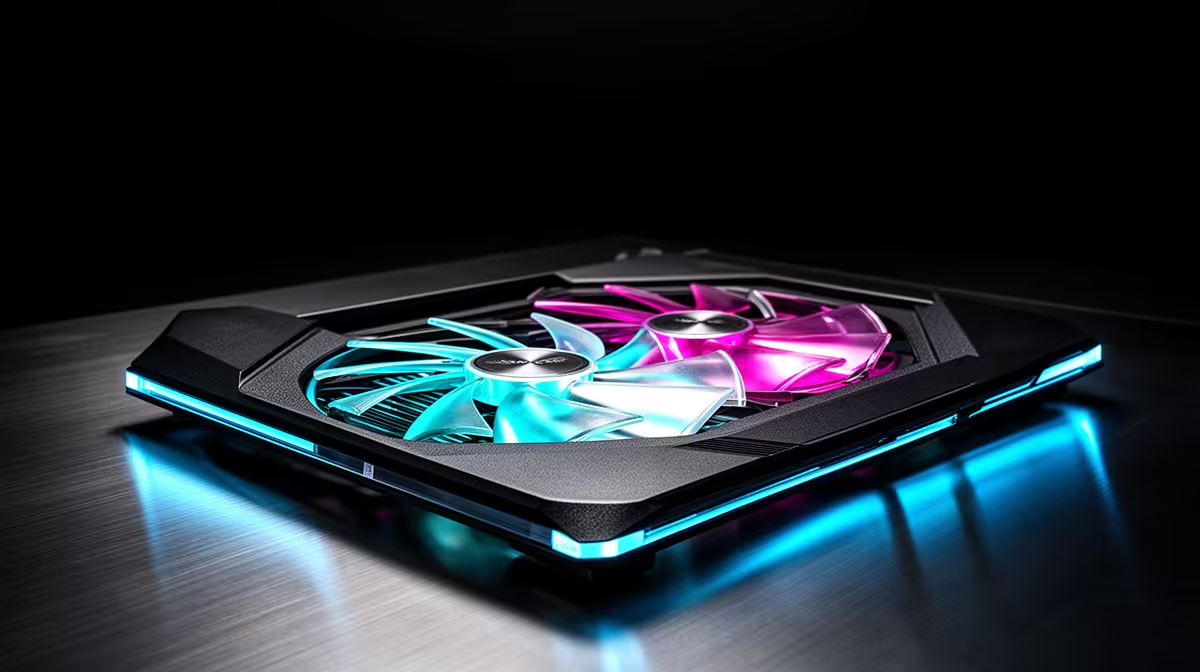
Your deadline is looming, the client is waiting, and Adobe After Effects is grinding to a halt. Outside, the South African sun is blazing… and inside, your laptop feels like it could fry an egg. Sound familiar? For creative professionals, thermal throttling isn't just an annoyance; it’s a creativity killer. Effective laptop cooling for graphic design in SA is non-negotiable, and this guide will show you exactly how to keep your machine cool and your workflow flowing. 🚀
Why Laptop Cooling is Crucial for Graphic Design
When you're deep in a complex Photoshop project or rendering a 3D model in Blender, your laptop's processor (CPU) and graphics card (GPU) are working overtime. This intense effort generates a significant amount of heat. If that heat isn't managed properly, your laptop's internal sensors will force the components to slow down to prevent damage. This is called thermal throttling.
Suddenly, your snappy machine becomes sluggish, previews stutter, and render times skyrocket. For a designer in South Africa, where ambient temperatures can already be high, this problem is even more pronounced. A robust cooling system ensures your laptop can maintain peak performance for longer, letting you focus on your creative vision, not your progress bar.
Key Cooling Technologies in Modern Laptops
Not all cooling systems are created equal. When you’re shopping for a new machine, understanding the hardware inside is key. The right setup is fundamental to good laptop cooling for graphic design.
Dual Fans, Heat Pipes, and Vents
Most performance-oriented laptops use a combination of copper heat pipes and dual fans. The pipes draw heat away from the CPU and GPU, and the fans expel it through vents. Look for designs with multiple heat pipes and large, unobstructed air vents. Often, the most effective cooling solutions are found in high-performance machines. Because they're built for sustained thermal loads, many of the best gaming laptop deals also double as fantastic, cool-running workstations for designers.
Vapour Chamber Cooling
Found in more premium models, a vapour chamber is a more advanced solution. It’s a flat, vacuum-sealed chamber containing a small amount of liquid. As the components heat up, the liquid vaporises, spreads throughout the chamber to cool, and then condenses back into a liquid, repeating the cycle. It's an incredibly efficient way to manage heat in a thin chassis. ✨
Check Your Temps 🌡️
Not sure if your laptop is overheating? Download a free tool like HWMonitor or Core Temp. These apps show you the real-time temperature of your CPU and GPU. If you're consistently hitting temperatures above 90-95°C under load, it’s a clear sign your laptop's cooling is struggling and it's time to take action.
Practical Tips to Keep Your Laptop from Overheating
Even the best hardware needs a little help. Here are some simple, effective ways to improve your laptop’s cooling performance without spending a cent.
- Elevate It: Never use your laptop on a soft surface like a bed or couch, as it blocks the air intakes. At a minimum, use it on a hard, flat surface. Better yet, invest in a laptop stand to maximise airflow underneath.
- Keep It Clean: Dust is the enemy of performance. Over time, it clogs fans and insulates components, trapping heat. Use a can of compressed air to gently clean out your laptop's vents every few months. 🔧
- Manage Your Software: Close unnecessary background applications, especially RAM-hungry browser tabs. This reduces the overall load on your system, generating less heat.
- Choose Your Power Wisely: Both major processor manufacturers have made huge strides in thermal efficiency. Whether you're exploring the performance-per-watt benefits found in the latest AMD laptops on special or the raw multi-core power of modern Intel laptops on special, you'll find options with excellent power management to help control temperatures.
Ultimately, effective laptop cooling for graphic design is a combination of smart hardware choices and good user habits. By prioritising thermal performance, you’re not just buying a faster laptop… you’re investing in a smoother, more reliable creative process.
Ready for a Cooler Workflow? Don't let an overheating laptop bottleneck your creativity. A machine with superior cooling is an investment in your productivity and peace of mind. Explore our massive range of laptop specials and find the perfect, cool-running powerhouse for your design work.










