


Eliminate System Latency for the Ultimate Chicken Dinner
Dropping into Pochinki only to lose a gunfight because your mouse click felt like it happened yesterday? For South African PUBG players, fighting both high ping and system latency is a daily struggle. If you want to fix NVIDIA Reflex PUBG input delay and desync fast, you need to understand how your hardware talks to your monitor. Let’s tighten those frame times and get you that chicken dinner. ⚡
How NVIDIA Reflex Minimises Input Lag in PUBG
System latency is the time it takes for a mouse click to result in a muzzle flash on your screen. In a high-stakes battle royale, every millisecond counts. NVIDIA Reflex works by skipping the GPU render queue... essentially allowing the CPU to start submitting rendering work to the GPU just-in-time. This synchronisation reduces the "wait time" for your frames.
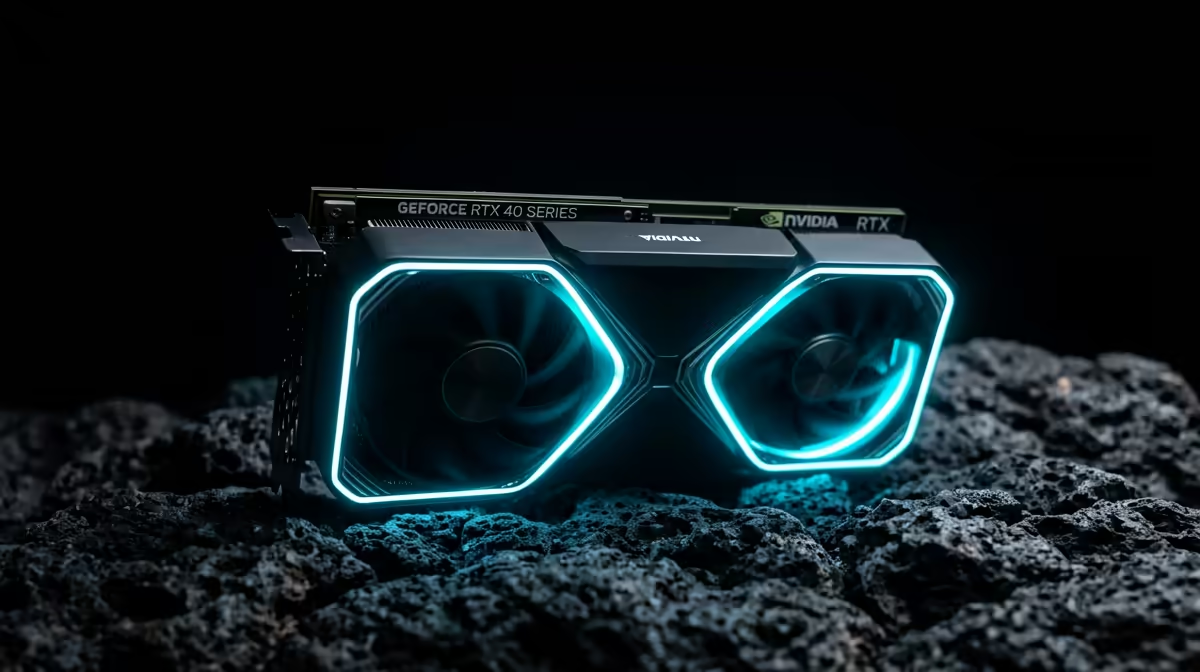
If you are currently building a new rig, browsing the latest NVIDIA graphics cards is the first step toward accessing this technology. By enabling "Reflex Low Latency" in your PUBG settings, you can see a reduction in input lag by up to 33%. This is vital when you're playing on South African servers or connecting to international lobbies where every bit of responsiveness helps offset your 160ms ping.
Optimising Your Hardware for Peak Performance
Not all hardware is created equal. While many gamers opt for MSI NVIDIA GPUs for their superior thermal designs and overclocking headroom, the Reflex tech remains the star of the show. It ensures that your high-refresh-rate monitor isn't just showing old data. 🔧
PUBG Performance Pro Tip ⚡
Always set 'NVIDIA Reflex Low Latency' to 'On + Boost' in the PUBG settings menu. This prevents the GPU from entering power-saving states and keeps the clock speeds high, which is especially useful if your CPU is slightly older and struggling to keep up with the action during intense final-circle shootouts.
While NVIDIA is the leader in low-latency tech, the market is diverse. Players on a strict budget might explore Intel Arc graphics cards for entry-level performance. However, for the specific "Reflex" advantage in PUBG, NVIDIA remains the gold standard. Even those using workstation graphics cards for 3D rendering during the day can benefit from these optimisations when they jump into a match at night.
Dealing with Desync and Network Issues
Desync often feels like input delay, but it is usually a networking issue. However, reducing your local system latency makes desync easier to manage. When your local actions are processed faster, the server receives your "shot fired" packet sooner. 🚀
If you aren't on Team Green, you can look at AMD Radeon graphics cards which offer "Anti-Lag" as a comparable alternative. While it works differently than Reflex, it still aims to keep you competitive. In South Africa, where hardware prices can vary, finding a card that fits your budget... whether it's R5,000 or R25,000... is essential for a smooth experience. ✨
Ready to Dominate the Battlegrounds? Don't let input lag stand between you and your next win. For the best frame rates and lowest latency in South Africa, NVIDIA is the clear choice. Explore our massive range of NVIDIA Graphics Cards and find the perfect GPU to fix your PUBG performance today.











