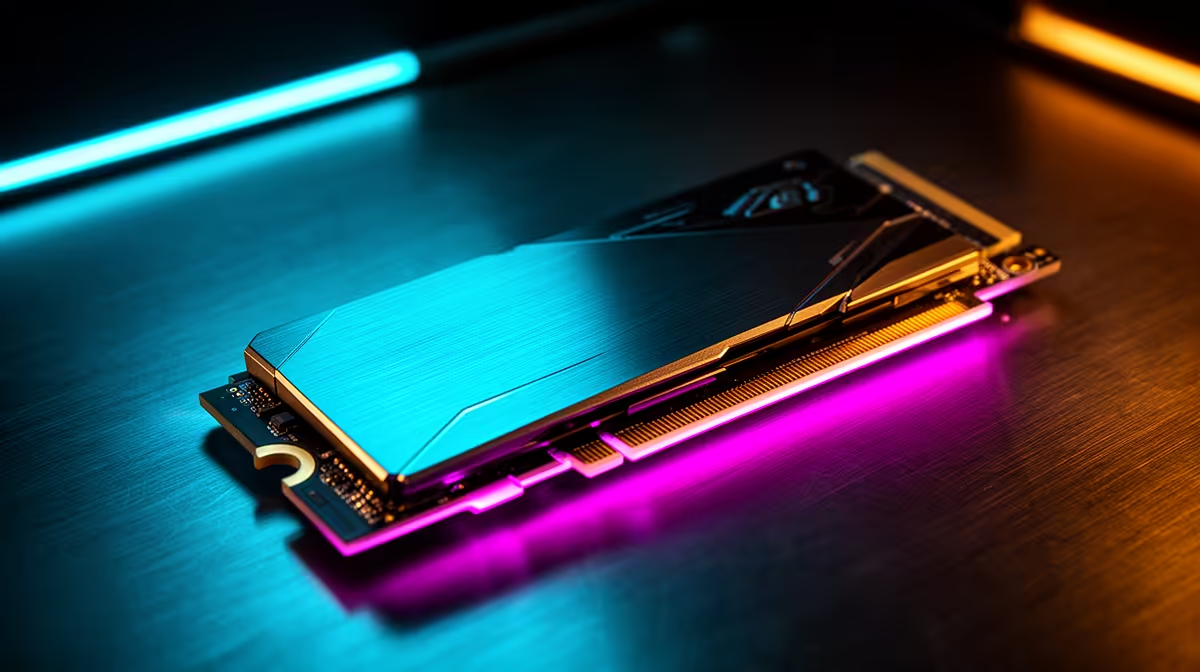
Tired of being the last one to load into a match of Warzone? While your mates are already grabbing loot, you’re stuck staring at a loading screen… again. That frustrating delay isn’t your internet; it’s likely your old storage. For South African gamers, upgrading to a PCIe SSD is the single most impactful performance boost you can make, transforming your entire PC experience from sluggish to lightning-fast. Let's dive in. 🚀
The Real Cost of Slow Storage in Gaming
For years, the trusty old Hard Disk Drive (HDD) was the standard. But its mechanical nature—a spinning platter and a moving read/write head—creates a bottleneck that chokes modern games. Think about it: massive open worlds like Elden Ring's The Lands Between or the sprawling map of Starfield require your PC to constantly fetch textures, models, and audio files. An HDD just can't keep up.
This results in noticeable stuttering, texture pop-in that breaks immersion, and those painfully long load times. A solid-state drive (SSD), particularly a PCIe-based one, has no moving parts. It uses flash memory, allowing it to access data almost instantly. This simple difference is what makes a PCIe SSD for gaming in SA such a vital upgrade. If you're ready to see the difference for yourself, it's always a good time to start by browsing the latest SSD deals to get a feel for the market.
Understanding PCIe, NVMe, and Generations for Gaming in SA
Navigating the world of SSDs can feel a bit like alphabet soup with terms like PCIe, NVMe, Gen 4, and Gen 5. Let's break it down simply.
- PCIe (Peripheral Component Interconnect Express): Think of this as a direct, multi-lane highway from your SSD to your processor. It’s far wider and faster than the old SATA interface that older SSDs and all HDDs use.
- NVMe (Non-Volatile Memory Express): This is the language, or protocol, that SSDs use to speak to the rest of your PC over that PCIe highway. It’s optimised for the speed of flash memory, ensuring you get every last drop of performance.
The combination of PCIe and NVMe is what delivers those mind-blowing speeds. But there are also generations to consider:
- PCIe Gen 3: Still a massive leap over any HDD or SATA SSD. It's a fantastic, budget-friendly option for a huge performance uplift.
- PCIe Gen 4: This is the current sweet spot. For gamers, Gen 4 NVMe SSDs offer a fantastic balance of incredible speed and mature pricing, making them ideal for new builds and high-impact upgrades.
- PCIe Gen 5: The new frontier. While games are still catching up to fully utilise their power, investing in cutting-edge Gen 5 NVMe SSDs is the ultimate way to future-proof your rig for years to come. ✨
Check Your Motherboard! 🔧
Before you buy, quickly check your motherboard's specifications online. Look for "M.2 slots" and confirm which PCIe generation they support (e.g., PCIe 4.0 x4). Putting a Gen 4 SSD in a Gen 3 slot will work, but it will run at the slower Gen 3 speeds. Matching the drive to the slot ensures you get the performance you paid for!
How a PCIe SSD for Gaming Transforms Your Experience
So, what does this performance upgrade actually feel like? It’s not just about numbers on a benchmark; it’s about tangible improvements to your daily gaming sessions.
First, load times practically vanish. Booting into Windows takes seconds, and loading a saved game in a massive RPG happens before you can even check your phone. Second, in-game performance becomes noticeably smoother. That annoying stutter when you whip your camera around in a dense city environment? Gone. The world just feels more solid and responsive.
Ultimately, upgrading to any of our NVMe SSDs makes your entire system feel more premium and powerful. It’s an investment that you’ll feel every single time you sit down to play.
Ready to Obliterate Loading Screens?
A PCIe SSD for gaming is no longer a 'nice-to-have'—it's essential for the modern SA gamer. Stop waiting and start playing. Explore Evetech's massive range of SSD deals and find the perfect drive to unleash your PC's true potential.