


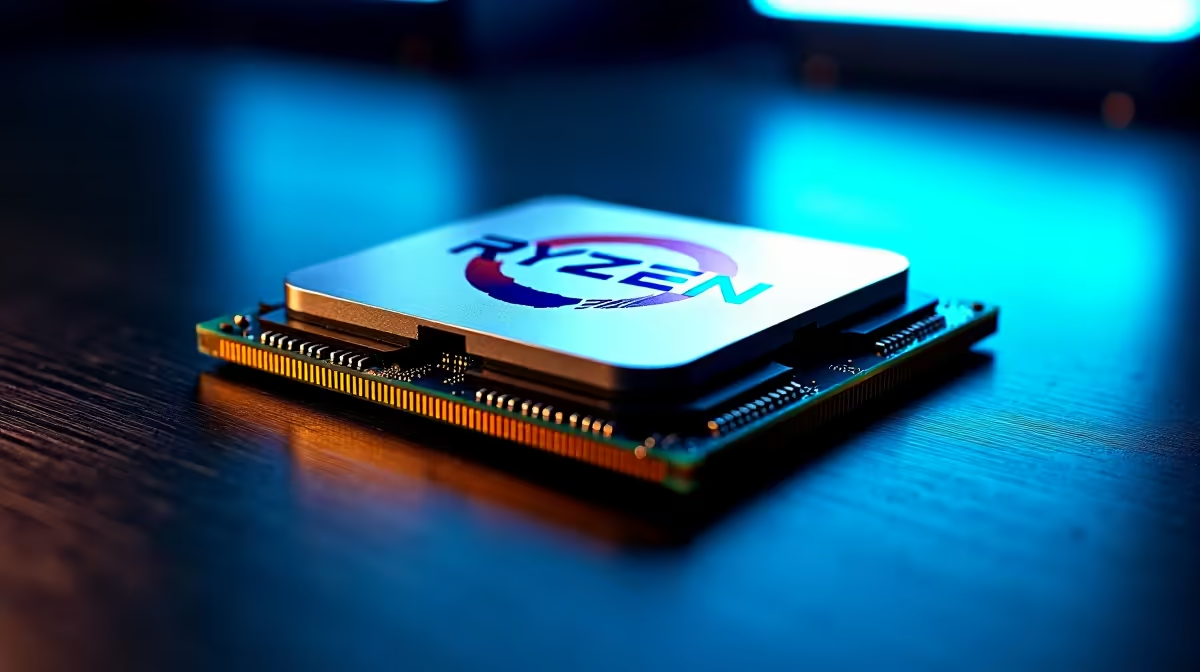
Building a rig around AMD's 3D V-Cache beast is every South African gamer's dream. But when you are dropping serious ZAR on top-tier silicon, you cannot afford to bottleneck your frames. If you are searching for the Ryzen 7 7800X3D best RAM speed and wondering about the DDR4 vs DDR5 sweet spot, let us clear the air right now... you need to know exactly what the AM5 platform demands.
The Truth About DDR4 and the AM5 Platform
Let us address the elephant in the room immediately. If you are upgrading your desktop from an older generation, you might be hoping to carry over your existing memory to save some cash. However, the Ryzen 7000 series relies entirely on the new AM5 socket. This means there is no DDR4 vs DDR5 debate for this specific chip... DDR5 is your only option.
Before you dive in and buy the latest AMD processors, you must factor a brand-new memory kit into your total budget. AMD made the bold choice to drop legacy support to maximise bandwidth and future-proof the platform. This is fantastic news for your overall frame rates, but it means you need to choose your new sticks carefully to get your money's worth.
Finding the Ryzen 7 7800X3D Best RAM Speed
So, what is the actual sweet spot for this processor? Extensive testing across the tech industry confirms that 6000MHz (often listed as 6000MT/s) is the absolute peak for Zen 4 CPUs.
When you browse for high-speed DDR5 memory, you will undoubtedly see kits boasting 7200MHz and beyond. While those massive numbers look impressive on a spec sheet, pairing them with a 7800X3D actually hurts your performance. Pushing past 6000MHz forces the CPU memory controller out of its 1:1 ratio with the Infinity Fabric. This introduces latency... the ultimate enemy of smooth, stutter-free gaming.
The massive L3 cache on the 7800X3D makes it slightly less sensitive to memory speeds than standard Ryzen chips, but feeding it data at the optimal 6000MHz ensures excellent 1% low frame rates. For the absolute best results, look for a 6000MHz kit with a low CAS latency, ideally CL30.
Memory Timing Pro Tip ⚡
When shopping for your RAM, always check for AMD EXPO support. Unlike standard XMP profiles, EXPO is specifically tuned for Ryzen 7000 series CPUs. It ensures your memory hits that 6000MHz sweet spot with a single click in your BIOS.
Building Your Ultimate Gaming Rig 🔧
Getting your memory right is just one piece of the puzzle. The 7800X3D is incredibly power efficient, meaning you can allocate more of your ZAR towards a top-tier graphics card. If you are looking to maximise your budget, keeping a close eye on the best gaming PC deals can help you secure premium components without overspending.
Not everyone wants to spend their weekend tweaking BIOS settings and routing cables. If you prefer a plug-and-play experience where the memory timings are already optimised for you, exploring expertly configured pre-built desktop systems is a brilliant route to take. You get all the power with none of the stress.
Portable Power Alternatives 🚀
Perhaps you need desktop-class performance but travel frequently for work or local LAN events. The good news is that modern mobile hardware has closed the performance gap significantly. If you need ultimate mobility, today's high-end gaming laptops come equipped with blazing-fast DDR5 memory out of the box, ensuring you never miss a crucial headshot while on the move.
Ready to Unleash Maximum Frame Rates? Now that you know the Ryzen 7 7800X3D best RAM speed is a solid DDR5-6000 kit, it is time to build your dream machine. Explore our massive range of PC components and find the perfect hardware to conquer your favourite titles.











