


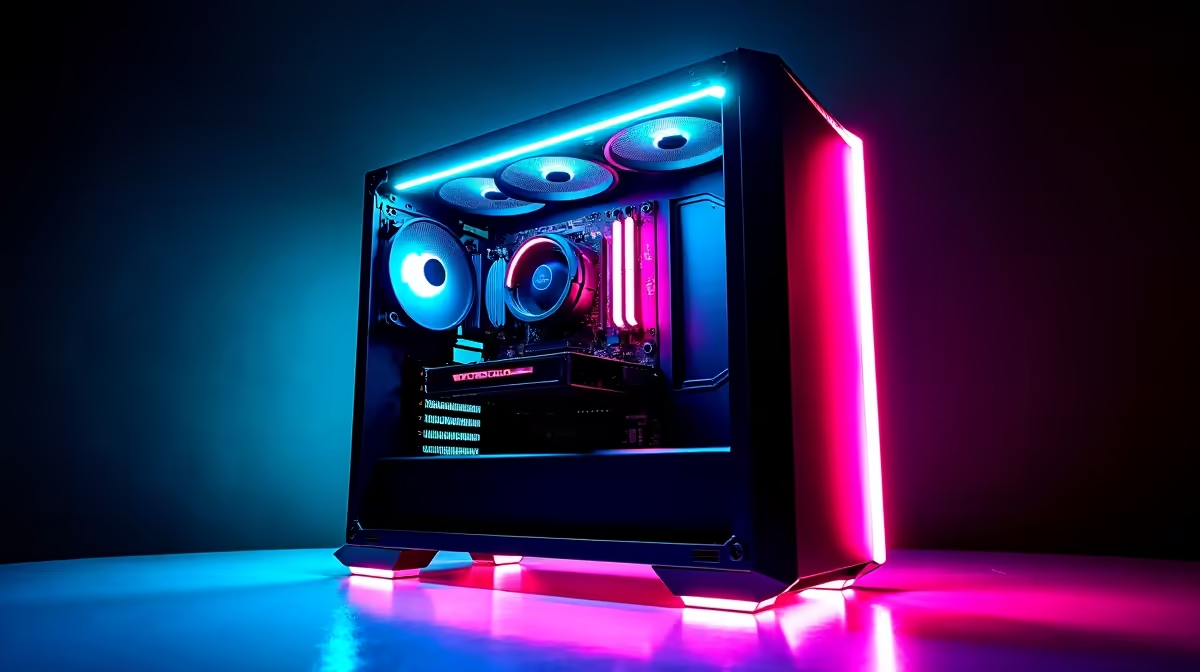
Your stream stutters mid-clutch. Your PC fans scream like a hadeda at dawn. Sound familiar? For South African streamers, keeping your rig in top shape isn't just a chore; it's essential for a smooth broadcast. Dropped frames can cost you viewers, and overheating can damage your hardware. But don't stress... proper streaming PC maintenance is easier than you think. Let's get your machine running cool, quiet, and flawlessly so you can focus on the win. ✨
The Foundations of Good Streaming PC Maintenance
Before diving into the nitty-gritty, it's crucial to understand why regular upkeep matters so much in South Africa. Our climate, with its heat and often dusty conditions, is the natural enemy of high-performance electronics. A PC that's choking on dust will run hotter, causing its components to "thermal throttle"—a fancy term for slowing down to protect themselves. For a streamer, that means lag, dropped frames, and a poor experience for your audience.
Effective streaming PC maintenance covers two key areas: the physical hardware and the digital software. Getting both right is the secret to a stable, high-quality broadcast, whether you're running a custom build or one of our powerful pre-built gaming PC deals.
The Physical Clean-Up: Conquering Dust 🔧
This is the most important hands-on part of maintaining your streaming PC. Dust is an insulator, trapping heat and forcing your fans to work overtime. A clean PC is a cool and quiet PC.
Your Bi-Monthly Cleaning Routine:
- Power Down & Unplug: Safety first! Completely disconnect your PC from the wall socket.
- Open the Case: Move your PC to a well-ventilated area (outside is ideal). Remove the side panel to get access.
- Use Compressed Air: Grab a can of compressed air. Using short, controlled bursts, blow dust out of your case fans, CPU cooler, and especially your graphics card's heatsink and fans. Always keep the can upright to avoid spraying liquid propellant.
- Check Your Filters: Most modern cases have removable dust filters on the front, top, and bottom. Slide them out, give them a good rinse with water, and let them dry completely before putting them back.
Regularly cleaning your hardware is non-negotiable for anyone running one of the latest powerful Intel gaming PCs, as keeping those high-end CPUs cool is vital for performance.
Pro Streaming Tip ⚡
In Windows, open the Task Manager, go to the 'Details' tab, find your streaming software (e.g., obs64.exe), right-click it, and set its priority to 'Above Normal'. This tells your PC to give streaming tasks preference over background processes, which can help reduce encoding lag and dropped frames during intense moments.
Optimising Your Software for a Flawless Stream
A clean PC on the inside is only half the battle. Your software environment needs just as much attention to ensure peak streaming performance. A cluttered system wastes resources that could be used for encoding your gameplay.
Key Software Maintenance Steps:
- Update Your Graphics Drivers: Both NVIDIA and AMD regularly release driver updates that include performance optimisations for new games and streaming software. This is arguably the most critical software step.
- Trim Startup Programs: Too many apps launching when you turn your PC on can slow it down. Press
Ctrl+Shift+Escto open Task Manager, click the 'Startup' tab, and disable anything you don't need running immediately. - Clear Out Temporary Files: Windows' built-in 'Disk Cleanup' tool is perfect for getting rid of old junk files that clog up your drives.
These digital tune-ups are essential for getting the most out of today's multi-core AMD Ryzen systems, which excel at juggling gaming and streaming simultaneously.
Knowing When Maintenance Isn't Enough 🚀
Sometimes, no amount of cleaning or optimising can help you stream the latest AAA title at the quality you want. Technology moves fast, and a PC that was top-tier a few years ago might struggle today.
If you've performed all the streaming PC maintenance steps and still face issues like constant encoder overload warnings, inability to hit a stable 60 FPS in-game while streaming, or crashes, it might be time to consider an upgrade. You don't always need to break the bank; even some of our fantastic gaming PCs under R20,000 offer a massive performance leap over older hardware.
Ready to Stream Without a Stutter? Consistent maintenance is key, but the right hardware is the foundation. If your current rig is holding you back, it might be time for an upgrade. Explore our range of stream-ready pre-built PCs and find the perfect machine to elevate your broadcast.







