The debate over the ultimate screen setup is a hot topic in any South African gaming circle. For years, dual monitors were the undisputed champions of the high-end desk setup. But now, with incredible ultrawide displays becoming more accessible, the choice is tougher than ever. Are you better off with the expansive, seamless immersion of a single ultrawide, or the multitasking muscle of two separate screens? Let's settle the score and find the right fit for your rig. 🚀
The Ultrawide vs. Dual-Screen Showdown
Q: What's the main advantage of an ultrawide monitor for gaming?
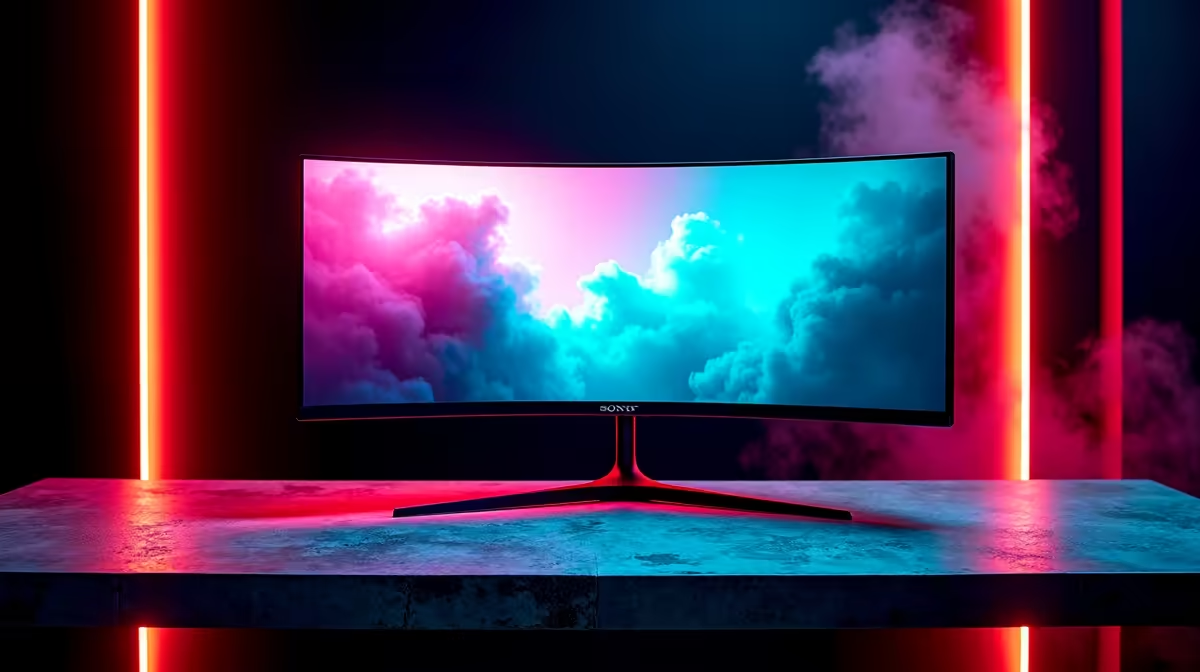
A: Immersion, without a doubt. An ultrawide monitor with a 21:9 or 32:9 aspect ratio fills your peripheral vision in a way two separate screens can't. In games that support it, the wider field of view provides a stunning, cinematic experience. Most importantly, there's no distracting bezel running down the centre of your view, just a single, uninterrupted window into your game world.
Q: So, are dual monitors just worse for gaming?
A: Not at all… they’re just different. For pure multitasking, nothing beats a dual-monitor setup. You can run your game on the main screen while keeping Discord, OBS for streaming, or a walkthrough open on the second. It’s a setup built for productivity and information management. Spanning a single game across two screens is not ideal due to the bezel, but for running separate applications, it’s king.
Q: Is that bezel really such a big deal with dual monitors?
A: If you try to stretch a single game across two monitors, yes, it's a deal-breaker for most people. Having a plastic bar right where your aiming reticle should be is incredibly jarring. This is where a single, seamless display truly shines. For that uninterrupted panoramic view, a curved monitor is designed to wrap the game around you, enhancing the feeling of immersion even further.
Q: Is it more demanding to run games on an ultrawide?
A: Yes, your graphics card will have to work harder. A 1440p ultrawide (3440x1440) has about 34% more pixels than a standard 16:9 1440p monitor (2560x1440). More pixels require more graphical horsepower to drive them at high frame rates. Before you commit, make sure your GPU is up to the task of powering the higher resolution without sacrificing the performance you’re used to.
Get the Best of Both Worlds 💡
Use Microsoft's free PowerToys app and its FancyZones tool. It lets you create custom screen layouts on your ultrawide, so you can snap windows into a dual-monitor-style grid for work, and go full-screen for gaming.
Q: How do they compare on price here in South Africa?
A: Typically, one quality ultrawide monitor will cost more than two standard screens. You’re paying a premium for the integrated technology and seamless panel. However, the market for 27-inch to 32-inch monitors is very competitive, offering fantastic value if a high-end ultrawide is a bit of a budget-stretch.
Q: Do all games even work properly on an ultrawide?
A: The vast majority of modern AAA games support ultrawide resolutions beautifully. However, some games, particularly older titles or certain competitive esports games like Valorant, may not offer native support. This can result in black bars on the sides of the screen (pillarboxing). It’s always a good idea to do a quick search to see how your favourite games handle a 21:9 aspect ratio.
Q: Is a Full HD resolution still good enough for a bigger screen?
A: It depends. Pixel density is key for a sharp image. On a larger screen, a lower resolution can look "pixelated" or soft. While QHD (1440p) or 4K is ideal for monitors over 27 inches, a good quality FHD monitor in the 27-32 inch range can be a perfect sweet spot, balancing cost with a great visual experience that's less demanding on your GPU.
Key Takeaways
- Immersion: Ultrawide monitors offer a superior, seamless gaming experience with no central bezel.
- Multitasking: Dual monitors remain the champions for productivity, streaming, and running multiple apps.
- Performance: Be prepared for a performance hit. Ultrawides have more pixels and require a stronger GPU.
- Cost: Ultrawides are a premium product. Dual monitors can often be a more budget-friendly route.
- Compatibility: Most modern games support ultrawide, but always check for your favourite titles to avoid disappointment.
Ready to Upgrade Your View?
Whether you crave total immersion or multitasking mastery, your perfect screen is waiting for you. Explore our massive range of PC monitors for performance that leaves lag in the dust.