


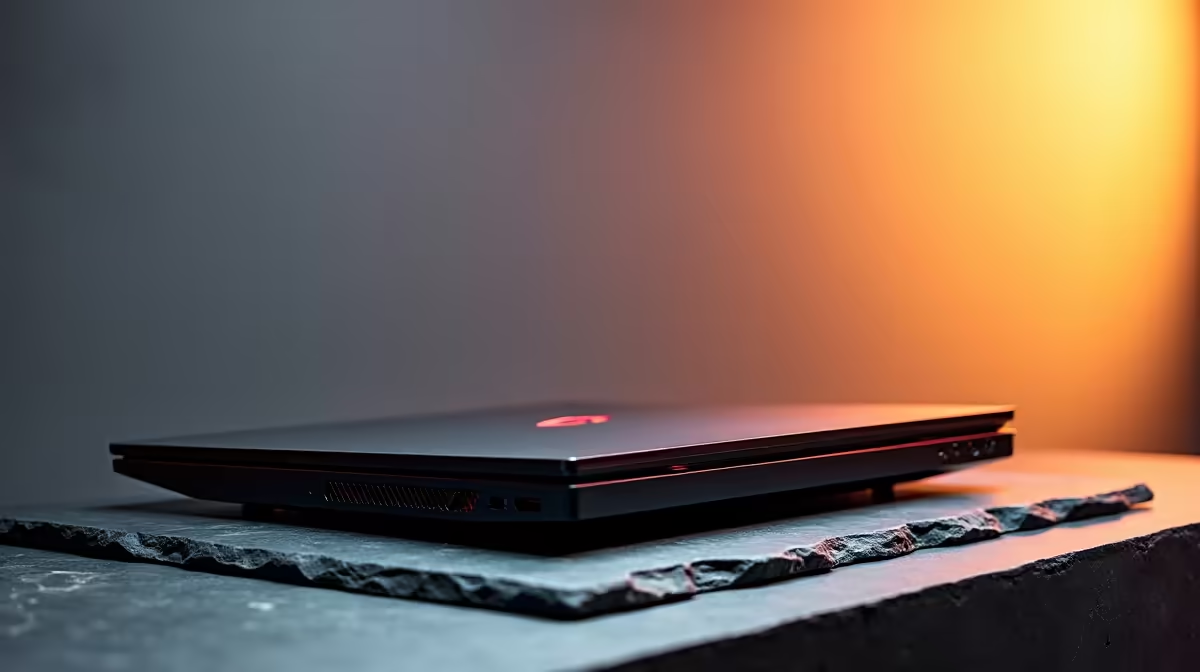
How SA Seasons Impact Laptop Performance
If you’ve noticed your laptop running hotter in South African summers or slowing down during chilly winters, you’re not alone. Laptop performance can vary dramatically between winter and summer months here. Whether you’re gaming hard or powering through work, understanding how seasonal changes affect your device is key 🔧. Let’s explore how heat and cold influence your laptop’s speed, battery, and overall health.
Why Heat in Summer Can Stall Your Laptop
Summer heat pushes laptops to their limits. South Africa’s high temperatures make internal components struggle to stay cool. When your processor hits thermal thresholds, it throttles performance to avoid damage. This means lower frame rates and lag during games or slowdowns when multitasking. To combat this, many gamers invest in high-performance cooling solutions or laptops designed to dissipate heat better.
For those hunting for laptops optimised for SA’s condition, check out the latest notebooks for sale in South Africa tailored to balance performance and cooling.
Winter Chill Could Be Slowing You Down Too
It’s less obvious, but cold South African winters also impact laptops. Lower temperatures can cause batteries to drain faster and affect component stability. Some laptops struggle to reach optimal operating temperatures, resulting in sluggishness or erratic behaviour. A warm workspace is crucial during winter to keep your machine happy and performing well.
Gaming PCs also feel these effects. If you’re into desktop gaming, peek at our best gaming PC deals to find rigs that handle SA’s seasonal shifts with ease.
Keep It Cool, Keep It Fast
Avoid using your laptop on soft surfaces in summer. Instead, place it on a hard desk or invest in a cooling pad to reduce heat build-up and maintain frame rates.
Maintaining Peak Performance Year-Round
Switching settings based on seasons can help. During summer, set your laptop’s fan speed higher and keep power plans balanced for performance and energy. In winter, avoid sudden temperature drops by warming your laptop gradually before heavy use.
Also, regularly clean vents and fans—dust worsens overheating issues year-round. For deeper system upgrades, explore pre-built PC deals with components designed to withstand temperature fluctuations. Graphics cards, for instance, can be sensitive to heat spikes, so browse our selection of graphics cards that offer reliable performance no matter the season.
Lastly, keep an eye on Evetech’s specials to snag top-tier hardware that’s a great match for South African weather.
Level Up Your Laptop with Evetech Whether you’re battling summer heat or winter chills, the right laptop can elevate your experience. Shop now at Evetech for performance that leaves lag in the dust.











