Kingston 16GB current-gen SODIMM at R741 suits a laptop user who only needs a modest memory lift for light Stable Diffusion tests, but a 32GB RAM kit is the smarter target for smoother local creative work. A 16GB upgrade can help if the machine is currently cramped, yet it leaves less breathing room once the image workload, browser tabs, drivers, and editing tools are open together.
32GB is the safer creative baseline
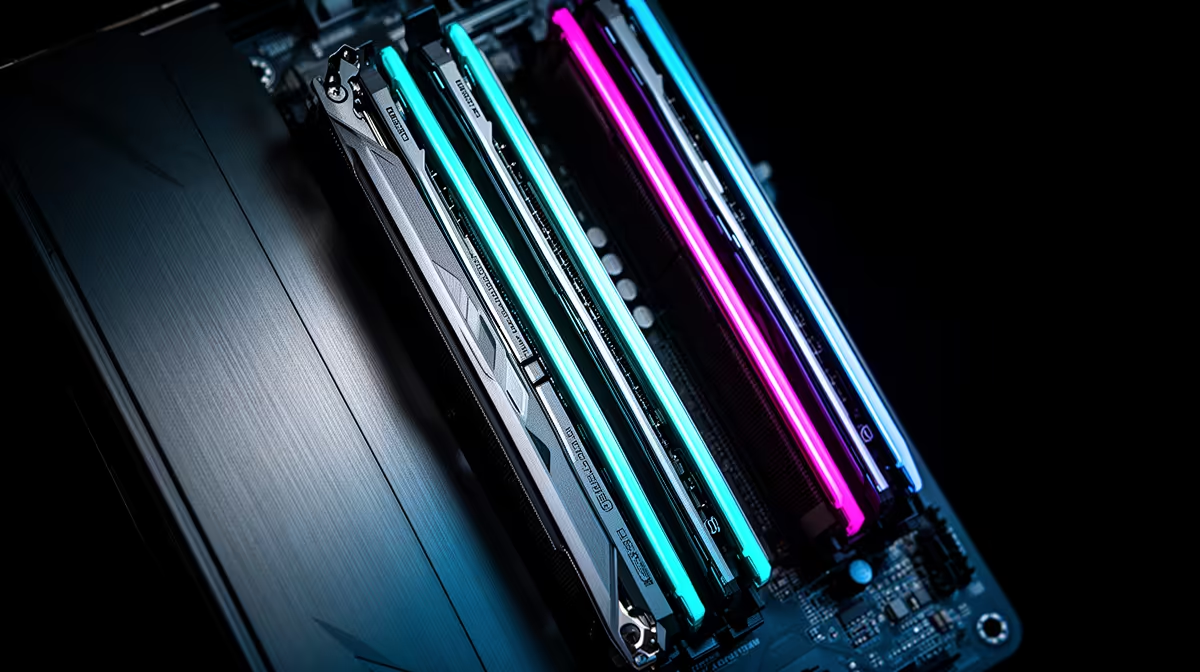
TEAMGROUP VULCAN 32GB current-gen 6000 at R1,460 is the strongest value pick here because it moves the system to 32GB memory without pushing the upgrade cost too high. For a creator who wants fewer pauses while adjusting prompts, previewing outputs, and keeping reference material open, that extra headroom matters more than chasing the most expensive speed.
Kingston FURY 32GB current-gen 6400 at R2,300 is a better match for a newer desktop where 6400 speed is part of the appeal. It costs more than the TEAMGROUP option, but it still stays sensible for a creator desk that needs a responsive machine for repeated image batches and general work in the same session.
Creator desk reality in South Africa
At a student or creator desk, the issue is rarely one single app. The machine is often handling image generation, notes, downloads, browser research, and chat at the same time. Kingston FURY 32GB 5600 at R5,100 gives 32GB memory with 5600 speed, while KLEVV CRAS V 32GB 7200 RGB at R6,400 is the premium choice when a high-speed 7200 RGB build is already the goal.
Ready to choose the right memory?
Anchor the Stable Diffusion file archive around TEAMGROUP VULCAN 32GB current-gen 6000 speed at R1,460 if its listed spec is the feature you need to protect.