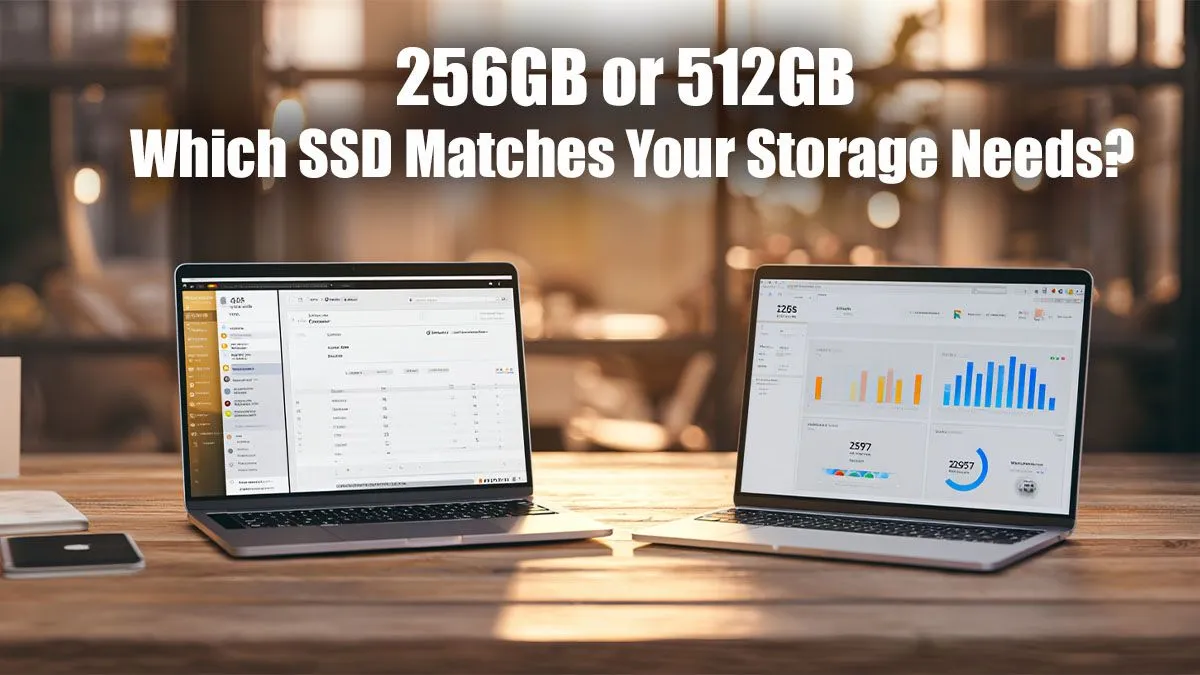
Staring at a new laptop spec sheet can feel like deciphering code. You’ve picked your CPU, your graphics card… but then you hit the storage choice: 256GB vs 512GB SSD. Is doubling your space worth the extra Rands? For South African gamers and power users, this decision is more critical than ever, with massive game updates and demanding software becoming the norm. Let's break down which solid-state drive is the right call for your rig. 🚀
The 256GB SSD: Is It Still Enough for SA Users?
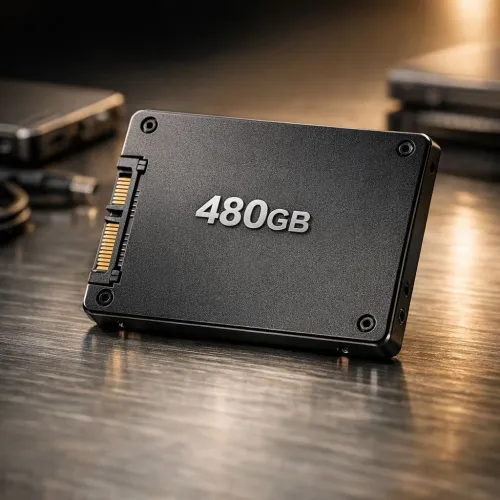
A 256GB SSD is the budget-friendly champion. It offers lightning-fast boot times and snappy performance for your operating system and essential apps. If you primarily work on documents, browse the web, and play one or two smaller titles like Valorant or Rocket League, a 256GB drive can serve you well.
However, the reality check comes quickly. After Windows and a few core programs, you might only have about 180GB of usable space left. A single AAA game like Call of Duty: Warzone can gobble up over 100GB on its own. Suddenly, your speedy new drive feels cramped. While it's a viable option in many budget-friendly machines, gamers should carefully check the specs on even the best gaming laptop deals to ensure they have enough room to grow.
Pro Tip: Use Cloud & External Storage
No matter your SSD size, keep it lean! Store photos, videos, and documents on a cloud service or a secondary external drive. This reserves your precious SSD space for the OS and games that benefit most from the speed.
Making the Jump: The Case for a 512GB SSD
This is where the conversation about optimal storage really begins. A 512GB SSD is rapidly becoming the new standard for a reason: peace of mind. ✨ It provides the breathing room to install your OS, all your essential software, and several large, modern games without constantly worrying about that dreaded "Low Disk Space" notification.
Imagine this: you have your favourite games installed, and a massive new patch drops. With a 256GB drive, you might have to uninstall one game to update another. With a 512GB SSD, you just click 'update' and get back to playing. This convenience is crucial for anyone who values their time and wants a seamless experience, especially on powerful AMD laptops built for multitasking and heavy gaming.
256GB vs 512GB SSDs: The Real-World Verdict
So, how do you choose between a 256GB vs 512GB SSD? It boils down to your usage and budget.
- Choose 256GB if: You're on a tight budget, primarily use cloud storage, play only one or two main games, or have a secondary hard drive for mass storage.
- Choose 512GB if: You're a serious gamer, a content creator, or simply want to future-proof your investment. The extra cost upfront is often less than the hassle and expense of upgrading later. 🔧
Ultimately, the small price jump to 512GB often delivers a significantly better quality of life. You spend less time managing files and more time enjoying the performance of your machine, whether you're running one of the latest Intel laptops on special or a custom-built desktop.