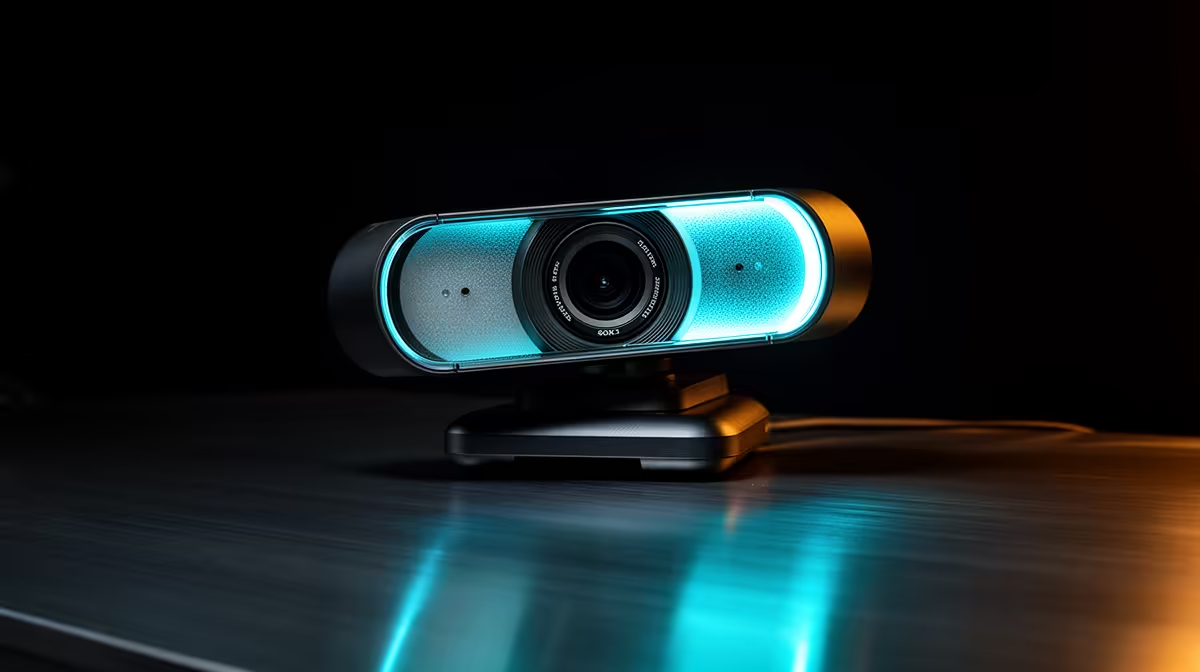
The NearStream V08AF 4K at R678 suits photo editors who want sharper framing, cleaner detail checks, and a more polished webcam feed at a creator desk. For image review calls, portfolio feedback, and client walkthroughs, the 4K spec gives you more room to crop your face or show a print, colour board, or product sample without the feed looking as soft as a basic camera.
Best webcam picks for photo editing calls
The Logitech Brio 100 FHD at R458 is the sensible middle option if your editing work mostly happens in short check-ins, remote feedback sessions, or online classes. Its FHD spec is enough for a clear face shot and a tidy desk view, so it suits creators who want better quality than entry-level video without paying for 4K.
The Logitech C270 HD at R252 is best for a simple student desk or backup setup where the priority is being present on calls, not showing fine image detail. Its HD spec keeps the cost low, but it is less convincing when you need to hold up a printed proof, compare edits, or look professional during client-facing review sessions.
Creator Desk Reality In South Africa
For South African photo editors working from a bedroom desk, shared studio, or small business counter, the NearStream V08AF 4K at R678 is worth considering because the 4K spec gives your video feed extra clarity during visual discussions. It will not replace a calibrated monitor or proper export checks, but it can make critique calls feel more precise and professional.
Ready to choose the right webcam?
For webcam photo editing, put Logitech Brio 100 FHD at R458 first and judge the setup around its listed spec.