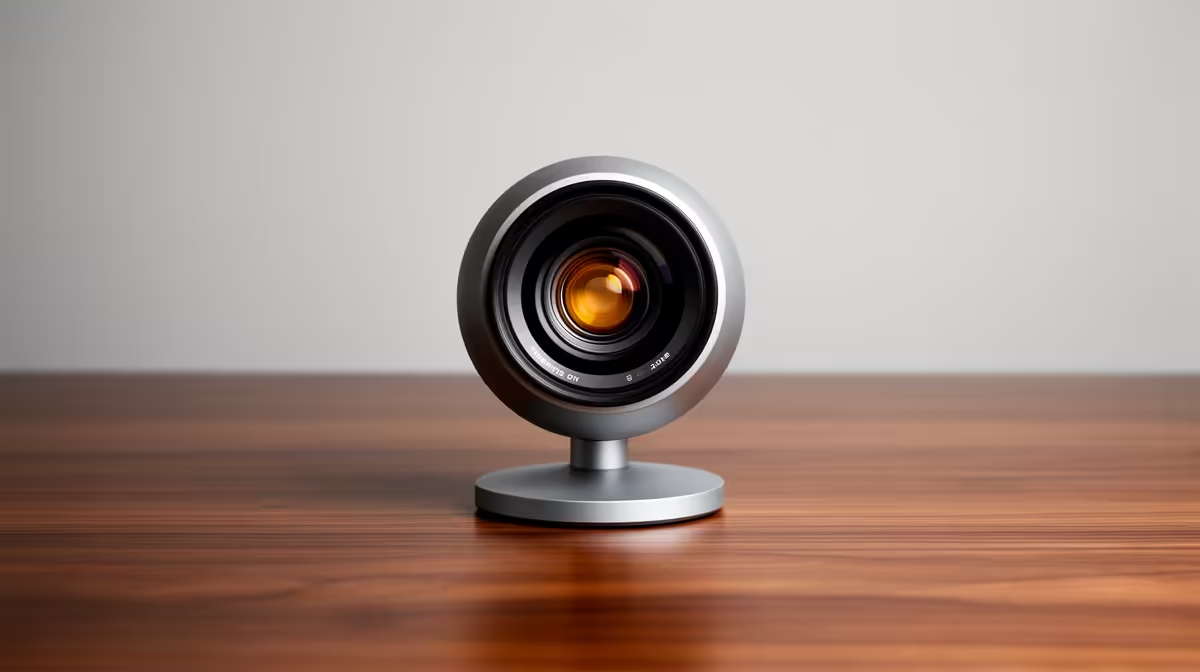
NearStream V08AF 4K at R678 suits South African creators who want sharper face detail while presenting SketchUp models on calls, but a 4K webcam is not automatically necessary for every desk.
When 4K makes sense
The NearStream V08AF 4K at R678 is the clear pick if your camera feed is part of the presentation, not just a small corner tile. Its 4K spec gives you more detail for a creator desk where you might be explaining a design, showing hand notes, or staying crisp on a larger meeting screen.
The Logitech Brio 100 FHD at R458 is the more sensible middle option for regular client calls and study sessions. Its FHD spec is enough for a clean face cam, and the lower price leaves budget for better lighting, which often improves a video call more than chasing resolution alone.
SA Creator Desk Reality
For a home office, student desk, or small design setup in South Africa, the decision comes down to how the video will be viewed. If your feed is usually a small window during screen sharing, the Logitech C270 HD at R252 can handle basic HD video without overspending. If your face cam is enlarged for teaching, consultation, or recorded walkthroughs, the NearStream V08AF 4K at R678 earns its place.
For most users, start with the Logitech Brio 100 FHD at R458. Choose the NearStream V08AF 4K at R678 only when the extra 4K detail will actually be visible in your calls or recordings.
Ready to choose the right webcam?
Use Logitech Brio 100 FHD at R458 as the webcam shortlist benchmark, then check whether its listed spec matches the space, workload, and upgrade path.