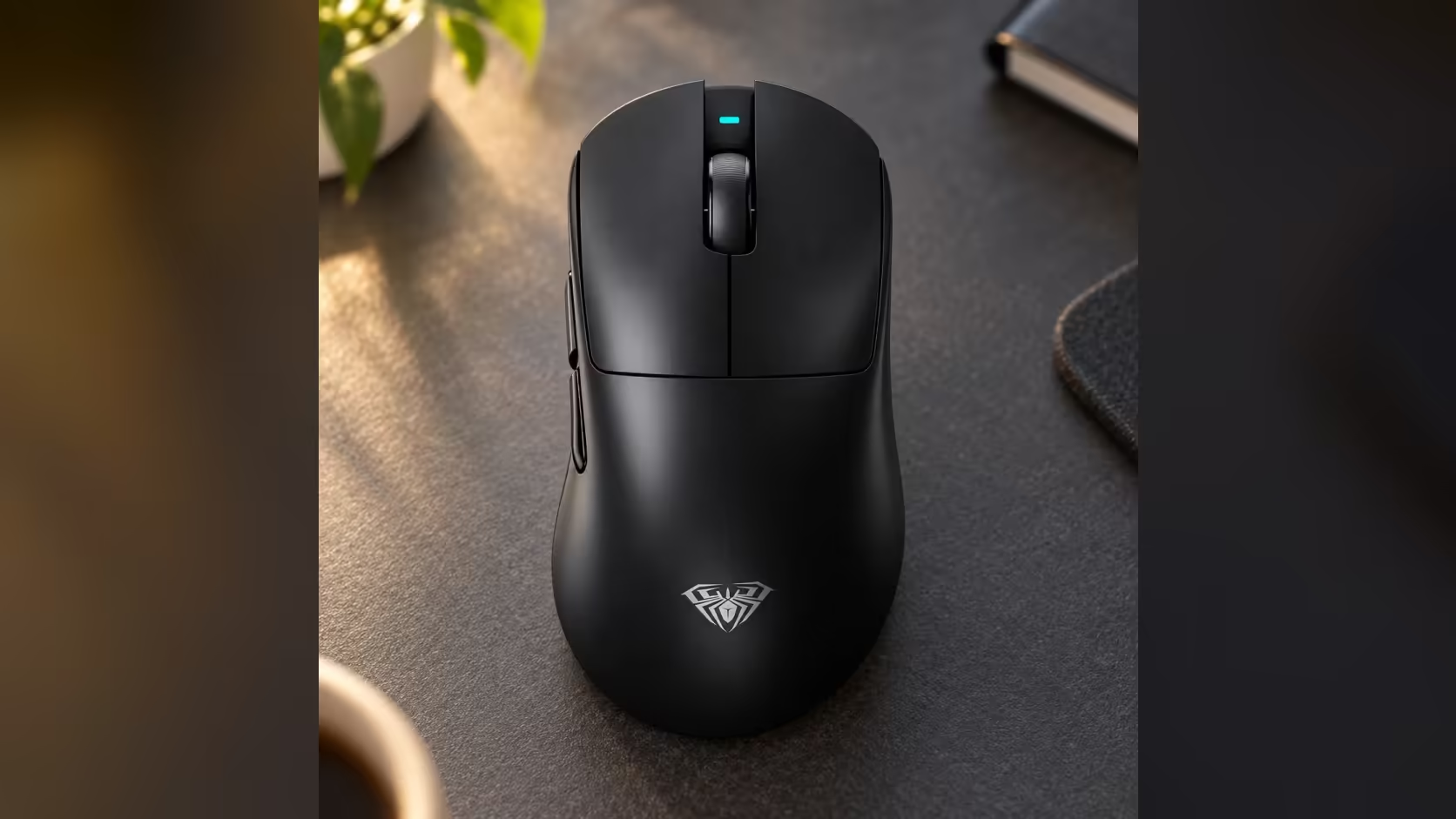
Look closely at the AULA SC900 MAX's sensitivity ladder and one step stands out. The five lower settings climb in a neat doubling pattern, and then the last one leaps from 6400 straight to 30,000. That top rung makes a striking headline, but a 30,000 DPI mouse setting is a specialist tool, and knowing when it helps, and when it gets in the way, saves a lot of confusion.
Quick Answer
Rarely for aiming. The SC900 MAX's 30,000 step suits very large or high-resolution displays and setups where you want tiny hand movements to cover huge distances, not everyday play. Its ladder jumps from 6400 directly to 30,000, so most players settle between 400 and 1600 and tune sensitivity in the game. Evetech sells it in Black, White and Red, all at R749.
📈 Why the ladder jumps
The SC900 MAX's steps run 400, 800, 1600, 3200 and 6400, each double the one before. Then comes 30,000. There is no 12,800 in between.
Think of the bottom five as the working range, covering everything from precise shooter aim to fast desktop navigation, and the top step as the ceiling that shows how far the mouse can go. Including it gives the mouse a very wide span of sensitivity from a single button, while keeping the everyday steps evenly spaced.
🖥️ Who actually uses very high DPI
A few setups genuinely benefit from settings well above 6400:
- Very large or very high-resolution displays, where a lower DPI would need big arm sweeps to cross the screen.
- Multi-monitor desks, where the cursor has a long way to travel.
- People with limited wrist or arm movement, for whom small motions covering large distances make a real difference.
For most gaming, though, 30,000 is far more sensitivity than a hand can control precisely. Tiny tremors turn into big cursor jumps.
🎯 Does higher DPI mean better aim?
No. DPI is simply the ratio between hand travel and cursor travel; it does not make the mouse more accurate. Many competitive players deliberately use low DPI, such as 400 or 800, with modest in-game sensitivity, because it gives fine control over small adjustments. Higher DPI makes the cursor faster, not steadier.
🔍 If you land on 30,000 by accident
The DPI button is on the underside, so reaching the top step normally takes several deliberate presses. If the cursor suddenly races across the screen, flip the mouse and check the indicator light. The 30,000 step shows cyan; keep short-pressing until the light shows the colour of the step you normally use.
⚡ Polling is a separate setting
It is easy to confuse DPI with polling rate, but they are independent. Polling decides how often the mouse reports to the PC, and on the SC900 MAX it reaches 8000Hz over the 2.4GHz dongle or the cable, set in AULA's software from a 1000Hz default. Changing DPI does not change polling, and vice versa.
Covered by a 1 Year Local Warranty, the 62g SC900 MAX also carries a removable 400mAh cell and three connection modes. Look through Evetech's gaming mice to compare sensitivity ranges, or see the full wireless mouse selection.
Frequently Asked Questions
Why is there no step between 6400 and 30,000?
The five lower steps double each time to cover everyday use, and 30,000 sits above them as a ceiling for specialist setups.
Who benefits from very high DPI?
People on very large or multiple displays, and anyone who needs small hand movements to cover long distances.
Will 30,000 DPI improve my aim?
No. DPI changes cursor speed, not accuracy. Most players aim better at low steps with in-game tuning.
How can I tell if I am on the top step?
A cyan indicator means 30,000. Press on until your usual colour appears.
Are DPI and polling rate linked?
No. DPI is set with the underside button, while polling is changed in AULA's software.
Where does the ladder start?
At 400 DPI, which is also the default setting.
Ready to find the right sensitivity range?
Explore Evetech's gaming mice and compare the SC900 MAX with other models to match your screen and style.