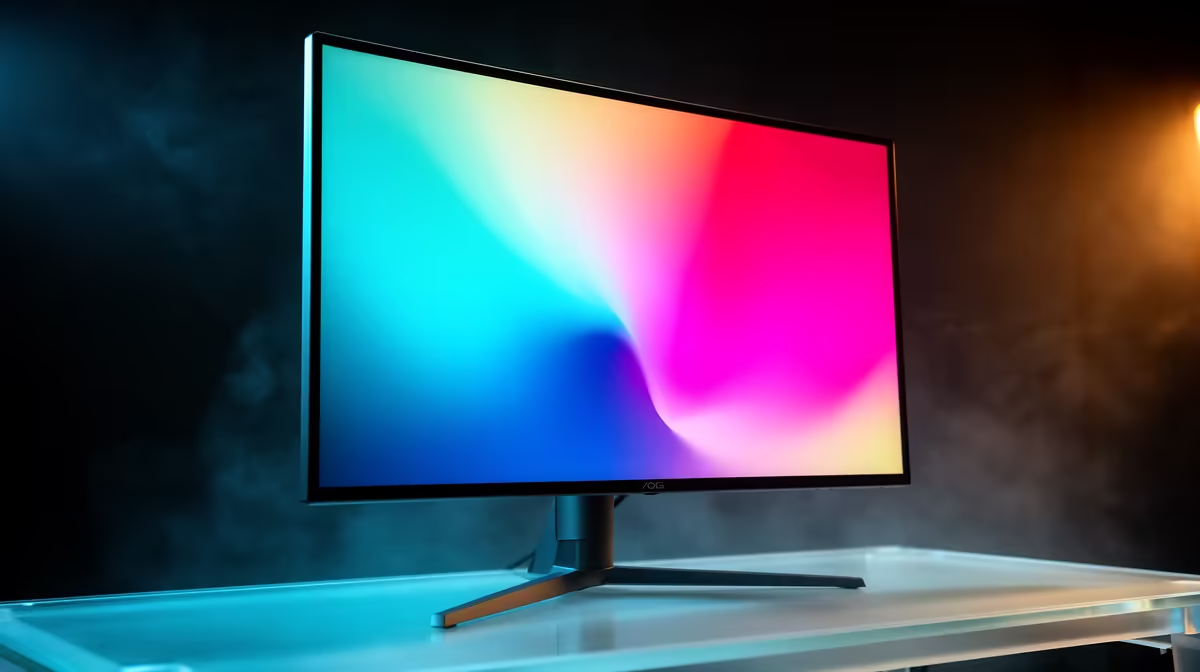
An 8-bit monitor can describe 256 levels per red, green and blue channel, producing about 16.7 million combinations. A true 10-bit panel uses 1,024 levels per channel, or about 1.07 billion combinations. An 8-bit plus FRC panel alternates nearby shades across frames to approximate much of the smoother 10-bit result.
Quick Answer
For ordinary gaming and office work, a good 8-bit panel can look excellent. Choose 8-bit plus FRC when you want smoother HDR gradients at a practical price. Seek true 10-bit for colour-critical production where the complete workflow supports it. Bit depth does not guarantee accurate colour, wide gamut, strong contrast or useful HDR.
What extra levels change
More channel levels reduce visible steps in skies, shadows and studio gradients. Banding can still come from compressed video, the game engine, an incorrect signal range or poor processing. A 10-bit screen cannot recreate detail that the source discarded.
FRC means frame-rate control. It switches a pixel between nearby values so your eye perceives an in-between shade. A good implementation is hard to distinguish from native 10-bit in normal motion. Sensitive users may notice temporal texture in certain patterns, so measured reviews help.
Check the full signal path
The graphics card, cable, port, refresh mode, operating system, application and content must all support the chosen bit depth. Some monitors allow 10-bit output only at a lower refresh or through one connection because bandwidth is limited.
Compare exact specifications in the monitor range, then check the models on the monitor best-seller page. A listing that says 1.07 billion colours may describe 8-bit plus FRC, so read the panel detail.
Accuracy needs more than bit depth
For photo and video work, inspect colour-space coverage, calibration results, uniformity and hardware-calibration support. A true 10-bit panel with poor accuracy is weaker than a calibrated 8-bit plus FRC monitor for many tasks.
For HDR gaming, peak brightness, black level and tone mapping matter beside gradients. Enable the correct output mode and test known content. Windows desktop banding alone may reflect the wallpaper or application rather than panel depth.
For console use, confirm which input accepts the desired refresh rate, HDR and colour depth together. A monitor may report a 10-bit panel yet receive an 8-bit signal in one bandwidth-limited mode. The on-screen information panel can help verify the active input format.
Frequently Asked Questions
Can you see the difference between 8-bit and 10-bit?
Smooth gradients and HDR content can reveal it, while ordinary desktop use may show little difference on a well-set display.
Is 8-bit plus FRC fake 10-bit?
It uses temporal dithering to approximate intermediate shades. It is a legitimate panel method, though it is not native 10-bit operation.
Does 10-bit improve frame rate?
No. It increases colour precision and may require more connection bandwidth; it does not make the GPU render faster.
Choose monitor bit depth from your source content, connection bandwidth and measured colour accuracy rather than the billion-colour label alone.