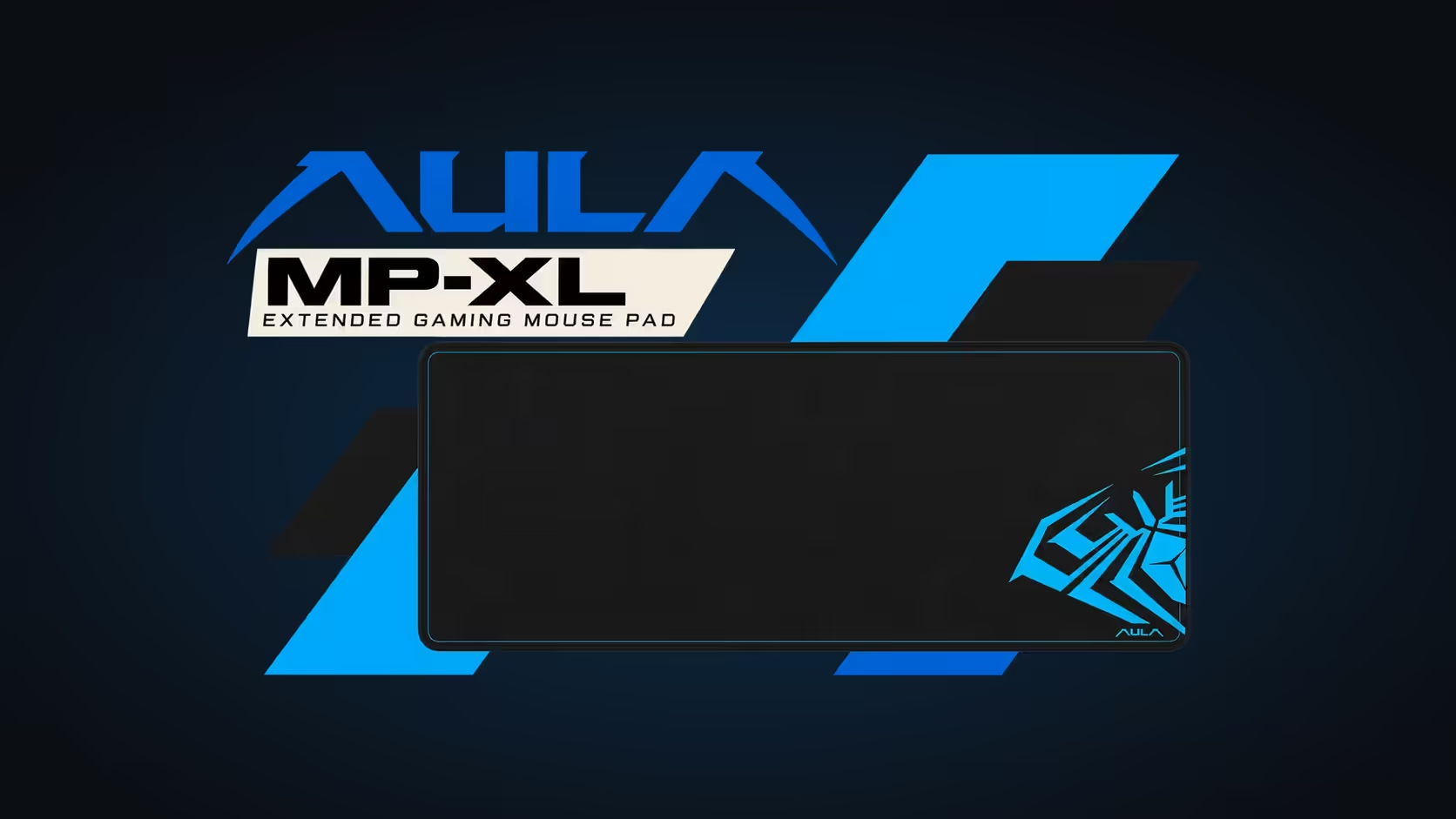
The bigger a mouse pad gets, the more it wants to move. A 900mm pad covers a large stretch of desk, carries a keyboard on one end and a fast-moving mouse on the other, and every swipe and keystroke nudges it. The AULA MP-XL handles that with an anti-slip rubber base, and understanding why it matters helps you get the best grip from it on any desk.
Quick Answer
The AULA MP-XL's anti-slip rubber base grips the desk, so heavy keyboards and quick mouse swipes do not drag the pad around. A large pad needs that grip more than a small one, because it covers more desk and takes forces from both hands at once. Its 3mm Speed-type fabric sits on top of that base, with stitched edges around the border. The MP-XL sells for R129 at Evetech.
🧲 Why a big pad needs a better base
A small mouse pad only has to resist the mouse. A 900 x 400mm pad has to resist everything: the mouse on one side, the keyboard on the other, your wrists along the front edge, and the occasional elbow. Each of those pushes in a slightly different direction, and without a proper base the pad slowly twists or creeps away from where you set it.
A rubber base works through friction and surface contact. It grips the desk across the whole underside, so those small forces are spread out and absorbed instead of adding up into movement.
Does a heavy keyboard help?
A bit. The weight of a keyboard pressing down increases grip under that part of the pad. But it only helps where the keyboard sits. The mouse side, which moves most, still depends on the rubber base doing its job. A good base means the pad stays put whether your keyboard is heavy or light.
🪟 Different desk surfaces
Wood and laminate
Most wooden and laminate desks give rubber a good surface to grip, as long as they are clean. Dust is the main enemy of grip.
Glass
Glass is smooth, and clean glass usually gives rubber a surprisingly strong hold. The bigger issue on glass is usually the mouse, which can struggle to track on a bare surface. A pad solves that.
Textured or matte finishes
Heavily textured surfaces give rubber less contact area. The pad will still grip, but pressing it flat and keeping the surface clean helps more here.
🔧 If the pad does creep
- Clean the desk. Dust or crumbs under the base are the most common cause.
- Clean the base. Lift the pad and brush off anything stuck to the rubber.
- Lay it flat. Press it down from the centre outwards to remove air pockets, especially after it has been rolled.
- Check what is pulling it. A keyboard cable hanging off the back of the desk can drag the pad slowly towards it.
Sliding the keyboard aside
If you push your keyboard to one side to make space, the keyboard should slide over the fabric while the pad stays in place. That is the base doing its job. The fabric on top is Speed-type polyester, smooth enough that the keyboard moves without dragging the pad with it.
The whole MP-XL is 3mm thick, measures 900 x 400mm and comes in black with a blue AULA graphic. Its stitched edges resist fraying, and it rolls up for transport or storage. Compare it with other large surfaces in Evetech's gaming mouse pads or the desk mats range. Evetech offers it with a 1 Year Local Warranty.
Frequently Asked Questions
Why does a big pad need a better base?
It takes forces from the mouse, keyboard and wrists at once, so it needs strong grip across the whole underside to stay put.
Does a heavy keyboard help hold it down?
Only under the keyboard. The mouse side still relies on the rubber base.
Will it grip on glass or laminate desks?
Clean glass and laminate usually give rubber a good grip. Dust is the main thing that reduces it.
What should be checked if the pad creeps?
Clean the desk and the base, press the pad flat, and check that no cable is pulling it.
How thick is the MP-XL?
3mm.
If I slide the keyboard aside, does the pad follow?
No. The keyboard slides over the fabric while the base keeps the pad in place.
Want a big pad that stays where you put it?
Browse Evetech's gaming mouse pads and desk mats, including the rubber-based AULA MP-XL.