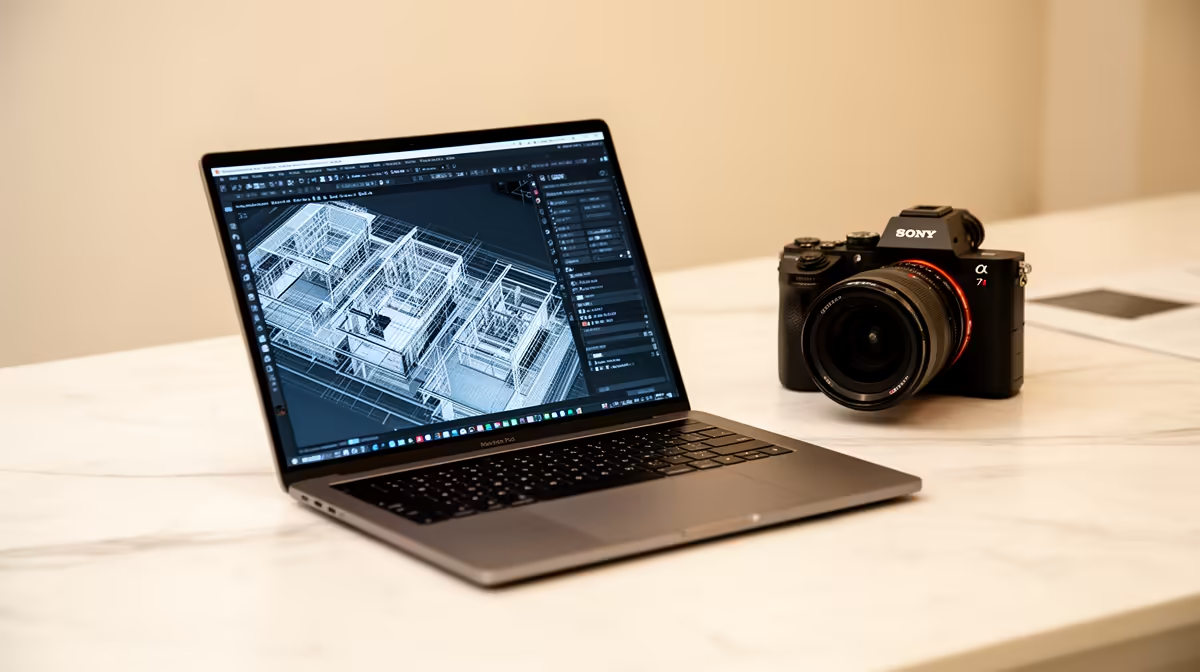
Sixteen gigabytes is no longer an honest blanket floor for Revit 2026. Autodesk's balanced configuration calls for 32GB RAM, a DirectX 11-capable graphics card with 6GB video memory and substantial free storage. Student projects and older course versions can differ, so verify the faculty setup.
Quick Answer
For a laptop expected to run current Revit 2026 locally, start the conversation at 32GB RAM, dedicated graphics with suitable VRAM, SSD storage and a strong processor. Autodesk recommends high single-core clock speed and notes that Revit uses multiple cores for many tasks.
Check laptop best sellers and current laptop deals for model options, but send the full specification to the architecture department before paying.
Why 16GB Advice Persists
Older Revit releases, small teaching models and lab-based workflows can run on less than the current balanced recommendation. A student may complete early exercises on integrated graphics and 16GB while later studio models expose the limit.
Ask which Revit release is installed, typical model size and whether rendering happens on personal laptops. The answer can save a large overbuy or a painful underbuy.
Graphics and Storage
Autodesk's Revit 2026 balanced configuration names a 6GB graphics card, with 8GB or more recommended for the accelerated-graphics preview. That is a stronger target than saying any dedicated GPU will do.
The application needs SSD room for installation, project files and temporary work. Autodesk lists 30GB installation space and recommends 100GB free for temporary files in the balanced configuration. A 512GB system drive can become tight when Adobe files and render assets share it.
Screen and Daily Use
A high-resolution 15- or 16-inch panel gives plans and tool palettes room, while an external monitor can improve studio work. Colour quality matters when the laptop also handles presentation boards.
Battery life on a powerful GPU laptop will fall under modelling and rendering. Compare charger weight and access to plugs around studio.
Questions for the Architecture Department
Ask whether students install Revit 2026 or an earlier release, how large second-year models become, and whether Enscape or another renderer is used. Find out if Adobe applications must run beside Revit.
Confirm the lab specification and booking hours. A well-equipped lab can carry final rendering while the personal laptop handles drawing and presentation work. Limited evening access may make stronger personal hardware worthwhile.
Ask whether a Windows laptop is required. Revit's native Windows workflow and any collaboration tools should be checked before choosing macOS or ChromeOS.
Save the department response with the quotation. A named model can then be judged against a real studio workflow.
FAQ
Is 16GB enough for Revit?
It may handle small or older teaching workloads, but Autodesk's balanced Revit 2026 guidance calls for 32GB. Follow the course version and model scale.
Does Revit need dedicated graphics?
Current balanced guidance names a DirectX 11-capable card with 6GB VRAM. Integrated graphics can limit current workloads.
Does every student need a workstation?
No. Department labs, course release and project size matter. Buy to the verified workflow rather than the workstation label.
Get the architecture department's Revit release and project scale, then compare it with Autodesk's current 32GB and 6GB-VRAM balanced guidance.