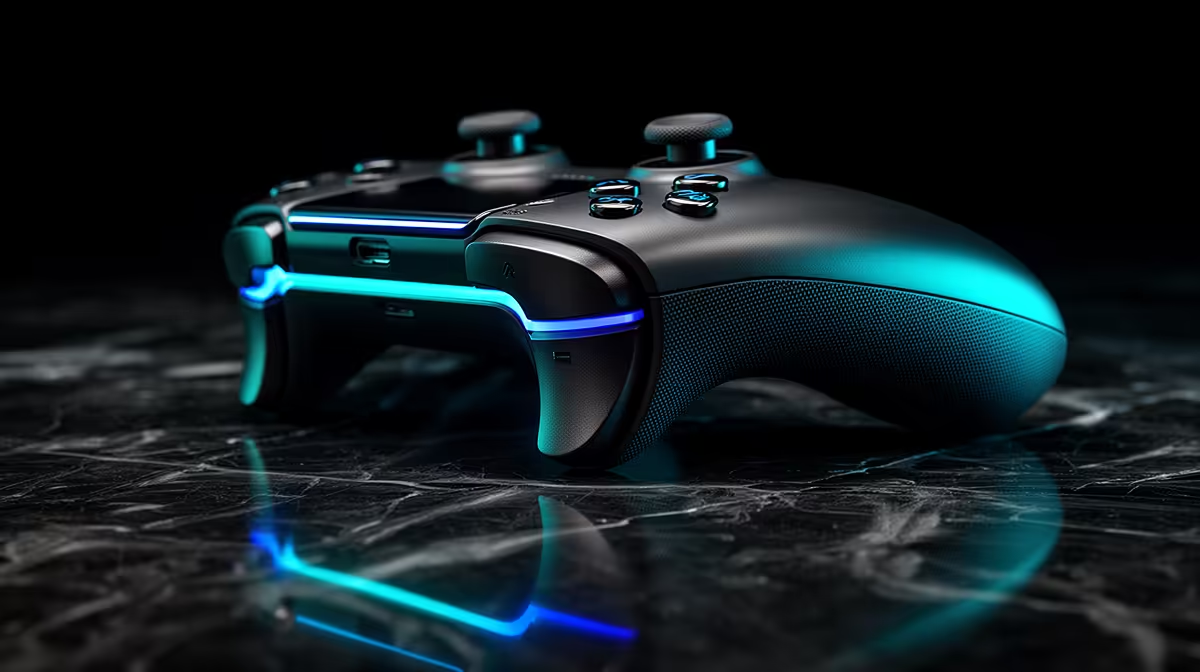
Keeping both thumbs on the sticks can make movement and aim feel more connected in fast games. Controller back buttons earn their cost when you have useful actions to remap and can press them without changing your grip.
Quick Answer
Controller back buttons are worth it when they let you keep both thumbs on the sticks for actions you use during aim or movement. Jump, crouch, reload, interact and ping are common mappings, but the best choice follows the game and your hands. Turn-based games and slower single-player play may gain little. Rear controls need an adaptation period and can cause accidental presses when the grip is wrong. Start with one button, map one ordinary action and test a full week before paying for four paddles or advanced profiles.
Who gains the most
Fast shooters and battle royale games ask you to aim while jumping, sliding, looting or changing stance. Moving one face-button action to the rear can keep the right thumb on the stick.
Action games can benefit when camera control and dodge happen together. Sports and racing players can map shifts or another repeated command, subject to the game's control design.
The feature does not improve stick accuracy by itself. It changes reach and hand movement.
Who may gain little
Turn-based, menu-heavy and relaxed games rarely punish a brief thumb movement. A player who uses claw grip may already reach face buttons without leaving the stick, though that grip needs to remain comfortable.
Small hands can struggle with long paddles, while large hands can press small buttons by accident. Rear-control shape matters more than count.
Learn one action first
Map jump or another frequent action to one rear control and leave the face button active. Play practice mode, menus and a normal session.
Add a second control only when the first press becomes deliberate. Remove any macro or turbo output; one paddle should send one permitted action.
Check whether profiles save onboard and switch by game. Keep a plain backup layout.
Check reach before counting buttons
Hold the controller with the relaxed grip you use during play. Your middle fingers should reach the rear inputs without shifting the pad or squeezing another control. A removable paddle can help when one shape catches your finger, while a fixed button may suit a firmer grip.
More rear inputs demand more learning and can crowd a small hand. Two controls that you can identify under pressure beat four that cause accidental presses. Check whether unused inputs can be disabled and whether replacement paddles are available for the exact model.
Compare gaming controllers by rear-control shape and platform support. Scan popular PC peripherals when you are planning the rest of the input setup.
FAQ
Are back buttons worth the cost?
They are useful when one reachable action keeps your thumb on the stick. Test the benefit in your game.
Do they take time to learn?
Yes. Start with one mapping and expect accidental or missed presses while the hand adapts.
Can profiles change by game?
Some controllers support app-linked or onboard profiles. Check the exact model and keep a manual fallback.
Map one frequent face-button action to the rear, play seven sessions and add another control only when the first one disappears into muscle memory.