Master Your Rig: Avoid CPU Bottlenecks and Unlock Maximum PC Performance
Ever felt that gut-punch when your brand-new graphics card is roaring, but your frames are still stuttering like a dodgy taxi on a dirt road? Or perhaps your favourite open-world game crawls when the action gets intense, despite having a beastly GPU? You’re not alone. Many South African gamers face this frustration, often without realising the culprit: a CPU bottleneck. It’s time to avoid CPU bottlenecks and truly unlock maximum PC performance. Let's get your rig running smoother than a perfectly braaied boerewors. ✨
What Exactly is a CPU Bottleneck?
Think of your PC as a team of highly skilled workers. Your Graphics Processing Unit (GPU) is a super-fast artist, rendering incredible visuals at lightning speed. Your Central Processing Unit (CPU) is the project manager, telling the GPU what to draw, coordinating with RAM, and handling all the game logic, AI, and physics.
A CPU bottleneck occurs when your CPU can't keep up with the demands of your GPU. It's like having that super-fast artist waiting around because the project manager is too slow to give instructions. The GPU sits idle for crucial milliseconds, leading to lower frame rates, stuttering, and an overall sluggish experience. Your powerful GPU might only be utilised at 60-70%, leaving significant performance on the table.
Spotting the Signs: How to Diagnose a Bottleneck 🔧
Before you rush to upgrade, it’s vital to confirm a CPU bottleneck. Here are the tell-tale signs:
- Low GPU Usage, High CPU Usage: While gaming, use monitoring software like MSI Afterburner or HWMonitor. If your GPU usage consistently hovers below 90-95% (especially if you've capped your FPS) while one or more CPU cores are at or near 100%, you've likely found your bottleneck.
- Inconsistent Frame Rates: You might get high FPS in some areas, but then experience significant dips in CPU-intensive scenes (e.g., crowded cityscapes, large-scale battles).
- Stuttering and Lag Spikes: Even if your average FPS seems decent, frequent micro-stutters or sudden freezes are classic signs your CPU is struggling to deliver data to the GPU fast enough.
- Game Type Matters: Strategy games, open-world titles, and MMOs are often more CPU-intensive than linear, graphically-demanding shooters. If these genres consistently underperform, your CPU might be the weak link.
Monitor Your Hardware!
Always use real-time monitoring software like MSI Afterburner or HWMonitor while gaming. Pay close attention to your CPU and GPU utilisation percentages. This data is your best friend for diagnosing performance issues.
Strategies to Avoid CPU Bottlenecks and Maximise Performance
Once you've identified a bottleneck, what next? Here's how to tackle it and truly unlock maximum PC performance.
Balance Your Build: CPU and GPU Harmony
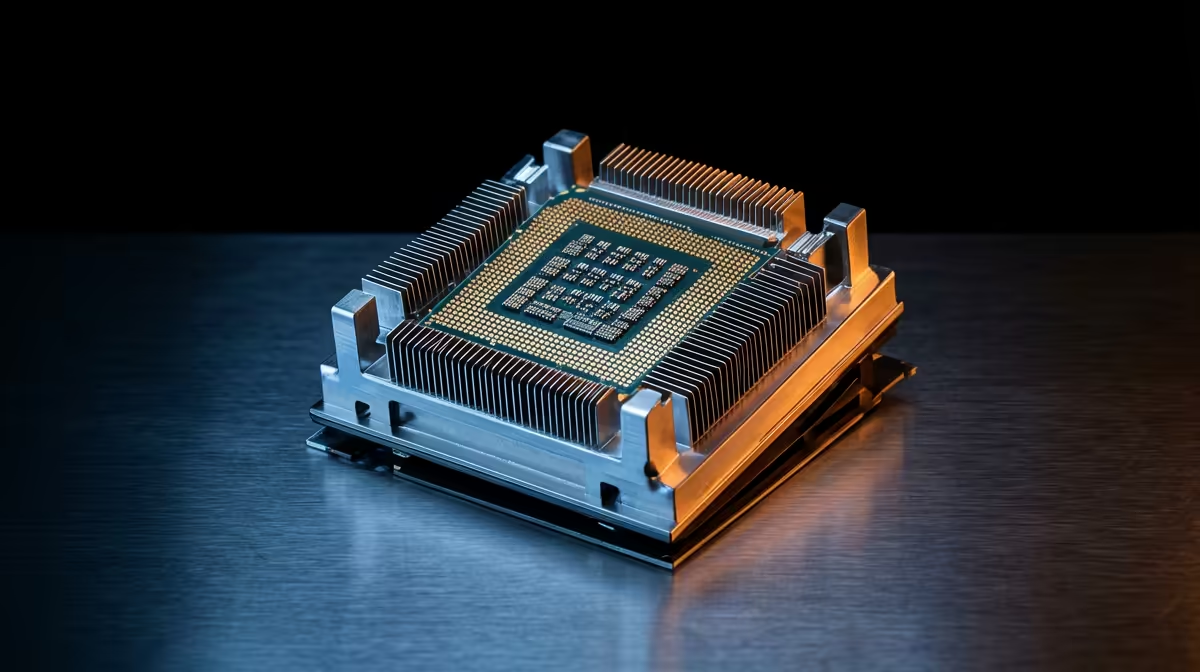
The most effective way to avoid CPU bottlenecks from the start is to build a balanced system. You wouldn't put a V8 engine in a bicycle, nor would you pair a top-tier NVIDIA RTX 4090 with a decade-old entry-level CPU. Aim for components that complement each other. For instance, a high-end GPU usually demands a powerful modern CPU to feed it frames efficiently. Evetech offers a wide range of CPU processors online to help you find the perfect match for your graphics card.
Upgrade Smart: When and What to Replace
If your current CPU is indeed holding back your GPU, an upgrade might be necessary. But which one?
- Consider Core Count and Clock Speed: Modern games increasingly benefit from more cores, especially in multitasking or open-world scenarios. Faster clock speeds (GHz) translate to quicker processing per core.
- Platform Matters: Upgrading your CPU often means considering a new motherboard and RAM, especially if you're moving between generations (e.g., an older Intel socket to a newer one, or switching from Intel to AMD).
- Future-Proofing: Invest in a CPU that has a bit of headroom for future GPU upgrades. A slightly more powerful CPU now can save you another upgrade down the line. Check out the latest Intel CPUs or powerful AMD chips available at Evetech to see what's on offer.
Optimise Your Settings: Software Solutions
Sometimes, a full hardware upgrade isn't immediately feasible or even necessary. You can often mitigate a CPU bottleneck through smart software adjustments:
- Lower CPU-Intensive Settings: In-game settings like crowd density, draw distance, physics quality, and AI complexity heavily rely on your CPU. Reducing these can alleviate pressure.
- Increase GPU-Intensive Settings: Counter-intuitively, sometimes increasing settings like resolution, texture quality, or anti-aliasing can shift the workload back to your GPU. If your GPU was underutilised due to a CPU bottleneck, making it work harder can sometimes balance the load, though it won't magically solve the bottleneck itself.
- Close Background Applications: Every program running in the background consumes CPU cycles. Close browsers, streaming apps, and anything non-essential while gaming.
- Update Drivers and OS: Ensure your CPU drivers, chipset drivers, and operating system are up to date. Optimisations in newer versions can sometimes provide a small but noticeable boost.
Your Path to Uninterrupted Gaming 🚀
Understanding and addressing CPU bottlenecks is crucial for any serious South African gamer or tech enthusiast. It’s about ensuring every component in your rig pulls its weight, delivering the smooth, high-performance experience you paid for. Don't let a sluggish CPU hold back your epic gaming adventures or productivity tasks. By balancing your build, upgrading smartly, and optimising your software, you can avoid CPU bottlenecks and truly unlock maximum PC performance.
Upgrade Your Core, Conquer Your Games
Ready to eliminate those frustrating stutters and experience your games the way they were meant to be played? Explore Evetech's extensive range of high-performance CPU processors online and build a rig that leaves lag in the dust.