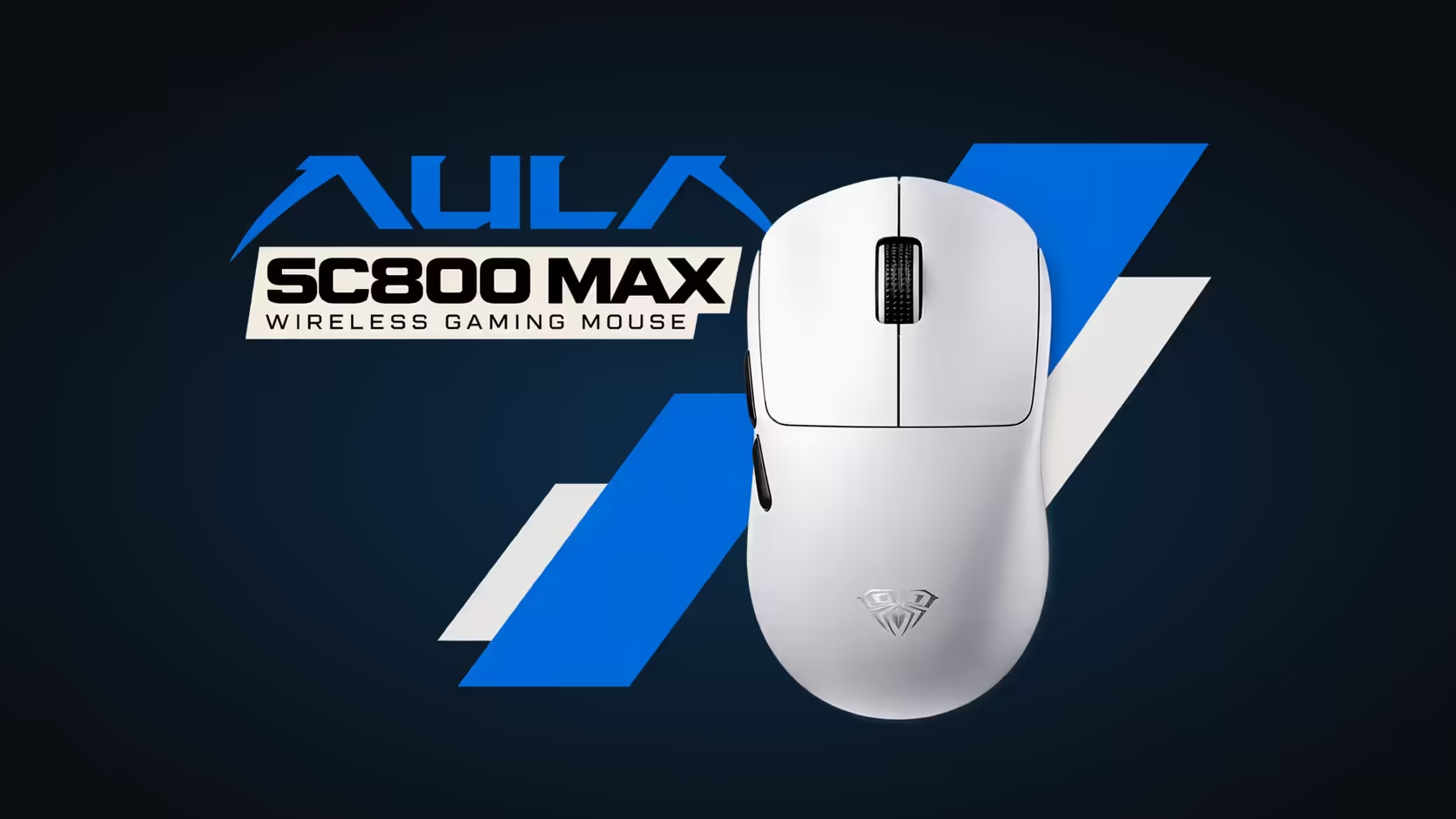
Plenty of people split their day between two machines: a laptop for work or lectures and a PC at home for everything else. Carrying one mouse between them is simpler than keeping two, as long as the mouse can talk to both without fuss. The AULA SC800 MAX is a 48g tri-mode model, and setting it up as a mouse for laptop and PC takes only a few minutes.
Quick Answer
Pair the AULA SC800 MAX to your laptop over Bluetooth, and use its 2.4GHz receiver on the home PC. The wired connection covers the third mode whenever you want a cable. At 48g it barely adds anything to a laptop bag, and it comes in black or white, at R629 either way, with a 1 Year Local Warranty from Evetech.
💻 Which link goes where
The laptop: Bluetooth
Bluetooth uses the laptop's own radio, so it needs no receiver and leaves every USB port free. Pair the SC800 MAX once in the laptop's Bluetooth settings, and it will be ready whenever you are at that machine. This is also the most convenient link for working in a coffee shop, a library or a meeting room.
The home PC: 2.4GHz
The receiver is the better link for a desktop, particularly for gaming. Plug it into a USB port, ideally one near the front of the PC or on a short extension so it has a clear path to the mouse. Leave it there permanently.
The third mode: wired
The cable is there when you want a direct connection, for example on a desk where you would rather not think about wireless at all.
🎒 Does the receiver need to travel?
No. That is the neat part of this setup. The receiver lives in the home PC, and the laptop uses Bluetooth. Nothing small needs to go in your bag, which means nothing small to lose.
Switching between the two is a matter of choosing the mode on the mouse for the machine you are sitting at.
⚖️ Why 48g matters on the move
A laptop, charger, notebook and water bottle already make a bag heavy. A 48g mouse is close to the lightest you will find, so it adds almost nothing. It also takes up little room and is easy to use on a small table or a tray.
At the desk, the same low weight means less effort for every movement over a long day, which helps whether you are editing documents or gaming.
Gaming over Bluetooth?
It works, but for games it is best to use the 2.4GHz receiver at the home PC. Bluetooth is designed for convenience and battery efficiency, and it suits laptops, office tasks and casual play well. For competitive games, the receiver or the cable is the stronger choice.
🛠️ If a mode stops working
- Check which mode is selected on the mouse. Most "it stopped working" moments are simply the wrong mode for that machine.
- Re-pair Bluetooth on the laptop if it will not reconnect.
- Try another USB port for the receiver on the PC.
- Try the wired connection to rule out a wireless issue.
If a mode still fails after that, contact Evetech. The SC800 MAX in both colours is supported locally, so there is no need to send a mouse abroad.
For more ideas on portable setups, browse Evetech's wireless mouse selection, or compare light models in the wider gaming mice range.
Frequently Asked Questions
Laptop by day, PC at night: which connection goes where?
Bluetooth for the laptop and the 2.4GHz receiver for the home PC.
Does the receiver have to come along?
No. Leave it plugged into the PC, and use Bluetooth on the laptop.
What is the wired mode for?
It gives a direct cable connection when you would rather not use wireless.
Does 48g really make a difference when carrying it daily?
It adds almost nothing to a laptop bag and is easy to use on small surfaces.
Should gaming happen over Bluetooth?
It is best kept for casual use. The receiver or the cable is better for competitive games.
What if one mode stops working?
Check the selected mode, re-pair or change ports, and contact Evetech if it still will not connect.
One mouse for every desk you use?
Explore Evetech's wireless mouse range and see how the 48g SC800 MAX fits a laptop-and-PC routine.