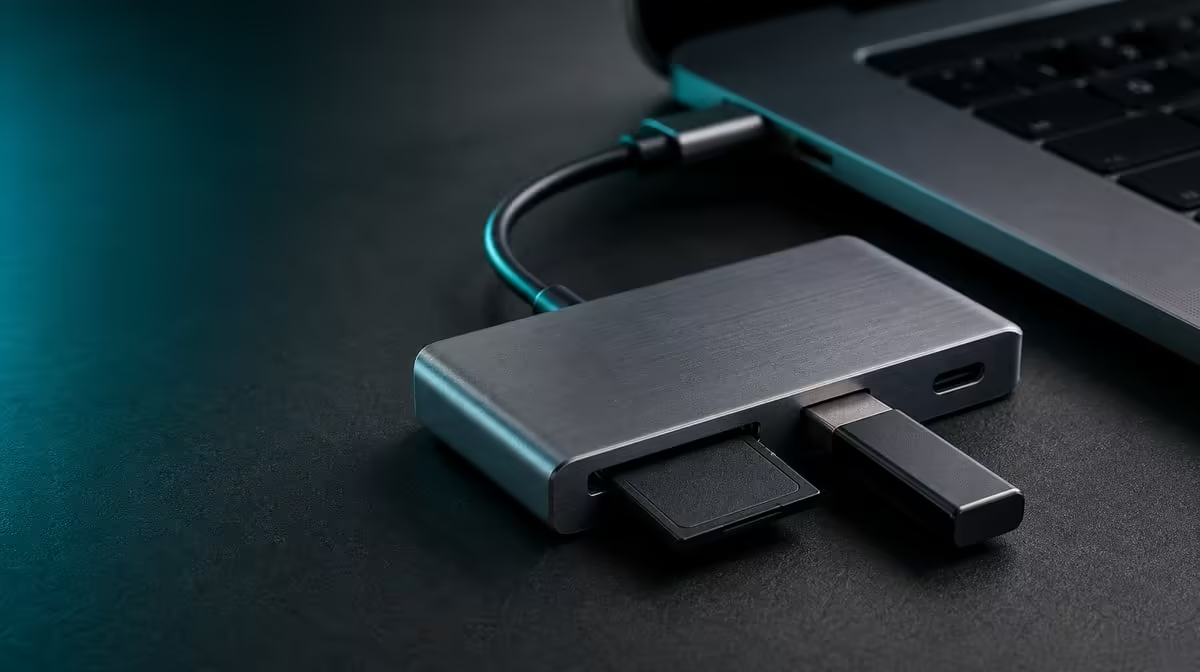
Interrupted copies often begin with movement, unstable power, or storage removed before the system finishes. To avoid SD card and USB transfer interruptions, keep the hub and media still, test devices individually, and eject every removable volume before disconnecting it.
Quick Answer
Attach the R399 UPERFECT UExtend securely, connect one storage device at a time, complete a small test, and use safe eject before removal. It reads SD cards and provides two fast-data USB ports, while host workload, media health, connection movement, and power can affect reliability.
💾 Build a stable physical route
Place the hub where the host lead, card, and USB plugs are not pulled by ordinary desk movement. Inspect each connector before starting an important copy.
Evetech's USB hub selection should be compared with the actual card and devices in mind.
🧪 Test media separately
Open a small known file from the SD card, then repeat with the first USB device and the second. Confirm successful work first, then compare transfer time and stability.
🔋 Keep power and workload predictable
Use a stable host connection and compatible charging arrangement when required. Pause other large tasks during diagnosis, then reintroduce them after the baseline passes.
A fixed desk with more storage connections may justify Evetech's docking-station options.
✅ End every transfer correctly
Close active files, select eject in the operating system, and wait for confirmation. Do not pull the card, USB drive, or hub while writes may still be pending.
Evetech's gaming-accessories range can help map other devices using the ports. The UExtend's R399 value is strongest when its SD and two USB paths remain dependable; check availability when purchasing.
Distinguish detection from a healthy transfer
A mounted drive or card proves recognition, not sustained reliability. Copy a known test folder, open several resulting files, and compare their expected size before trusting the route with valuable material. Use copies rather than moving originals during the first trial.
If the device disconnects, note whether the hub moved, the host slept, charging changed, or another workload started. The event surrounding the interruption is more useful than immediately trying the same copy again without adjustment.
Build an interruption-safe routine
Place the source files in a stable location, close applications that may keep the volume busy, and keep the UExtend supported. Do not rest a heavy lead where it can lever against a USB plug. Leave the SD card accessible without pushing the hub.
For simultaneous work, begin the second transfer only after the first path has a clean baseline. Observe whether the two operations finish correctly and how completion time changes under the combined load.
After safe eject, wait for the system's confirmation before removing media. Reconnect once and verify that the expected volumes return. A consistent mount-transfer-eject-remount cycle is stronger evidence than one successful copy.
Keep a backup copy before testing unfamiliar cards or drives. The hub can provide the path, but it cannot guarantee the condition of the media or recover files after an unsafe removal. Treat reliability practice as part of the storage setup, not as a reaction after an interruption.
Review the event log after several transfers. If failures follow one card, drive, cable movement, or host-sleep event, isolate that pattern. If every path is stable alone but not together, rebuild the combined workload step by step and stop at the first changed state.
Finish with a restore test from backup or a disposable copy, not with irreplaceable source media. Confirm that the copied files can be opened and that volume names remain clear after reconnection. This validates the workflow beyond the progress bar.
Assign one safe resting place for cards after eject. A card removed correctly but left loose beside cables can still be lost or reinserted into the wrong project.
After the restore check, repeat the copy with the normal display and network workload active. If it still completes and ejects cleanly, the storage route has passed a more realistic session. If it changes, return to the simpler baseline and add tasks one at a time.
Frequently Asked Questions
Does fast data prove a numeric transfer speed?
Test the UExtend's USB ports with the real host, devices and files.
Can SD and USB be used in one session?
Yes, subject to the compatible host and workload, but test each path first.
Why start with a small file?
It verifies detection and basic transfer behaviour before valuable data is exposed to a faulty route.
What should never move during a write?
Keep the hub, host cable, card, and storage plugs stable.
Ready to make card and USB transfers more predictable?
Compare Evetech's USB hubs with your real media, devices, power path, and safe-eject routine in mind.