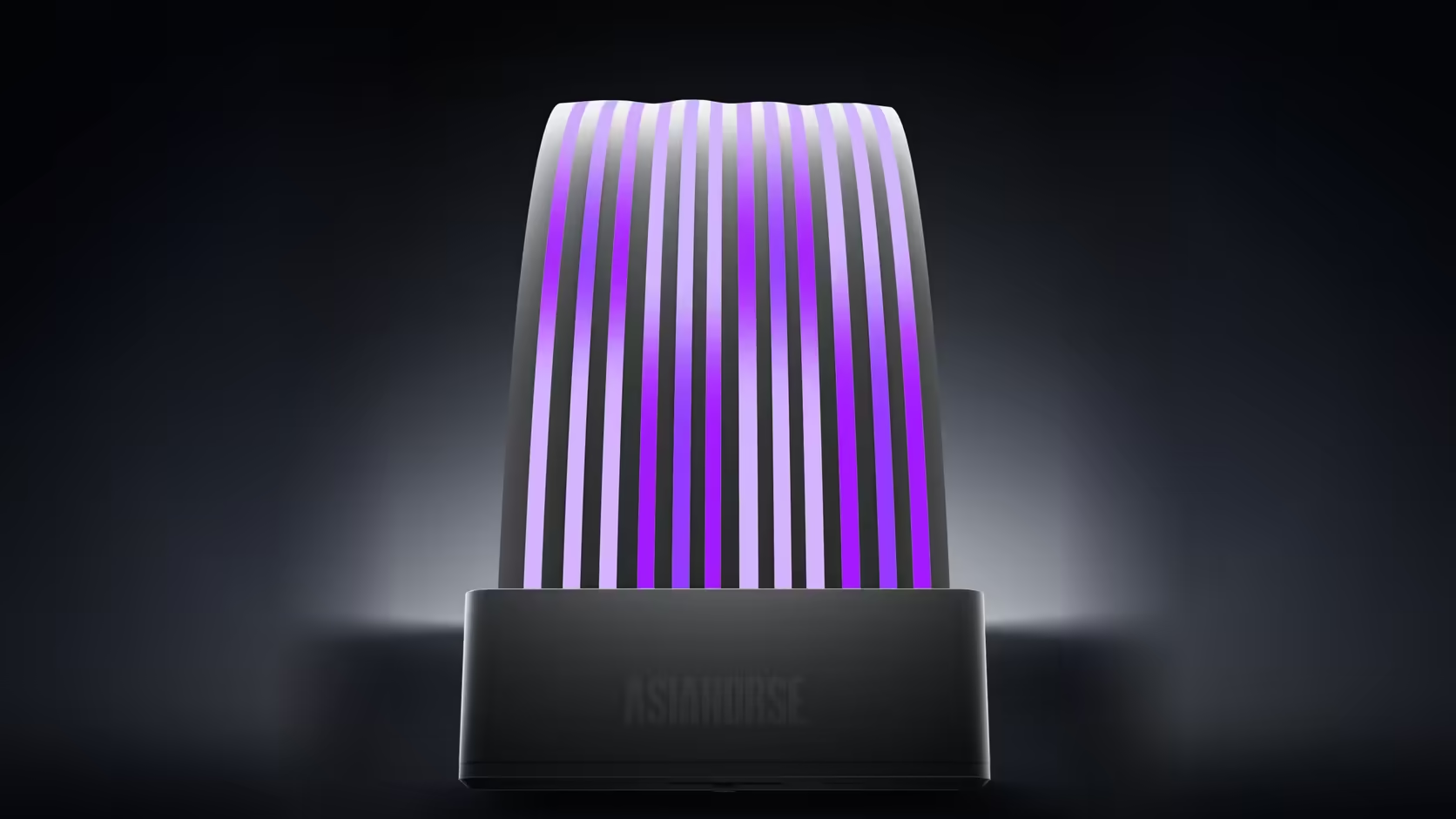
Rebuilds and cable swaps are a normal part of owning a PC for long enough, and the fact that the Aurora Learn ARGB PSU Cable Cover clips rather than fixes permanently is genuinely good news whenever a new set of cables enters the picture.
Quick Answer
Because the Aurora Learn shell clips onto a cable rather than being permanently bonded to it, the R599 cover can move to a different cable set later, provided the new run matches its profile. A 24-pin shell needs a 24-pin run to sit over, and the graphics shell needs a similarly grouped run to close around cleanly. As long as that shape matches, the cover itself has nothing stopping it from being reused elsewhere.
🔄 What actually has to match on the new cable set
Shape above all else
Each shell is built for a specific cable arrangement, so whatever replaces the original run needs a broadly similar profile for the shell to close over it properly, whether that new cable comes from your power supply's own box of leads or a separately purchased extension.
Checking sleeved extensions specifically
A sleeved extension tends to sit fuller and bulkier than a factory flat cable, so trying the shell against the new run before committing to clip it on is genuinely worth doing rather than assuming it will fit.
🎛️ Does the controller move with the cover?
Yes, it travels along with the shell and its SATA connection, since the cover and controller are supplied as a matched working pair rather than as two independently swappable parts.
🔧 A note on handling the clips themselves
The clips are built to open and close repeatedly, though treating them gently rather than forcing the shell over a run that resists it is worth doing to keep them working reliably across multiple fittings.
🏠 Moving between cases, not just cables
The same logic extends to a full case change, provided the new build offers a similarly straight run of sufficient length and somewhere sensible for the controller to sit, since the cover genuinely does not care which machine the cable underneath happens to belong to. Any case lighting already planned for the new build is worth checking against the same move, since matching styles across an entire rebuild is easier to plan for at once than to patch together afterward.
Frequently Asked Questions
What specifically has to match on a replacement cable run?
Shape above all. Each shell is built for a particular cable arrangement, so the new run needs a broadly similar profile to fit inside it.
Does a sleeved extension change how the shell fits?
Braid tends to sit fuller than a flat factory cable, so testing the shell against the new run before clipping it on is worth doing.
Does the controller move along with the shell?
Yes, along with its SATA connection, since the cover and controller are supplied and used together as a working pair.
Is there any loss on the cover itself from moving it?
Nothing on the cover changes. What shifts is its position, so the visible span and its surroundings need reassessing after the move.
Do the clips wear out from being fitted repeatedly?
They are designed to open and close, though handling them gently rather than forcing the shell over a run is worth doing regardless.
Can the cover genuinely move between two different cases?
Yes, provided the new case offers a sufficiently straight run and somewhere reasonable for the controller to sit within reach.
What about moving the cover into an entirely new build?
The same principle applies. The cover cares about the cable it clips over rather than which specific machine that cable belongs to.
Rebuilding soon and wondering if your cover will carry over?
Check Evetech's power supply range for cable options that will suit an Aurora Learn move.