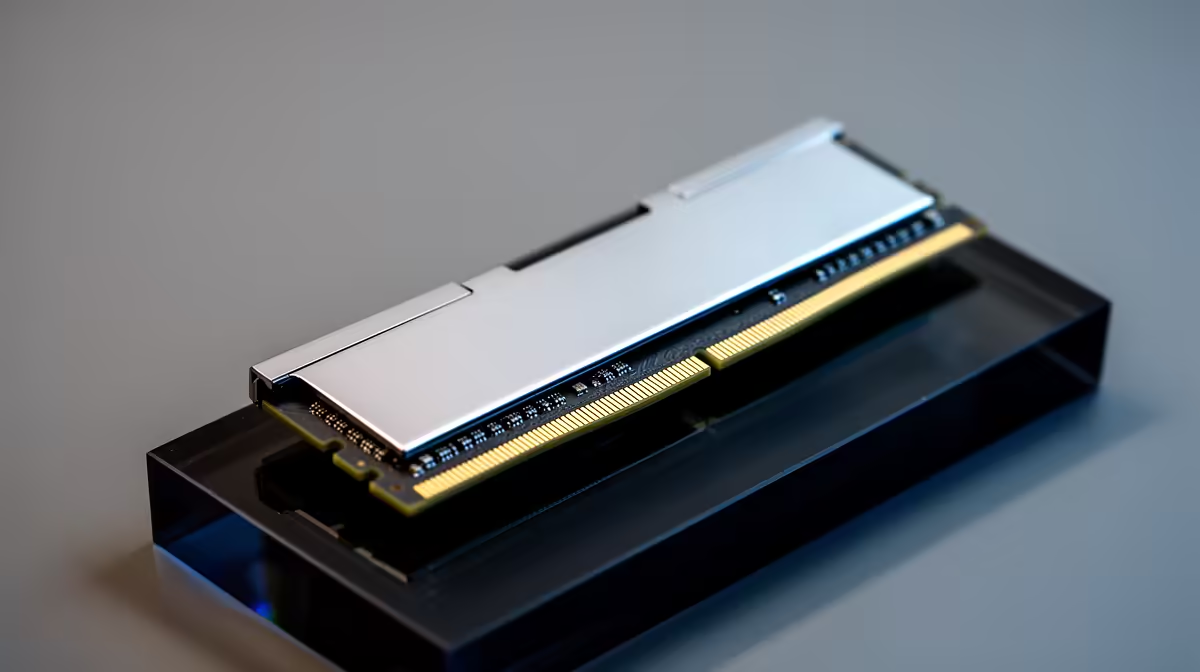
Adobe Premiere throwing a memory warning on your MacBook is frustrating, and the first thing most editors want to know is whether they can just add more RAM. On an Apple silicon Mac, the honest answer is no. The memory is unified and soldered directly to the chip during manufacturing, so there is no slot to upgrade after you buy it.
Quick Answer
No, you cannot add RAM to an Apple silicon Mac. The unified memory sits on the same package as the M-series chip and is fixed at purchase. When Premiere runs out, your fastest fix is to open Activity Monitor, check the Memory tab, and quit the apps eating your headroom.
Why the Memory Cannot Be Upgraded
On Intel Macs of the past, RAM often lived in removable modules. Apple silicon works differently. The memory chips are placed right alongside the CPU and GPU cores on a single package, which is what makes the unified memory architecture fast. The trade-off is permanence. There is no door to open, no slot to fill, and no aftermarket module that fits. The configuration you choose at checkout is the configuration you keep.
This is why picking the right memory tier before you buy matters so much for video work. You can compare the available configurations across the Evetech MacBook range so the next machine has the headroom your projects demand.
What to Do When Premiere Runs Out Now
You cannot add memory, but you can reclaim it. Open Activity Monitor from your Applications Utilities folder and click the Memory tab. The Memory Pressure graph at the bottom tells you the real story: green means you have room, yellow means you are tight, red means you are out.
Sort the list by memory used and quit the heavy apps you do not need open while editing. A browser with many tabs, a chat client and a second creative app can each hold gigabytes. Closing them frees that memory for Premiere immediately.
Inside Premiere itself, lower the playback resolution to half or quarter while editing, clear the media cache periodically, and render previews on demanding sequences. These steps cut the live memory load without touching hardware.
Planning Around the Limit
Because the ceiling is fixed, video editors should buy a memory tier above what they think they need today. A timeline with multiple 4K streams, colour grades and effects layers will use far more than a single-stream edit. If your work is growing, the configuration you choose now has to last the life of the machine.
For a quick sense of which models hold their value with creators, the MacBook best sellers reflect the configurations SA buyers reach for most.
Frequently Asked Questions
Can a Mac use storage as extra memory?
macOS uses swap, which borrows fast SSD storage when physical memory fills. It helps, but swap is slower than real memory, so leaning on it heavily in Premiere causes stutters. It is a safety net, not a substitute for adequate RAM.
How much unified memory does Premiere really need?
For comfortable 4K editing, aim well above the base tier, since multiple streams and effects stack memory demand quickly. Light 1080p editing can manage on less, but headroom always helps with playback smoothness.
Does closing apps actually fix the memory warning?
Yes, quitting memory-hungry background apps frees real memory for Premiere right away. Watch the Memory Pressure graph in Activity Monitor turn from red back to green as you close them.
Is unified memory worse than upgradeable RAM?
Unified memory is faster because the CPU and GPU share one fast pool on the chip. The downside is purely that you cannot upgrade it later, so the choice you make at purchase is permanent.
Buying a Mac for video work? Since the memory cannot be upgraded later, compare configurations on the Evetech MacBook range at https://www.evetech.co.za/macbooks/l/3284 and choose a tier that covers your heaviest timelines.