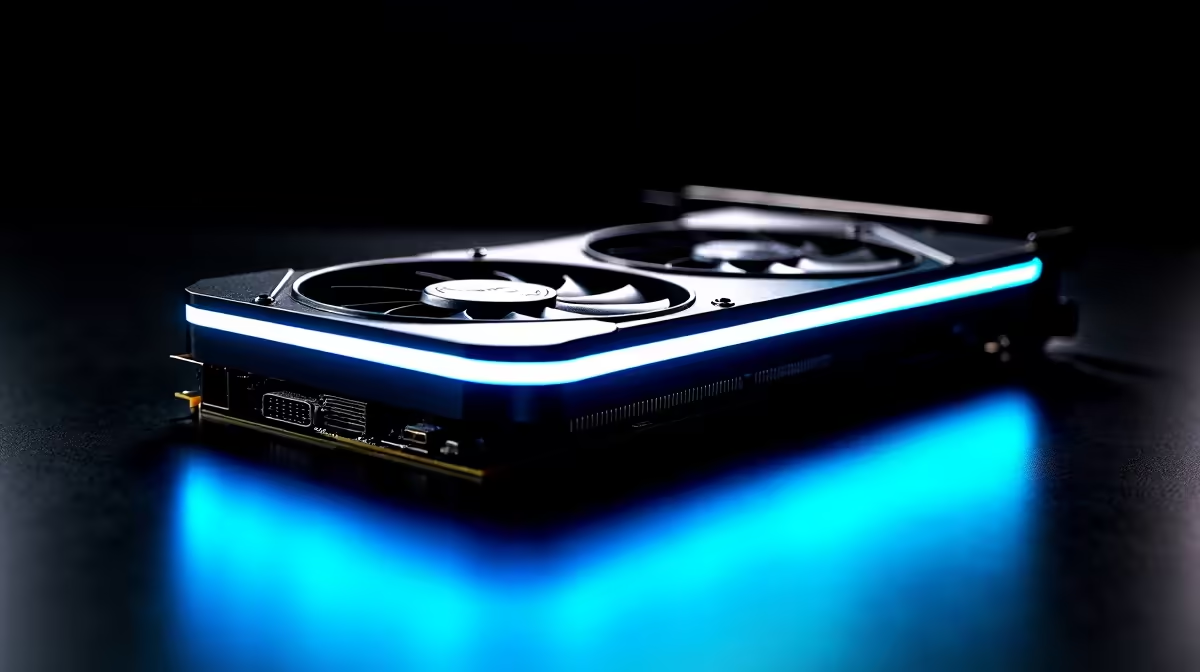
Can You Run Multiple Monitors With the Intel Arc B580? Unlock Smooth Multitasking
If you’re a South African gamer or creative who thrives on boosting productivity, you’ve probably wondered: can the Intel Arc B580 handle multiple monitors without breaking a sweat? With today’s gaming and work demands, a multi-monitor setup is no longer a luxury—it’s a necessity. Let’s explore how the Intel Arc B580 graphics card performs when powering multiple screens, and what that means for your rig’s smoothness and speed. ⚡
Intel Arc B580: Built for Multi-Display Performance
The Intel Arc B580 is part of Intel’s newer mid-range line-up, designed to support multitasking and gaming with ease. Its architecture supports up to four simultaneous displays, which means you can connect that ultrawide gaming setup, a productivity monitor, and maybe even a third screen for Discord or Twitch chat.
What makes the B580 stand out is its balance between performance and affordability. Unlike some older or budget cards struggling with triple or quad monitor setups, this card has enough VRAM and modern ports to manage high-resolution displays smoothly. Evetech offers a solid range of graphics cards if you’re thinking of upgrading or adding the B580 to your build.
Connecting Multiple Monitors: Ports and Compatibility
The Intel Arc B580 typically features a combination of DisplayPort 2.0 and HDMI 2.1 outputs. This variety lets you connect across diverse monitors with different resolutions and refresh rates. For example, you could run a 144Hz 1440p primary gaming monitor alongside a 4K streaming or editing display without compromise.
While it supports multi-display, remember to check your monitors’ compatibility. South African gamers looking to expand their setups should browse Evetech’s monitor selection for models that fully utilise these high-speed connections and make the most of the B580’s capabilities.
Pro Tip for Multi-Monitor Setup
Don’t forget to update your graphics drivers from Intel’s official site. Fresh drivers optimise multi-monitor handling and unlock performance tweaks specifically for Arc GPUs.
Making the Most of Your Intel Arc B580 System
A strong graphics card like the B580 deserves a compatible processor that won’t bottleneck performance. Popular choices among South African builds include Intel’s Ryzen rivals but pairing the B580 with an Intel 12th or 13th Gen processor can unlock your gaming and streaming potential. Check out the latest processors at Evetech to find the perfect match.
For South Africans hunting for a complete pre-built solution, Evetech’s curated pre-built PC deals offer savvy configurations with the Intel Arc B580 already optimised for multi-monitor use.
Real User Insight: South African Streamers’ Experience
Local streamer Siya M. recently switched to an Intel Arc B580 to power his gaming and streaming rig. He reports seamless transitions between gaming on his primary 144Hz screen and monitoring chat and alerts on two side monitors. Siya’s smooth experience confirms that the B580 handles multi-display setups with ease, even under load.
Should You Upgrade to a Multi-Monitor Setup with Intel Arc B580?
Absolutely—if you’re a maker, gamer, or multitasker craving efficiency and immersive gameplay. Setting up multiple monitors boosts your work and gaming efficiency. Whether you’re subtle about your rig or dripping RGB lights, the Intel Arc B580 supports it all, paired with the right gear.
The right monitor and processor combo can cost between R7,000 to R15,000 locally, depending on specs. Exploring combo deals like these best gaming PC deals can save you money and ensure compatibility.
Upgrade Your Multi-Monitor Setup Today
Ready to boost your gaming and productivity with the Intel Arc B580? Shop now at Evetech for performance that leaves lag in the dust.