Stutter describes uneven delivery, not a single failing part. Fixing stuttering on a high-end gaming PC means measuring frame times, controlling the test scene and separating CPU, GPU, memory, storage, software and thermal causes one by one.
Quick Answer
Even the R73,599 ASUS TUF RTX 5090 can sit in a PC that stutters. Its large memory pool cannot correct every frame-pacing problem, so reproduce the symptom, note settings and updates, inspect background activity and change one variable per run.
📈 Measure the uneven moment
Use a frame-time view where suitable, because an average frame rate can hide sharp delivery spikes. Mark what happens on screen when the stutter occurs: entering an area, turning quickly, loading assets or encountering a busy scene.
Choose a repeatable route and preserve resolution, quality settings and frame caps. A diagnosis needs the same workload after each change.
Note whether the problem appears once while content loads or repeats continuously. Those patterns can point the investigation in different directions without proving the cause.
Capture a short timestamped note for each spike. Include location in the game, action, camera movement and whether the same event has happened before. A recurring transition is easier to test than a general report that play "felt bad".
If the title provides an internal performance display, keep it visible during the route. Pair its numbers with an external frame-time tool only when the methods are understood; several overlays can themselves add complexity.
Evetech's ASUS GPU range provides hardware context, but the installed game's evidence should lead the work.
🧩 Check the rest of the frame pipeline
Close unnecessary overlays, downloads and background applications, then rerun the scene. Record the game, driver and operating-system update state together so a later software change is visible.
Inspect CPU behaviour. A processor-limited scene can leave a high-end GPU underused while frame delivery remains uneven. Lowering a GPU-heavy setting may not fix that pattern.
Check whether the frame-rate target matches the display mode. An unintended refresh selection, synchronisation combination or cap can make delivery feel irregular even though the hardware is producing many frames.
Thirty-two gigabytes of GDDR7 offers considerable capacity, yet a game can still stutter because of asset delivery, shader work, processor limits or software behaviour. Do not treat unused VRAM as proof that the whole system has no memory-related issue.
Observe storage and system memory as well as the GPU. Keep enough context to see which resource changes when the spike appears.
Asset compilation or caching after a game or driver update can produce a different first run from later passes. Repeat the same route before declaring that an upgrade permanently changed performance.
Compare other models in Evetech's NVIDIA graphics-card category only if controlled testing points to the GPU.
🌡️ Test settings and thermals deliberately
Reduce one demanding graphics option, rerun the same route and compare the frame-time trace. If nothing changes, restore it before testing another variable.
Try a deliberately lower resolution as a diagnostic, not a permanent recommendation. A large improvement points toward graphics workload; little change can move attention toward CPU, software or delivery stages.
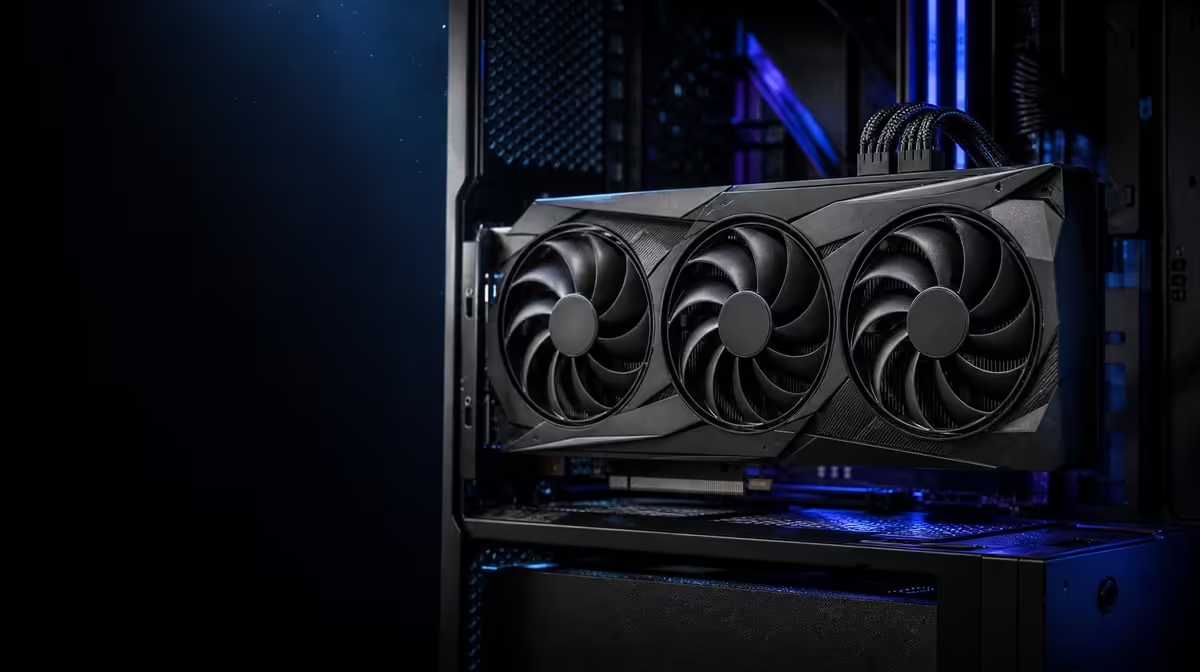
Let the scene run long enough to reveal warm-system behaviour. The ASUS vapor chamber and axial-tech fans manage heat within the card, while chassis ventilation must remove it.
Keep a small log of each change and outcome. Random driver reinstalls, setting sweeps and hardware swaps can temporarily alter the symptom without identifying why.
Record whether the game sits on the expected storage device and whether downloads or recording tools were active. A high-end GPU cannot prevent another process from interrupting data access at the wrong moment.
Finish by repeating the original settings. A correction should improve the known route without quietly reducing visual quality or changing the frame target. Preserve the final trace for future updates.
Use Evetech's GPU best sellers after completing the diagnosis and check current availability if a replacement is supported by the evidence.
Frequently Asked Questions
What should be measured when a game feels uneven?
Frame-time behaviour is useful because it reveals delivery spikes that an average frame rate may hide.
Can a 32GB graphics card still encounter stutter?
Yes. Processor limits, asset loading, software, storage, settings or thermal behaviour can create uneven delivery.
Why should background applications be checked?
They can compete for CPU time, memory, storage access or overlays while the game is running.
How can graphics settings help isolate the cause?
Changing one setting and repeating the same scene shows whether that workload element affects the symptom.
What does the processor contribute to frame pacing?
It prepares game work for the GPU, so a CPU-limited scene can delay frame delivery.
When do thermals belong in the investigation?
When stutter or performance changes as a repeatable session warms, compare temperature and fan behaviour with the timeline.
Why should drivers and game updates be noted together?
Either can alter performance, and recording both prevents a software change from being mistaken for hardware failure.
Chasing a stubborn frame-time spike?
Preserve one repeatable game route, isolate the system stage and compare Evetech GPUs only after the trace supports a graphics-card change.