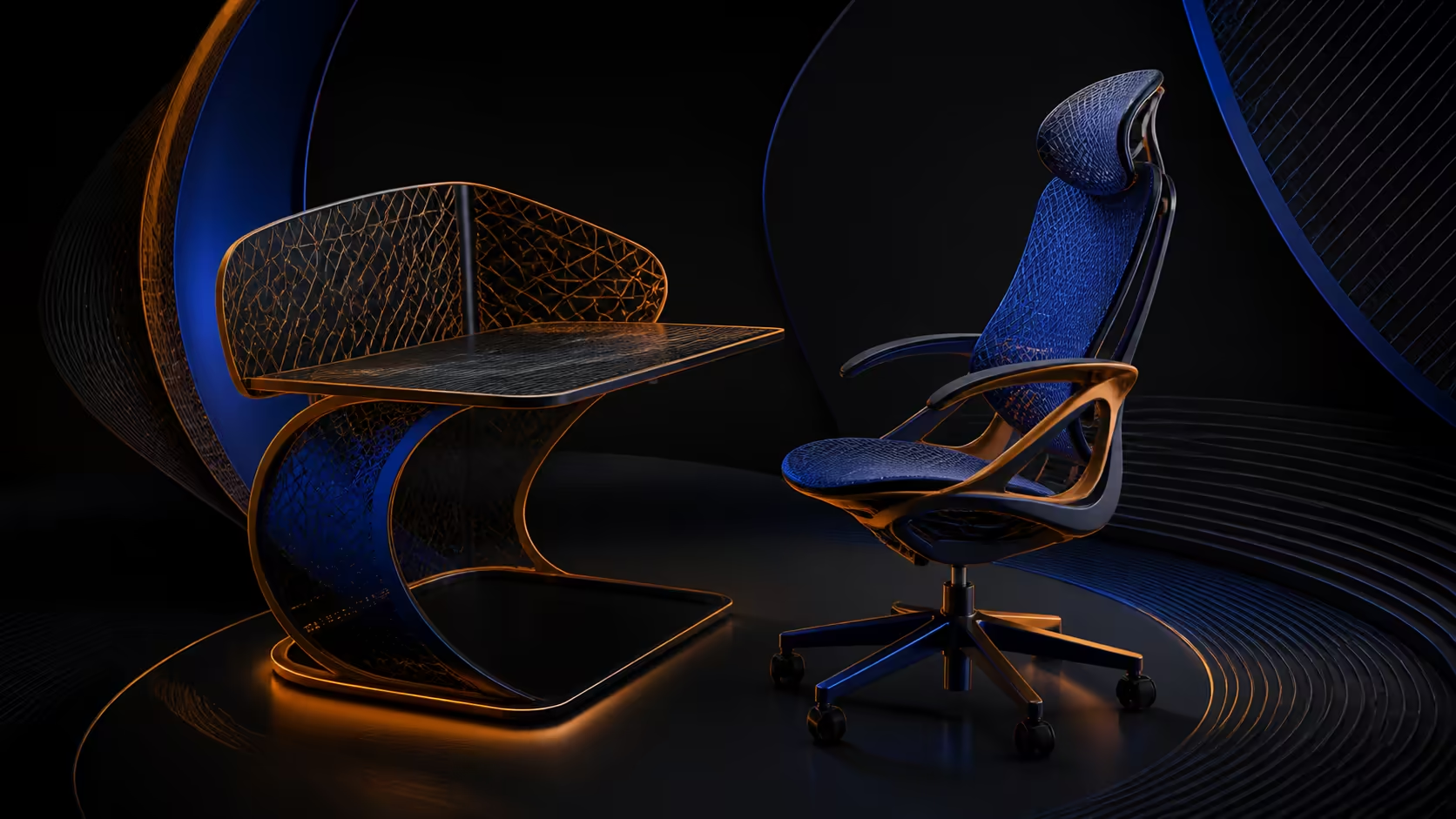
Choosing an ergonomic office chair for shared spaces requires more than finding one comfortable showroom setting. Home-office and study users need adjustable contact points, repeatable references and enough room for the chair to fit each desk task.
Quick Answer
For South African home offices and study spaces, the E3 Ultra offers breathable mesh, sliding seat depth, three-zone lumbar, flexible arms, adjustable head support and gravity-sensing recline.
Define every regular user, their work pattern and the non-negotiable dimensions first. Then test how quickly lumbar, arm and head support can return to saved positions. The R9,599 HBADA E3 Ultra supports a broad shared-use adjustment trial, while capacity and seat dimensions need independent checks.
👥 Map users and activities
List who will use the chair, how long they sit and whether the desk serves typing, study, calls or creative work. Measure essential fit differences and keep a separate setup note for each person.
Do not assume adjustment can cover every body size. Exact chair dimensions and a model-specific load limit remain filters before shared convenience is considered.
🎚️ Save torso and arm references
HBADA equips the E3 Ultra with 8D adjustable lumbar support. Each user should begin near neutral, change one control, and keep only the position that remains useful through their typical work.
Its arm supports carry a 720-degree omni range. Compare shared-user positions through Evetech's HBADA office-chair range, including desk clearance and different left-right task needs.
🔄 Coordinate head and backrest movement
Through a 4D biaxial headrest, the E3 Ultra offers 70-degree rotation and tilt. Each person should align the display first, then record a headrest reference that does not redirect the gaze.
A 140-degree backrest range gives users several possible task positions. Rear clearance, screen view and arm support should be retested whenever recline changes.
🧱 Prepare the space for repeated use
Aluminium alloy forms the support bar and five-star base. Keep that material separate from capacity or durability assumptions. Check floor protection, movement space and cleaning guidance for the exact chair.
Evetech's general office seating selection can broaden the shortlist. Shared-space value comes from fast, accurate resetting and complete fit, not from forcing every person into one compromise position.
Post a small reset order near the shared desk: establish seat and feet, restore lumbar contact, set each arm, align the display, then place the headrest. The note should guide sequence without prescribing one person's measurements to everyone else.
Store personal reference photos privately and update them when the desk changes. Old images can otherwise encourage users to recreate a position that no longer matches the current workstation.
Review the setup after equipment changes. A different keyboard, monitor or desk height can shift useful references even for the same user. Rebuilding the position deliberately is safer than forcing saved settings to work around a new workstation layout.
Plan who will check loose or damaged parts and how the chair will be kept clear of shared-room obstacles. Maintenance responsibility does not establish durability, but it makes proper observation and care less likely to be overlooked. Stop use when damage is suspected. Record any condition change promptly.
Shared users can retune one-inch lumbar depth, 1.6-inch height and the five arm axes. A short reset order makes those changes practical: seat, lumbar, arms, headrest, then recline. Room fit and user dimensions remain the final checks.
The aluminium base keeps the material description exact across both study and office use.
Frequently Asked Questions
Which shared-use requirements belong on the first checklist?
List all regular users, required dimensions, task patterns, desk constraints and capacity needs. These determine whether one chair can serve the group.
How can lumbar settings serve different users?
Each person can test the 8D system from neutral and save a repeatable reference. One setting should not be assumed suitable for everyone.
What armrest flexibility is available?
The chair's omni armrests span 720 degrees of adjustment. Evaluate separate typing, pointer and clearance positions for every regular user.
How does head support adapt?
Its biaxial 4D headrest supplies a 70-degree rotation-and-tilt range. The display should be arranged before each personal headrest setting.
What recline range does the chair provide?
The backrest reaches 140 degrees. Users should test only task-relevant angles with safe room clearance and appropriate workstation alignment.
Which base material supports repeated use?
The five-star base and supporting bar are made from aluminium alloy. Material does not establish a lifespan or weight limit.
How much is the E3 Ultra for a shared office?
South African comparison starts at R9,599 for this E3 Ultra. Weigh that amount against alternatives satisfying all users' essential fit and capacity requirements.
Ready to choose one chair around several real users?
Browse Evetech office chairs with individual measurements, task maps and saved-position requirements prepared for the shared workstation.