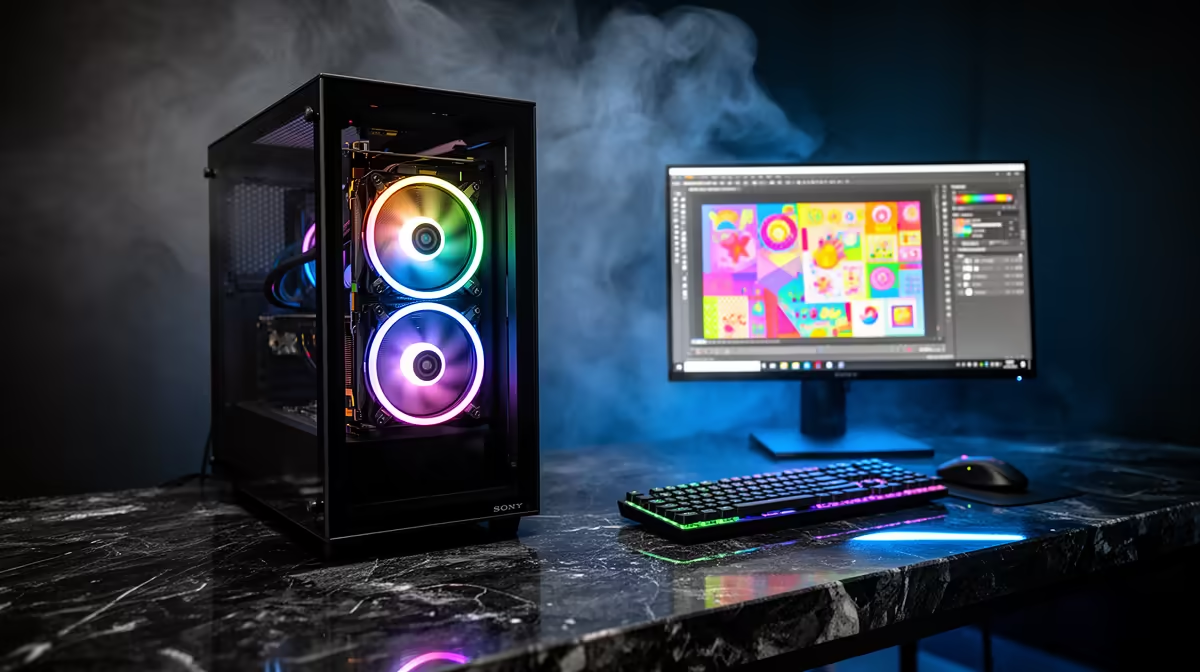
The ASUS ExpertBook P1503 at R9,858 gives a child a capable i5-13420H laptop with 8GB, 512GB and Windows 11 Pro without dedicating a creator tower to basic learning. A kids learning computer should prioritise school compatibility, separate accounts and a comfortable desk before editing performance.
Choose for lessons and family control
The ASUS ExpertBook P1503 at R9,858 handles browser classrooms, documents and introductory creative apps. Create a child account and keep the administrator password with a parent.
The HP All-in-One 22-dg0001ni at R10,036 offers an i3-N300, 8GB, 512GB and 21.5-inch FHD display for a fixed shared corner. Its tidy footprint reduces loose equipment, though upgrades remain limited.
The Logitech H390 USB headset at R320 gives online lessons private audio and a close microphone. Set a safe volume and teach the child to hang it away from chair wheels.
Build for a South African family home
Place the screen at a suitable height, keep drinks off the desk and enable automatic file backups. Test school portals before the return window closes.
A weekly parent check can clear unsafe downloads and confirm that assignments reach the correct folder without reading private school messages unnecessarily.
Anchor the monitor and hide admin credentials before inviting unsupervised browsing or downloads at the learning corner.
Creating a safe learning corner? > Share the school platform, desk space and age group with Evetech for suitable hardware.