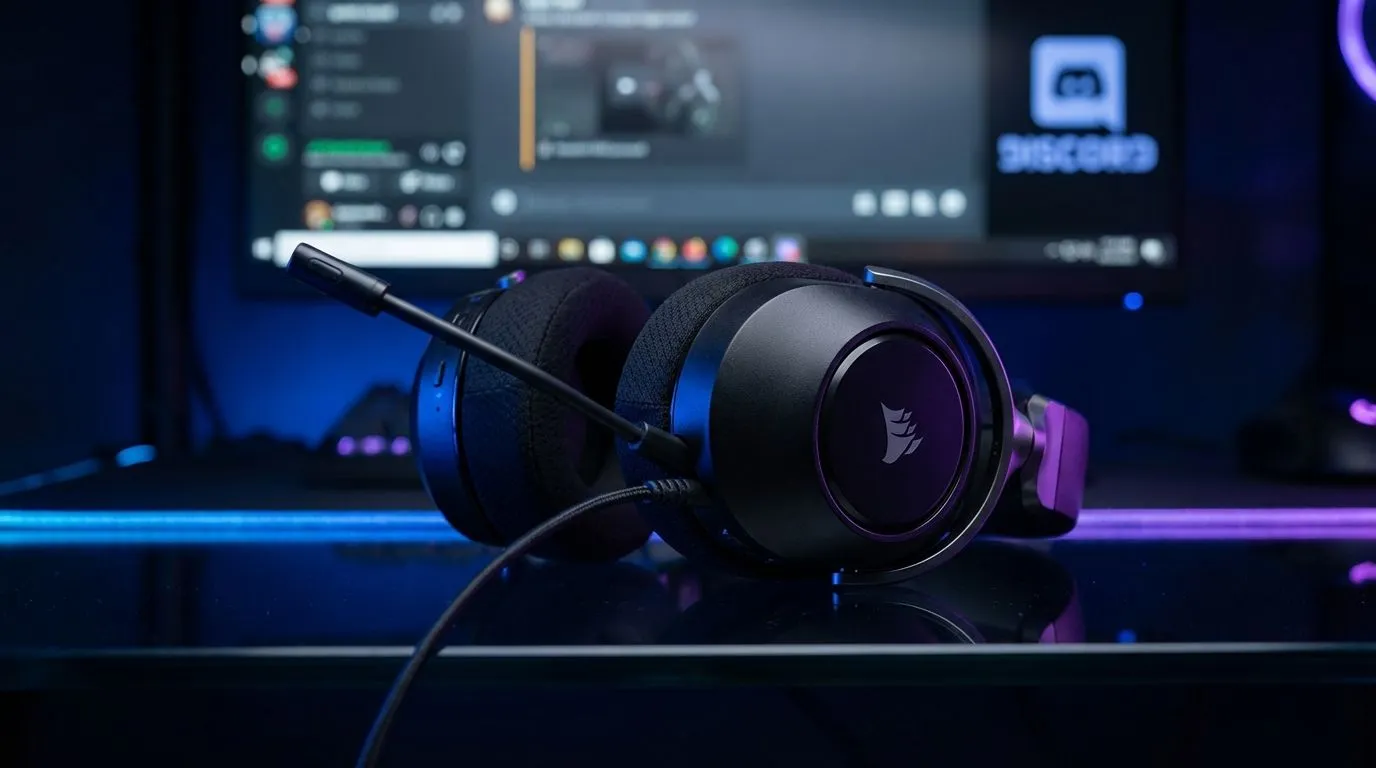
You’re in the middle of a clutch play in Apex Legends or a high-stakes meeting on Teams when the silence hits. Your Corsair HS65 mic is not working, and suddenly, you’re shouting into a void. It is one of the most frustrating hurdles for South African gamers... especially when you just want to get back to the action. Let’s troubleshoot the common causes and get you talking again. 🔧
Troubleshooting the Corsair HS65 Mic Not Working
The first step is always the simplest. The Corsair HS65 features a flip-to-mute microphone. Ensure the mic boom is fully pulled down into the active position. If it is slightly tilted up, the internal hardware switch might still be engaged.
Next, check your connection. If you are using the 3.5mm jack directly into your motherboard or laptop, ensure it is pushed in until you hear a solid click. If you are using the included USB 7.1 surround sound adapter, try switching to a different USB port. Avoid using front-panel USB ports on your PC case as they often lack the consistent power delivery required for audio processing.
Optimise Windows Privacy and Discord Settings
Windows updates can occasionally reset your privacy permissions without warning. If your Corsair HS65 mic is not working in specific apps like Discord or Teams, Windows might be blocking access.
Go to Settings > Privacy & Security > Microphone. Ensure that "Microphone access" is toggled on and that the specific apps you are using have permission to use the device. If you've tried these steps and still face issues, it might be worth looking at our comprehensive range of headphone headsets to see if a newer model fits your setup better. ⚡
Discord Audio Pro Tip ⚡
If your friends can see your green circle lighting up but can't hear you, navigate to Discord Settings > Voice & Video. Scroll down to 'Audio Subsystem' and change it from 'Standard' to 'Legacy'. This often resolves driver conflicts with Corsair USB adapters instantly.
Update Corsair iCUE and Firmware
The HS65 relies heavily on Corsair’s iCUE software for its surround sound features and microphone EQ. An outdated version of iCUE can cause the "Corsair HS65 mic not working" error due to driver mismatches.
Open iCUE and check for any pending firmware updates for your headset. If the mic is still silent, try uninstalling the device from the Windows Device Manager and letting Windows reinstall the generic drivers upon a reboot. For those who prefer a more plug-and-play experience without heavy software, many local gamers are exploring Razer headphones and headsets for their streamlined connectivity options.
When to Consider an Audio Upgrade
If you have tested the headset on a second device and the mic remains unresponsive, the internal wiring or the mute switch may have failed. Hardware wear and tear is common... especially during those intense South African gaming sessions.
If you are looking for a replacement that handles both gaming and mobile calls with ease, the Razer Barracuda X Chroma Wireless is an excellent choice. It offers a versatile wireless experience that eliminates the cable clutter that often leads to mic failure in the first place. 🚀
Ready to Upgrade Your Audio Experience?
Don't let a faulty mic ruin your win streak or your professional reputation. Whether you need a budget-friendly fix or a premium wireless powerhouse, we have the stock ready for you. Explore our massive range of headset specials and find the perfect gear to stay heard in every battle.