Quick Answer
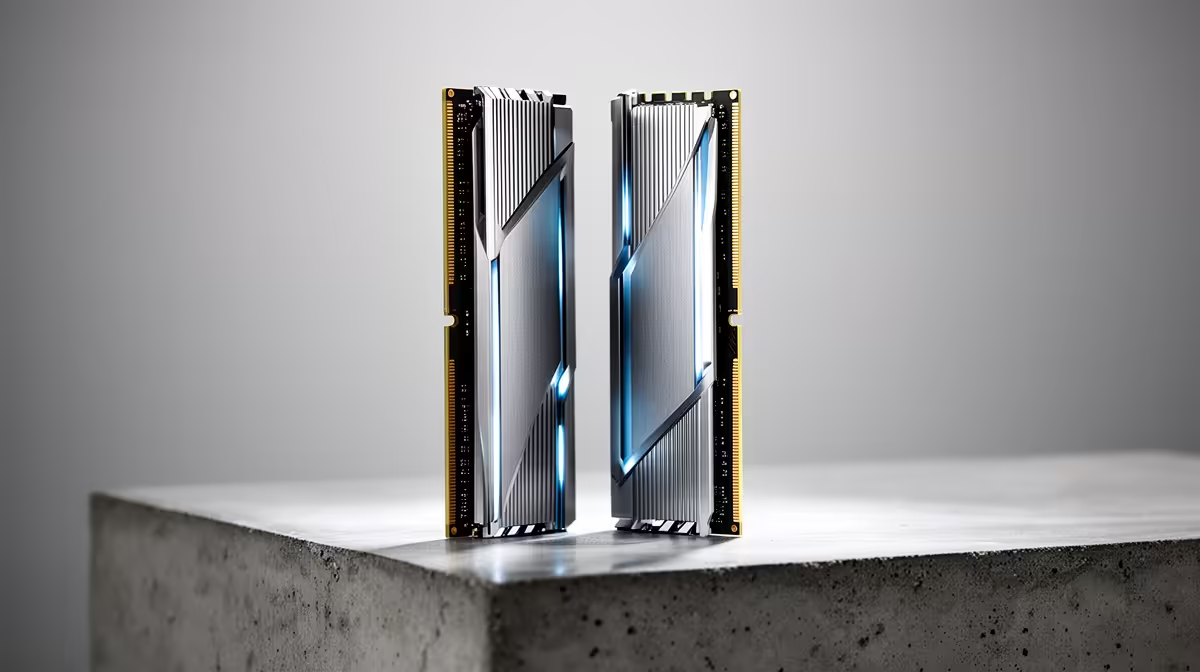
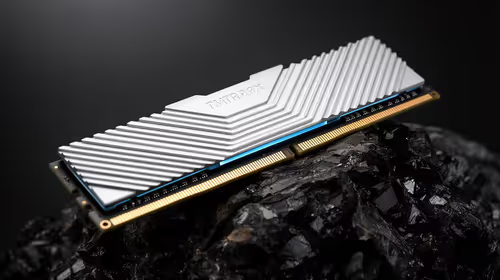
DDR4 RAM kits in SA are available from R1,200 (16GB DDR4-3200) to R3,500 (32GB DDR4-4000+) at Evetech. DDR4 remains the correct choice for AM4 (Ryzen 5000) and LGA1700 (12th/13th gen Intel) platforms — DDR5 is needed only for AM5 (Ryzen 7000) and LGA1700/1851 (13th/14th/15th gen Intel) newer platforms.
DDR4 RAM Buying Guide for SA
16GB DDR4-3200 (2x8GB): The minimum for gaming in 2025 — R1,200–R1,500 at Evetech. Handles all gaming titles and typical multitasking. Dual-channel configuration (2x8GB) is essential; a single 16GB stick runs single-channel and reduces performance by 10–15%.
32GB DDR4-3200 (2x16GB): Recommended for gaming + streaming, content creation, or running simulation titles — R2,000–R2,800. Microsoft Flight Simulator 2024 recommends 32GB; Cities Skylines II uses 24GB+ with mods.
DDR4-3600 vs DDR4-3200 for Ryzen 5000: AMD's Ryzen 5000 CPUs (5600X, 5800X, 5900X) respond well to faster DDR4 — DDR4-3600 improves game performance by 3–7% over DDR4-3200 on AM4 platforms. Budget R1,400–R2,000 for a 16GB DDR4-3600 kit; R2,400–R3,200 for 32GB DDR4-3600.
Latency (CL): What to target: CL16 at DDR4-3200 is standard. CL14 or CL16 at DDR4-3600 is the enthusiast sweet spot for Ryzen AM4 gaming builds.
FAQ
What DDR4 speed should I buy for a Ryzen 5 5600X build in SA?
DDR4-3600 CL16 or CL18 is the sweet spot for AMD Ryzen 5000 — it hits the Infinity Fabric 1:1 ratio at 1800MHz, providing the best balance of bandwidth and latency. A 16GB DDR4-3600 kit costs R1,400–R2,000 at Evetech and improves gaming performance by 3–7% versus DDR4-3200 on Ryzen 5000 platforms.
How much RAM do I need for a gaming PC in SA right now?
16GB DDR4 dual-channel is the minimum for smooth gaming in all current titles. 32GB is recommended for simultaneous streaming, content creation, or playing memory-hungry simulation games (Microsoft Flight Simulator, Cities Skylines II). 64GB is overkill for pure gaming.
Can I add DDR4 to an existing PC to upgrade from 8GB in SA?
Yes — if your existing PC has a free DIMM slot and matches the DDR4 speed of your installed stick. Confirm the existing RAM's speed (DDR4-2666, DDR4-3200, etc.) and buy a matching kit. Mismatched speeds run at the lower speed. Adding a second matching 8GB stick to create a 16GB dual-channel configuration is the most cost-effective SA upgrade at ~R600–R900 for a single 8GB DDR4-3200 stick.
enable XMP (Intel) or EXPO DOCP (AMD) after installing a new DDR4-3600 or faster kit — DDR4 kits default to 2133MHz out of the box without this setting, and you lose the speed you paid for. This is a one-click setting in the BIOS boot screen that instantly activates the rated speed.