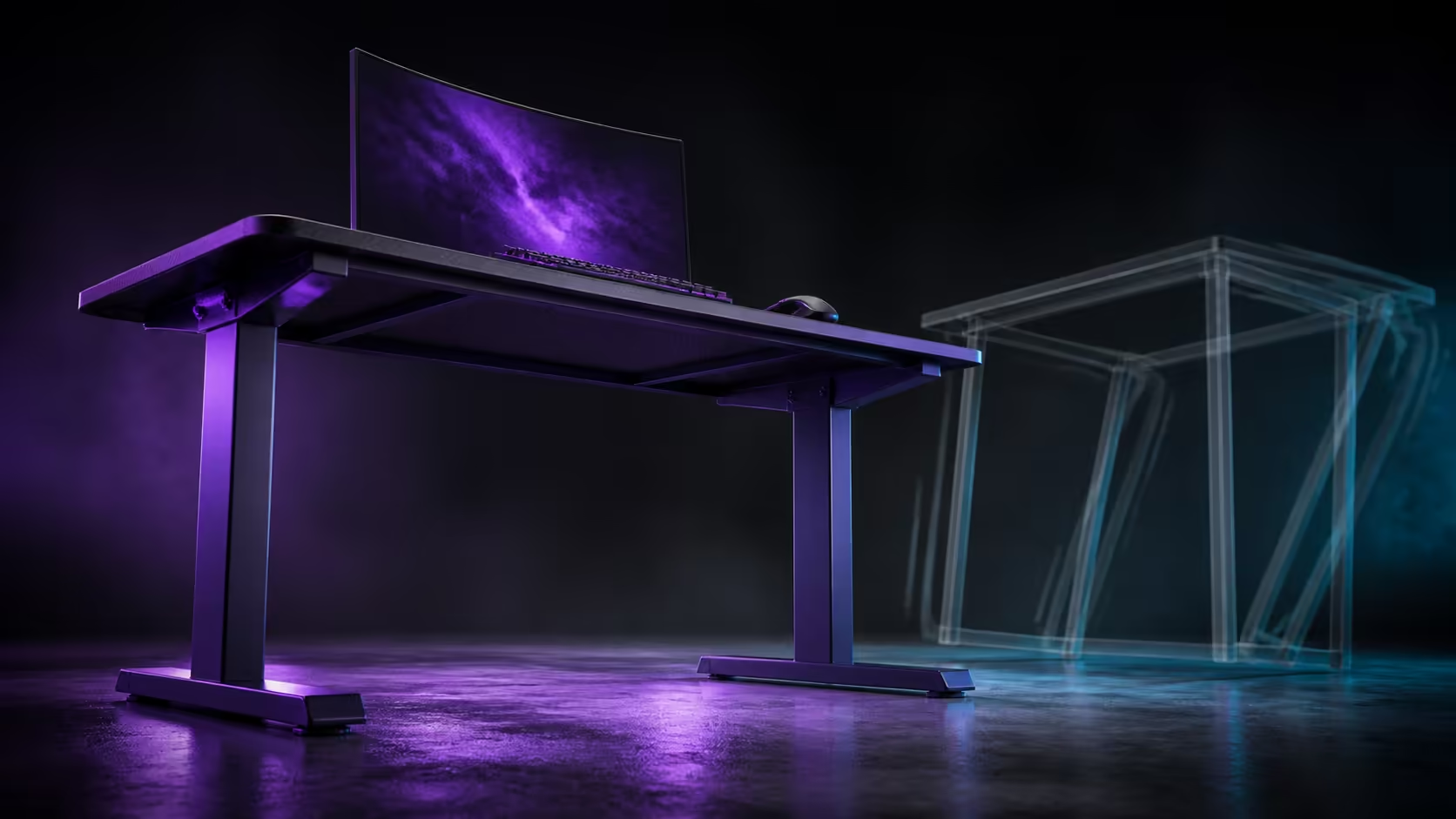
Steel legs provide a strong foundation, but intense play exposes the complete setup, from floor contact to monitor stand. Steel gaming desk legs and wobble prevention belong in the same conversation as assembly, load placement and cable tension. The R3,599 AROZZI Arena Medium uses sturdy steel legs.
Quick Answer
Sturdy steel legs can help a gaming desk remain planted, and the R3,599 Arena Medium includes them. They do not guarantee zero movement by themselves. Correct assembly, even contact with the final floor, balanced equipment and relaxed cable routes all matter. Diagnose wobble by watching where motion begins during typing and broad mouse movement.
🦶 Establish honest floor contact
Place the desk in its final room before judging it. Remove debris, cable loops and mat edges from beneath the intended contact points. Test each corner with light pressure while another person watches all feet. A soft floor may need time to settle under the complete equipment load.
See the purple AROZZI Arena Medium for the R3,599 steel-leg design. Assemble and adjust it only through its intended instructions, not improvised force.
Remove chair and body contact
Move the chair back and confirm that knees, casters and hanging cables do not touch the frame. A repeated bump can mimic structural movement. Retest after each false contact is removed.
🔧 Inspect the structure in sequence
Check orientation, joints, surface attachment and fastener security. Do not tighten everything at random: observe the symptom, inspect the relevant connection and repeat the same test. Excess force applied to the wrong place can hide the real cause rather than correct it.
Compare complete frames in Evetech's gaming desk range. Steel is one useful material fact; geometry, assembly and floor conditions decide how the finished desk behaves.
Listen for clicks or cable taps as well as watching movement. A rattling accessory needs a different response from a shifting joint.
⚖️ Load the surface deliberately
Begin with an empty top, restore the main monitor, then bring back the PC and secondary equipment in separate passes. Keep heavier equipment in sensible supported areas while preserving the central keyboard and mouse zone. A balanced setup is not necessarily visually symmetrical.
Use the Arozzi gaming setup selection for layout ideas, then translate each one into the actual stand bases and room. Type a familiar passage after every major load change so the comparison stays consistent.
Separate monitor shake from desk motion
Ask another person to watch the feet, desktop and display during the same test. A flexible monitor stand may amplify a small movement while the frame stays planted. Place a visual reference on the desktop to see whether it moves with the screen.
🧪 Reproduce intense play without abusing the desk
Perform normal fast mouse sweeps, keyboard inputs and controller movements. Note direction and action when movement starts. Do not use unrealistic impacts, because they reveal little about daily stability and can create a new problem.
Evetech's gaming setup category helps coordinate seating and peripherals. Make sure a tight mouse or display lead is not tugging equipment during the test; the Arena Medium's cutouts and net can support more relaxed routes.
Save a photograph of foot positions, cable slack and load placement after the setup passes. Recheck after a room move, equipment upgrade or first week on carpet. Steel legs provide the basis, while this repeatable process protects the finished result.
Check the difference between vibration and drift
A brief screen tremor after a firm key press is different from a desk that rocks or slowly changes position. Observe how quickly movement stops and whether any foot lifts. Describe the behaviour precisely before adjusting anything.
Remove lightweight decorations and test again. An object sliding on the microfiber can create noise that exaggerates a small vibration. Return accessories one at a time only after the desk and essential equipment are understood.
The final test should use ordinary force for several minutes. Stability matters through repeated real inputs, not one dramatic push that no normal session would apply.
Frequently Asked Questions
Do steel legs automatically remove all desk wobble?
No. Assembly, frame design, floor contact, equipment and cables also influence movement.
What is the first stability check?
Confirm that every intended foot contacts the final floor without debris or cables beneath it.
Can a monitor move while the desk remains stable?
Yes. A stand or arm can amplify small forces, so watch the display and desktop separately.
Why should equipment be added in stages?
Staged loading reveals whether one placement introduces the symptom and keeps diagnosis focused.
What stability feature does the Arena Medium have?
The R3,599 purple model uses sturdy steel legs.
Ready to judge stability through a repeatable session instead of one hard shove?
Choose the Arena Medium from Evetech, establish clean floor contact, and let each staged load prove where movement does or does not begin.