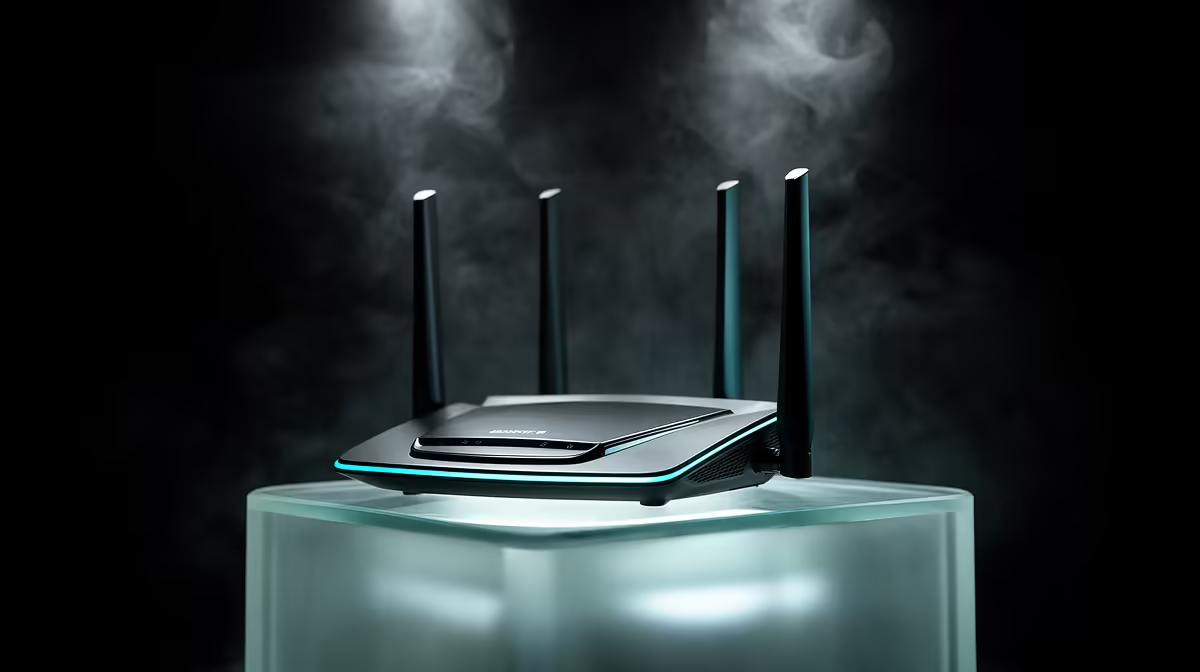
A traditional Wi-Fi extender can add delay because it receives and retransmits traffic over shared radio airtime. The size of the hit varies, but gamers have stronger options: Ethernet, a wired access point, or mesh with a good backhaul.
Quick Answer
Use Ethernet for a fixed gaming device when you can. If the distant room needs Wi-Fi, run cable to an access point. A mesh system with wired backhaul gives broader managed coverage; a strong dedicated wireless backhaul is the next choice.
Compare networking options for dead zones by their backhaul design, then check best-selling accessories for the practical pieces around the desk.
Why an Extender Can Feel Slow
A single-radio repeater listens to the main router and then sends the frame again. Both steps consume airtime, and interference can force retries. Throughput may fall while jitter rises.
The extender's position matters. Put it in a dead zone and it receives a weak source signal. It can show a strong local network name while relaying through a poor upstream link.
Better Ways to Reach the Room
A wired access point creates a fresh Wi-Fi cell with Ethernet back to the router. It is a strong choice for a study, flatlet or second floor. Use coordinated names and security where the equipment supports managed roaming.
Mesh systems manage nodes as one network. Wired backhaul removes the wireless relay from the path. Wireless mesh can work well when each node has a clean link and avoids a chain of several hops.
A cable from the gaming PC to a wireless mesh satellite removes only the client radio hop. The satellite backhaul still matters, so test latency under load.
Test Before and After
Measure ping to the router, an internet destination and your game over Ethernet at the main unit. Repeat from the distant room. Watch jitter and loss while another device uses Wi-Fi.
Move the extender or node closer to the main router and retest. If the upstream link improves, placement was the fault. If every option struggles through the same concrete wall, plan a wired route around it.
Keep Network Names Understandable
An extender may create a second network name or copy the first one. Give it a clear identity during testing so you know which radio the gaming device has joined. After the layout works, use the roaming and naming approach supported by the equipment. Forget old saved networks that pull the device back to a weaker path.
FAQ
Is every extender bad for gaming?
No. A clean modern link can be usable, but shared wireless relaying adds another variable. Measure it against Ethernet and mesh alternatives.
Can powerline networking replace Ethernet?
It depends on the electrical circuits and noise in the building. Test a matched kit on the actual sockets; performance can change when appliances switch on.
Where should a mesh node go?
Place it between the main router and weak area where it still receives a strong backhaul signal. The centre of the dead zone is too late.
Measure the relay hop, then choose a wired access point or mesh path that brings stable coverage to your gaming room.