Quick Answer
Yes for productivity - a 34-inch 3440x1440 ultrawide replaces a dual-monitor setup with no bezel down the middle, a real win for spreadsheets, timelines, and code. You get about 33% more horizontal workspace than a standard 16:9 1440p screen. The exception is heavy multi-app work where two separate screens let you fullscreen each app independently.
Why an ultrawide helps productivity
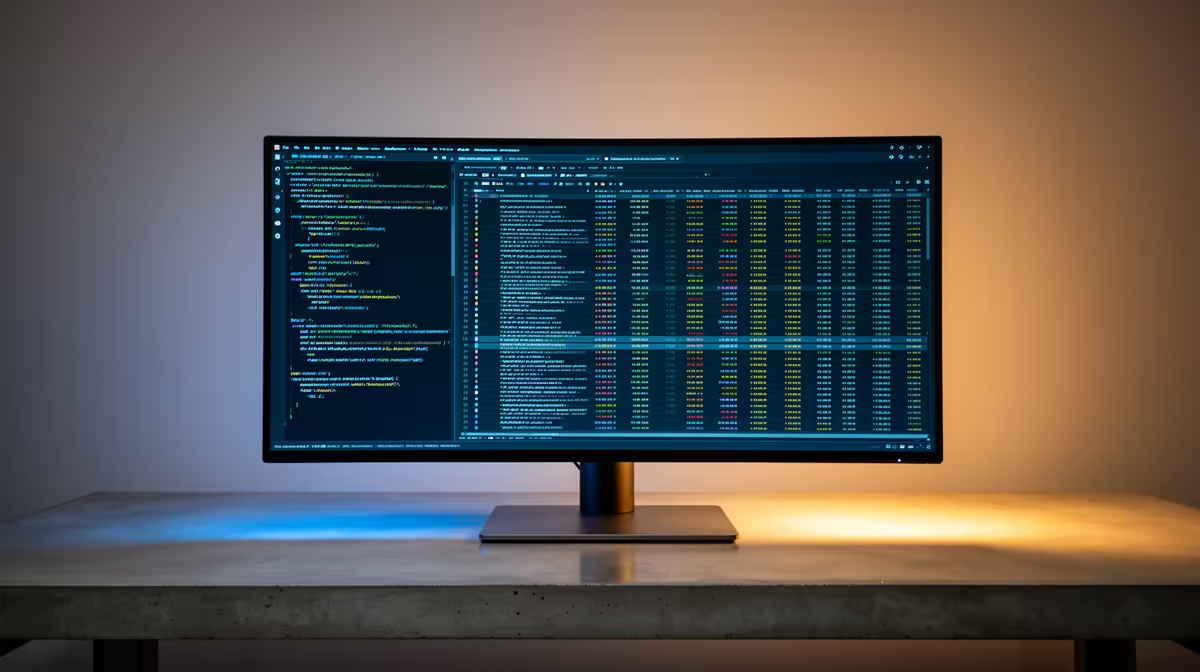
A 3440x1440 ultrawide shows wide spreadsheets, video timelines, and multiple code panes side by side without a center bezel breaking your focus. Window-snapping splits it into two or three tidy zones, so it behaves like a multi-monitor setup that happens to be seamless. For writing, finance, and creative timelines, the extra width earns its keep every minute.
Ultrawide versus dual monitors in SA
A 34-inch 3440x1440 ultrawide is stocked at Evetech from roughly R7,000 to R12,000. Two 27-inch 1440p panels cost a similar total but give you independent fullscreen apps and easy rotation. Choose ultrawide for seamless wide work; choose dual for hard app separation. Most SA gamers building around this can size the rest of the setup to match without overspending.
FAQ
Is an ultrawide better than two monitors for work?
It depends on your workflow. Ultrawide is seamless for wide documents and timelines; dual monitors win when you want each app fullscreen on its own panel. Both cost similar in SA.
What resolution should a productivity ultrawide be?
Aim for 3440x1440 on a 34-inch panel - it gives sharp text and about 33% more width than 16:9 1440p. 1080p ultrawides look stretched and soft for text work.
How much does an ultrawide cost in South Africa?
34-inch 3440x1440 ultrawides are stocked at Evetech from around R7,000 to R12,000. Make sure your GPU can drive the extra pixels if you also game on it.
target a 34-inch 3440x1440 panel and learn the window-snap shortcuts (Win plus arrow keys). That turns one ultrawide into the tidy multi-zone layout a dual setup gives you.