This guide breaks down what actually matters when you buy for console gamers moving to pc buying pc, with SA pricing and concrete specs so you spend on the right thing rather than the loudest spec sheet.
Quick Answer
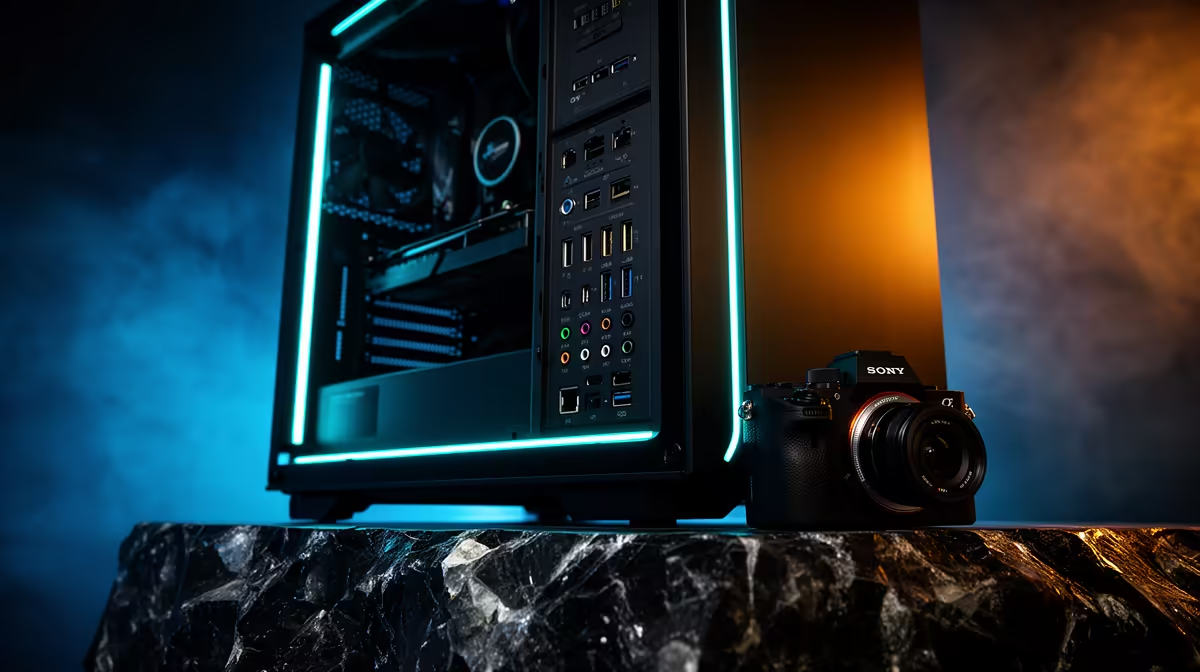
Yes, front panel ports matter when you move from console to PC because that is where your headset, controller and fast USB drives plug in daily. Insist on at least one front USB-C port and two USB-A ports, and confirm the case panel actually connects to the motherboard header on builds from roughly R16,000.
Match The Build To Your Monitor First
The screen you already own decides the GPU. A 1080p 144Hz panel pairs well with a mid-tier card that holds 100-144 fps, while a 1440p 165Hz display needs an RTX-class GPU to stay above 90 fps in dense scenes. A 4K panel roughly doubles the GPU demand, so do not pair a 4K screen with a budget card.
Storage and memory matter too. A 1TB NVMe SSD (around R900) keeps load times short, and 16GB of RAM is the floor with 32GB sensible for streaming or multitasking. Confirm the PSU is an 80 Plus unit with at least 100W of headroom over the GPU's rating.
Confirm Real Upgrade Room
A clean build leaves a spare RAM slot, a free M.2 slot and a PSU that can take a bigger GPU later. Check the case fits cards up to roughly 330mm and that front airflow is not choked. For SA buyers, a verifiable part list with named brands beats a vague spec sheet every time.
Front connectivity is part of compatibility: at least two front USB-A ports and one USB-C make a real difference for headsets, controllers and fast drives once the PC is under your desk.
FAQ
How much should I budget for a PC build in South Africa?
A solid PC build starts at around R16,000 at Evetech, with mid-range and premium tiers above that. Decide your real use first, then buy the lowest tier that comfortably covers it rather than overspending on features you will not use.
Is 16GB of RAM enough or should I get 32GB?
16GB is the comfortable floor for 1080p gaming, while 32GB makes sense if you stream, edit or keep many tabs and apps open. Most builds leave a free slot so you can add a matching stick later without replacing what you have.
What power supply wattage should I look for?
Choose an 80 Plus rated PSU with at least 100W of headroom over your GPU's rating, typically a 650W to 850W unit for mid-range builds. The extra headroom keeps the supply efficient and leaves room for a future GPU upgrade.
space and check the key spec against your existing gear first; it is cheaper to buy the right model once than to return a mismatched one.