Quick Answer
No, RTX 5090 is overkill for most couch co-op games unless the PC is also a 4K living-room machine for demanding single-player titles. Keep it on the shortlist only when a large 4K 120Hz TV and heavier games are part of the same setup. Treat the R55,000 to R75,000 band as a cautious local guide, not a live price promise.
Where the card actually helps
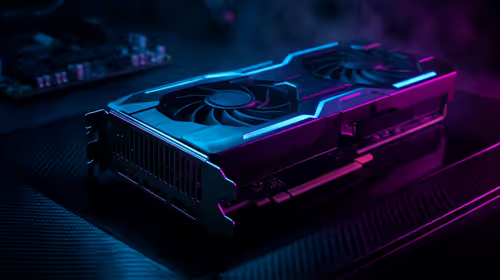
Most couch co-op titles are comfortable at 60 fps to 120 fps, so the visual win comes from quiet cooling and 4K headroom rather than raw esports speed. Spend attention on HDMI output, controller range, acoustics, and a clean lounge layout. A named build target such as RTX 5090, Ryzen 7 9800X3D, 32GB DDR5-6000, and a quality 850W to 1000W power supply is a clearer benchmark than a vague premium build.
What to check in Kimberley
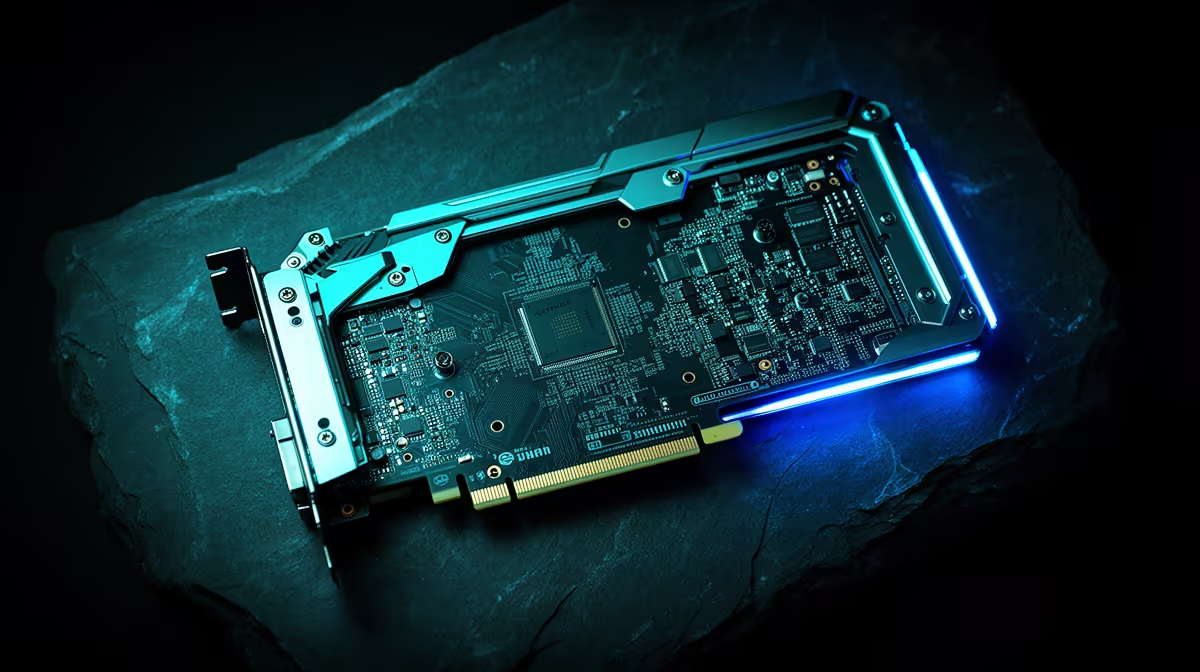
For Kimberley buyers, dry heat and dust make cooling, cable clearance, and monitor quality more important than a spec list alone. Measure the case before checkout: many premium cards need around 320mm to 360mm of GPU clearance and three open expansion slots. Also confirm the monitor target, because a 1080p 144Hz screen will hide much of what this GPU tier can do.
Better and weaker fit signals
Keep RTX 5090 on the shortlist when you play several demanding games, want ray tracing, or plan to keep the PC for years. Drop down a tier when the main goal is 1080p esports, basic co-op, or older titles that already run well. If the current PC has 16GB RAM, an older 6-core CPU, or weak airflow, those limits can show up before the GPU reaches full value.
FAQ
Is RTX 5090 too much for couch co-op gaming?
For couch co-op gaming, it is too much when the screen is 1080p or the games are light. It becomes sensible when the same PC also handles 1440p high refresh, 4K, streaming, or heavier single-player games.
What CPU should SA buyers pair with it?
Use a modern Ryzen 7 X3D-class chip or a strong Core i7-class CPU with 32GB DDR5. That pairing protects the minimum frame rate in busy scenes better than spending the full budget on the GPU alone.
Should I wait for exact live pricing?
Yes, check the current Evetech listing before deciding because GPU prices move quickly. Use the R55,000 to R75,000 band only as a planning range and compare the final model against your monitor and case clearance.
Buying check
Before buying RTX 5090, write down your monitor resolution, refresh rate, PSU wattage, and GPU clearance. If one of those four checks is weak, fix it before paying for this tier.