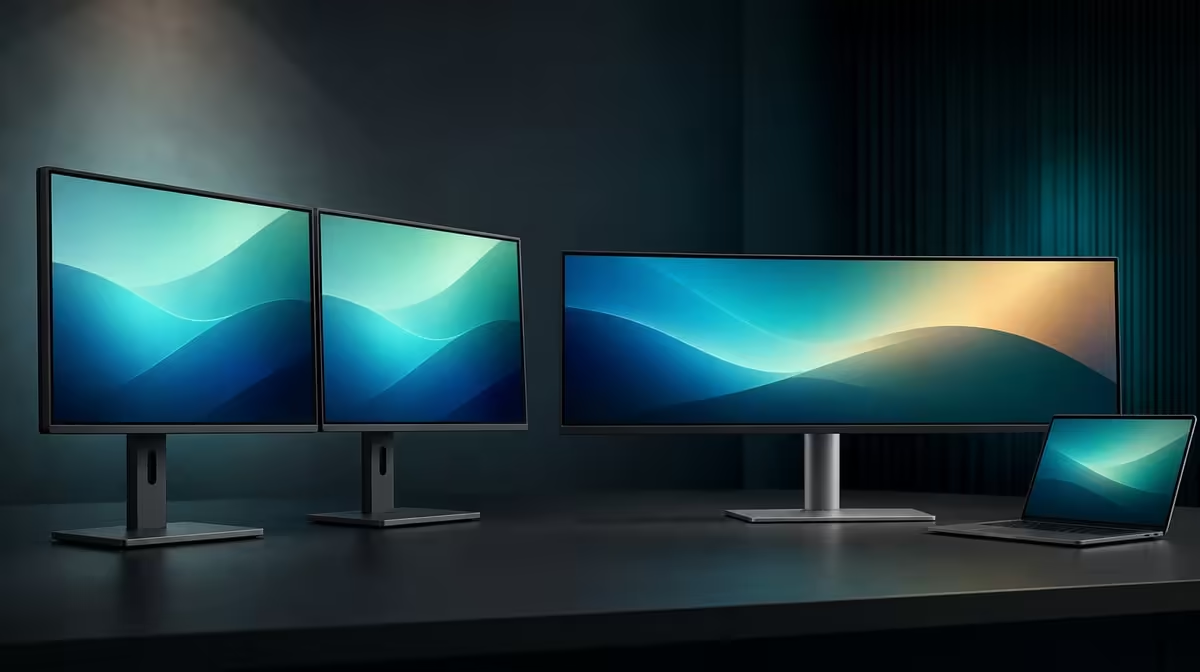
Two screens draw borders around tasks, while an ultrawide removes the centre break. Dual 23.8-inch monitors versus one ultrawide is therefore a choice between flexible zones and one continuous canvas, with the laptop and desk determining which arrangement feels natural.
Quick Answer
Choose the R6,899 UPERFECT Delta Mega when two separate Full HD work areas, vertical stacking and 360-degree folding suit the laptop workflow. Choose an ultrawide when uninterrupted horizontal space matters more. The Delta Mega's 100Hz advantage is smoother compatible motion, not seamless width.
🪟 Separate panels create task zones
Two 23.8-inch screens let the user keep a primary document on one panel and references, communication or a preview on the other. Window snapping follows a clear physical boundary.
The Delta Mega can sit side by side or fold into a vertical stack. That changes the direction of head movement and can reduce required desk width.
The laptop remains the source companion and can act as a third display when useful. Map all active screens so the cursor crosses the edges that physically touch.
Compare folding options through Evetech's portable monitor selection.
↔️ An ultrawide removes the centre divide
One wide panel can suit timelines, broad spreadsheets and windows that benefit from continuous horizontal space. There is no bezel break between two task areas.
Its stand, curve, resolution and native dimensions still need a desk test. Do not assume every ultrawide has the same pixel density or usable height as two Full HD panels.
A single panel can also simplify the software map. The trade-off is less physical separation and no independent folding or sharing angle.
📐 Compare movement and desk fit
Place the laptop keyboard at the centre of the work. Test the Delta Mega horizontally, then stack it and assign the same two applications.
Record side-to-side head turns, upward glances and window movement. A vertical stack may reduce horizontal travel but make the upper task less comfortable.
For an ultrawide comparison, use the same applications at readable scaling. Judge whether the continuous canvas removes friction or creates long mouse travel.
Evetech's PC monitor category can frame fixed wide-screen alternatives.
🖱️ Include motion, sharing and audio
Enable 100Hz on both Delta Mega panels only through a supported Type-C or HDMI laptop route. Test scrolling and cursor motion; refresh rate does not add document detail.
Turn one panel towards another person and choose duplicate or extended mode. That independent sharing angle is difficult to reproduce with a single ultrawide.
The built-in speakers can simplify casual playback. Test the laptop's audio selection rather than assuming sound follows every display change automatically.
At R6,899, the better choice is the one that passes the real application, desk and sightline test. Check Evetech's monitor best sellers with that result.
Create a workload table with rows for wide timelines, paired documents, communication, previewing and screen sharing. Score whether each task benefits from one continuous area or two independent zones.
Test full-screen media as well. An ultrawide may present one uninterrupted image, while the Delta Mega can keep media on one panel and another task on the second.
Include software behaviour after disconnecting the dual display. Move essential windows back to the laptop and make sure no application remains beyond the visible desktop.
Review the result after a week. A layout used every day deserves more weight than an impressive arrangement built only for the comparison.
The final decision should name the winning tasks, not declare that every two-panel or ultrawide workspace behaves the same.
Add the laptop source route to that decision. A display format that cannot expose the needed resolution and refresh through the available computer should leave the shortlist before visual preference decides.
Save the final window layout and restore it after a restart.
Frequently Asked Questions
Why do separate 23.8-inch panels help multitasking?
They provide two physical zones that can keep different applications visible.
Why can one ultrawide suit continuous work?
It offers a single uninterrupted canvas for wide timelines, spreadsheets or windows.
How does desk layout differ?
The Delta Mega can stack or fold, while an ultrawide uses one fixed panel footprint and stand.
Which option reduces side-to-side movement?
A vertical Delta Mega stack can reduce horizontal movement, but upper-screen height still needs testing.
What motion feature distinguishes the Delta Mega?
Both Full HD panels support 100Hz through a compatible laptop connection.
Does Full HD deliver the same density as every ultrawide?
No. Resolution, size and pixel density vary by model.
Which choice is better for sharing a screen?
The Delta Mega can turn one panel towards another viewer while the user retains the second.
Ready to compare task borders with one continuous canvas?
Explore Evetech's monitor range and run the same laptop workflow across a folded Delta Mega and the ultrawide layout under consideration.