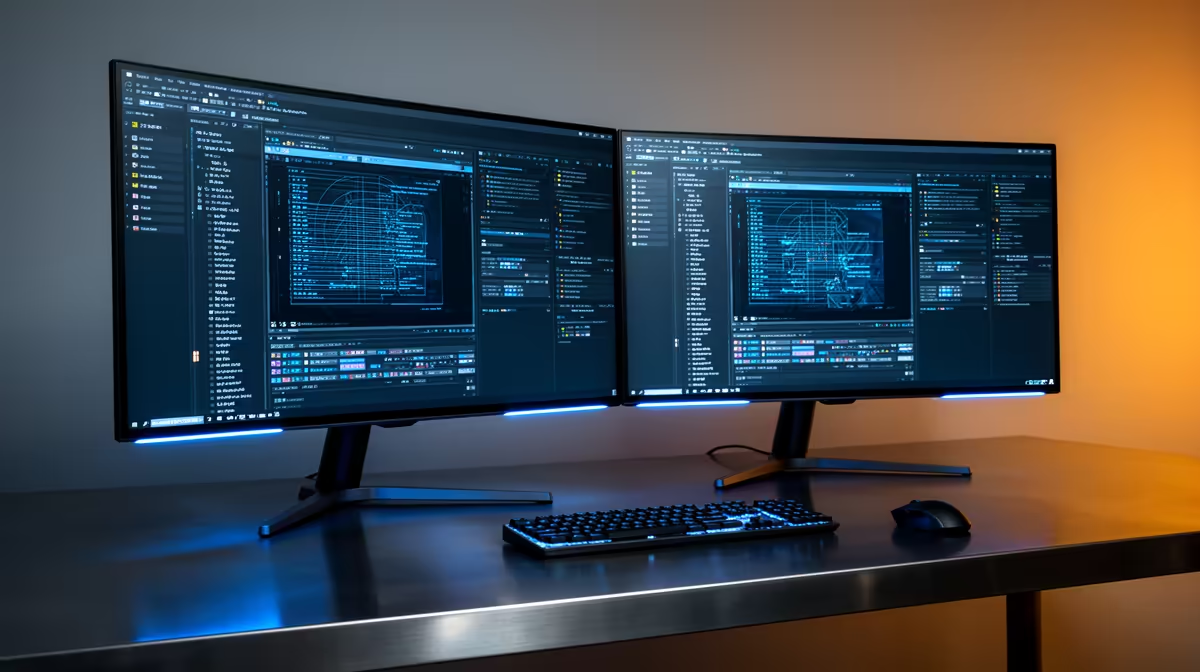
The Dell SE2726H 27in FHD 144Hz at R1,797 is the clearest first pick for a church media volunteer who wants sermon slides, livestream controls, and chat moderation visible without constantly switching windows. A second monitor is worth buying when the service team handles more than one task at a time, especially when one screen can stay on the stream preview while the other carries notes, lyrics, or admin.
When a second screen pays off
For a simple two-screen desk, the Dell SE2426H 23.8in FHD at R1,532 makes sense as the support display. Its 23.8in FHD panel is enough for scripture text, running orders, WhatsApp updates from volunteers, or a browser-based control panel beside the main production view.
If the church wants a bigger second screen without stretching the budget, the Dahua LM27 100Hz at R1,500 is strong value. The 27in class size gives a media table more breathing room, while the 100Hz spec keeps cursor movement and window dragging feeling smoother during setup and rehearsal.
The MSI PRO MP275W at R1,850 is the cleaner choice when the screen will sit in a visible office, reception, or admin corner after Sunday. It works well as a dedicated planning display for service notes, sermon documents, and scheduling tabs while the main PC stays focused on media prep.
Church media table reality
A dual-monitor setup is most useful when the operator is seated at a church media table with limited time between songs, announcements, and the message. Put the Dell SE2726H 27in FHD 144Hz at R1,797 in front as the main working screen, then use the Dell SE2426H 23.8in FHD at R1,532 to hold references that should not cover the live controls.
Ready to choose the right monitor?
Use Dell SE2726H 27in FHD 144Hz at R1,797 as the church media table benchmark, then check whether its listed spec matches the space, workload, and upgrade path.