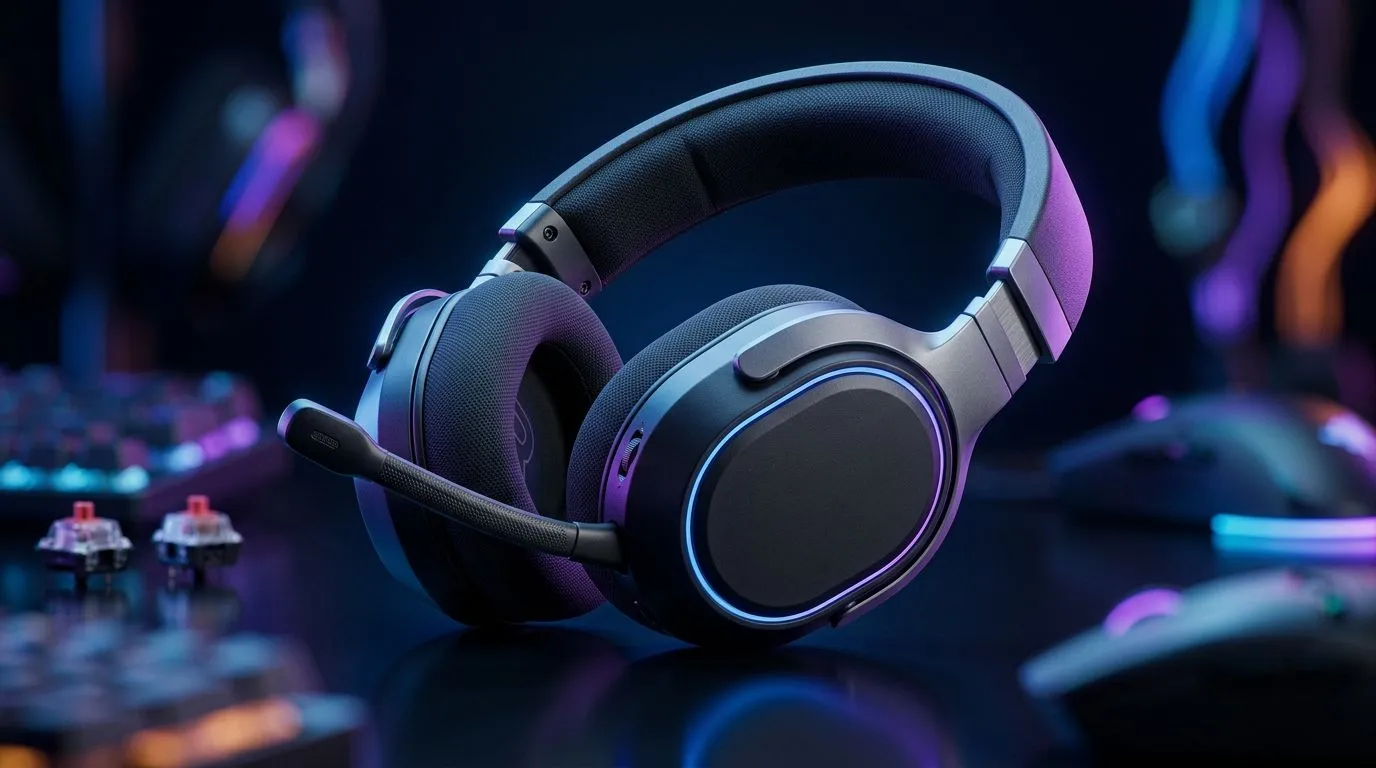
Dual Wireless Gaming Headset Setup (2.4GHz + Bluetooth 5.2)
South African gamers, want lag-free chat and phone calls at once? Pairing a 2.4GHz dongle for low-latency game audio and Bluetooth 5.2 for mobile voice or music keeps you competitive and connected. This quick guide shows setup steps, practical tips and local buying options in ZAR. 🔧
Dual Wireless Gaming Headset Setup benefits
A dual connection gives ultra-low latency for competitive shooters and Bluetooth convenience for Discord or calls. If you like the simplicity of a wired fallback, check wired headset options and pricing on Evetech. https://www.evetech.co.za/buy-wired-headset/x/1577.aspx
Setup: pairing 2.4GHz dongle and Bluetooth 5.2
Charge both devices. Plug the 2.4GHz USB dongle into your PC or console and power the headset; many models enter pairing automatically. Enable Bluetooth pairing on your phone or PC and connect. Pair one source at a time to avoid confusion and test for audio routing. If you see dropouts, move the dongle away from USB 3.0 ports and Wi‑Fi routers. For PlayStation compatible models, browse options here. https://www.evetech.co.za/buy-playstation-headsets/x/1575.aspx
Wireless Tip ⚡
To reduce interference, disable unused Bluetooth devices nearby and use a short USB extension to lift the 2.4GHz dongle away from congested ports. This often stabilises audio and lowers packet loss.
Practical audio routing and mic setup
On PC, set the 2.4GHz device as default output for games and Bluetooth for chat, or use app-level routing. Consoles usually favour the dongle for game chat automatically. Test mic levels in Windows Sound Settings or console audio menus. If latency continues, consider a headset with a game/chat mix dial. For Xbox options, check the Evetech Xbox headset range. https://www.evetech.co.za/buy-xbox-headsets/x/1576.aspx
Battery, range and real-world tips
Bluetooth 5.2 improves stability and efficiency, while 2.4GHz typically handles lower audio latency. Charge before long sessions; many product pages list runtime estimates and warranty details in ZAR. Compare deals and runtimes on Evetech specials. https://www.evetech.co.za/best-gaming-headset-deals/x/053.aspx ✨
Final setup checks and accessories
Bring a short USB extension and spare cables to avoid losing sessions to dead battery or blocked ports. If you need replacement pads, mics or parts, Evetech stocks headset components locally for faster delivery across South Africa. https://www.evetech.co.za/components/headphone-headsets-100.aspx
Dual Wireless Gaming Headset Setup: quick checklist
Quick run‑through before you play: charge headset fully, update firmware, place the dongle on an extension, pair Bluetooth second, set audio routing, test mic in-game, and stash a spare cable. If you want absolute minimum latency, disable phone notifications while gaming and choose a headset with a dedicated low-latency mode. In Johannesburg apartments, expect more 2.4GHz congestion, so a lifted dongle helps. If battery life matters, compare ZAR prices per hour of runtime to decide. Local warranty and delivery speed can be deciding factors. Ask Evetech support for compatibility confirmations. Happy gaming, stay connected.
Ready to Find Your Perfect Match?
The Mac vs Windows debate is complex, but for maximum power, choice, and value in South Africa, Windows is hard to beat. Explore our massive range of laptop specials and find the perfect machine to conquer your world.