


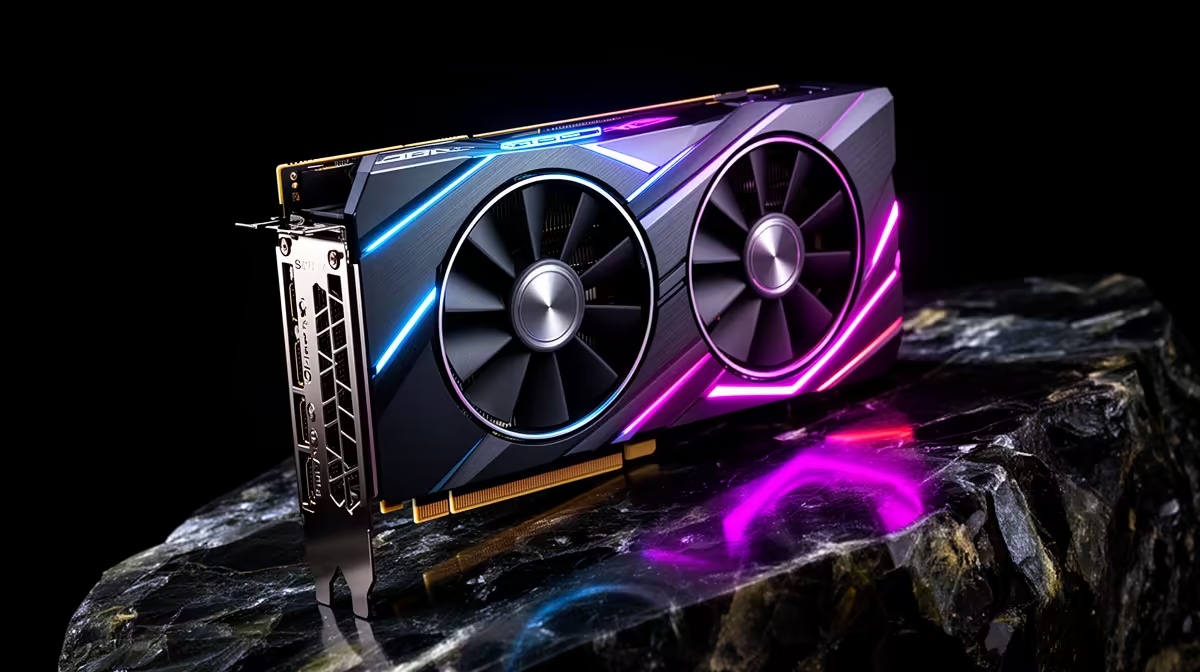
A RTX 5080 SUPER has the horsepower for Expedition 33 at any resolution; this brief sets realistic SA frame-rate expectations across 1080p, 1440p and 4K.
Quick Answer
A RTX 5080 SUPER pushes Expedition 33 to roughly 145 fps at 1440p and near 90 fps at 4K with DLSS on. At 1080p the card is overkill, clearing 146 fps, so 1440p 144Hz is the natural home.
Monitor Pairing for the RTX 5080 SUPER
There is no point in a RTX 5080 SUPER feeding a 60Hz panel. Pair it with a 1440p 144Hz to 240Hz monitor, or a 4K 144Hz screen if you favour fidelity. The display is where you actually feel the 145+ fps this card produces in Expedition 33.
Frame Rates by Resolution
At 1080p the RTX 5080 SUPER is CPU-bound in Expedition 33, clearing roughly 146 fps. At 1440p you get about 145 fps with room for ray tracing, and 4K settles near 90 fps with upscaling on. The card is built for 1440p high refresh and up.
Settings and Upscaling Notes
In Expedition 33, DLSS Quality or FSR Quality lifts frame rates with minimal visible loss, especially at 4K. Ray tracing is comfortably on the table at 1440p on a RTX 5080 SUPER; turn frame generation on if your monitor's refresh can use the extra frames.
What This Means for Your Wallet
Local pricing rewards patience and clear priorities, so resist the urge to chase the most impressive number on the box. A balanced setup that matches your resolution and use case will outlast and outperform a lopsided one every time. Decide what matters most to you, then let that lead the budget.
FAQ
Is a RTX 5080 SUPER overkill for Expedition 33 at 1080p?
At 1080p the card clears roughly 146 fps and is largely CPU-limited. You will see its real value at 1440p and 4K, so match it to a higher-resolution panel.
What monitor suits a RTX 5080 SUPER for Expedition 33?
A 1440p 144Hz to 240Hz panel is the sweet spot, or a 4K 144Hz screen for fidelity. A 60Hz display wastes most of the card's output.
Should I turn on ray tracing in Expedition 33?
Yes, a RTX 5080 SUPER handles ray tracing well at 1440p in Expedition 33. Pair it with DLSS or FSR Quality to keep frame times smooth.
Buyer Note
Match the GPU to your monitor first. A 144Hz panel rewards a stronger card, while a 75Hz screen frees budget for a faster SSD or more RAM.









