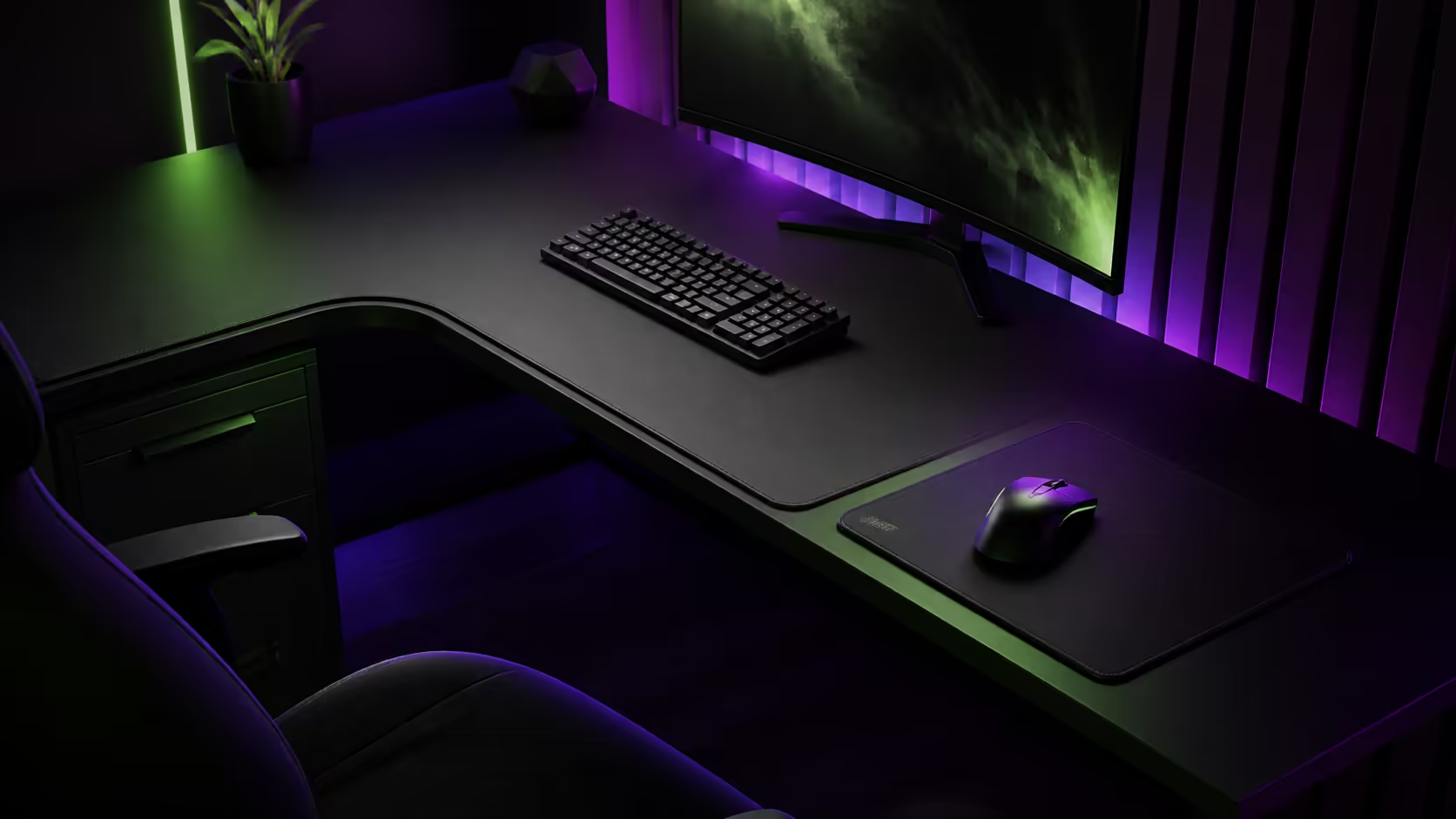
Surface coverage changes more than appearance: it affects keyboard grip, mouse travel, cleaning time and how easily the layout can be rearranged. Full-surface deskpads vs standard mouse mats is a choice between one shared fabric zone and a smaller dedicated tracking area. The Evetech category covers approximately R2,499 through R8,499.
Quick Answer
Across Evetech's gaming-desk category, prices run from roughly R2,499 to R8,499. Choose a full-surface pad for broad mouse travel, unified grip and protection across the main work area. Choose a standard mat for easy removal, focused tracking and simpler washing or replacement.
🖱️ Compare the usable tracking area
A full deskpad can support low-sensitivity sweeps without the mouse crossing a stitched edge. It also lets the keyboard and wrist area share the same feel. The pad must lie flat across the complete working surface or ripples can affect tracking.
A standard mat creates a clear mouse zone and can move independently when posture changes. Browse Evetech's gaming desk category to compare desk dimensions before selecting either coverage style.
⌨️ Judge keyboard and accessory grip
Large fabric coverage can stop a keyboard from sliding and soften contact with small accessories. It may also make repositioning heavy equipment harder because every item sits on the same material.
A smaller mat leaves the desk finish exposed for the keyboard, monitor stand and audio controls. Test feet and surfaces directly rather than assuming fabric always provides more grip.
🧹 Plan maintenance effort
A standard mat is quick to lift, shake and air-dry away from electronics. A full-surface pad requires the keyboard, mouse and other equipment to be removed before cleaning, and both the top plus underside must dry completely.
Evetech's Arozzi gaming setup page can inspire broader surface layouts. Keep food and drinks away from power and cable openings with either choice.
📐 Fit the pad to the real desk
Measure width, depth, cutouts, curved edges and monitor-stand contact points. A pad that overlaps a grommet or hangs over the front can interfere with cable routing and arm comfort. A standard mat should still leave enough room for the chosen sensitivity.
Use Evetech's gaming setup category when coordinating the surface with peripherals and seating. Test complete mouse travel, keyboard movement and cleaning access.
After a week, inspect high-friction areas, curled edges and unused coverage. The better surface is the one that remains flat, easy to maintain and large enough for real movement without taking over serviceable desk space.
Test movement with the complete equipment load
Place the keyboard, wrist support, microphone controls and other desk tools in their normal positions. Sweep the mouse through gaming and work actions, then shift the keyboard for typing. A full pad has value when these movements stay smooth without forcing equipment onto cutouts or curled edges.
Repeat with a standard mat positioned for the same posture. Note whether its boundary interrupts low-sensitivity travel and whether moving it creates more flexibility for another user.
Compare replacement and downtime
A worn standard mat can be removed while the rest of the desk remains operational. Replacing a full-surface pad may require disconnecting and lifting much of the setup. Include that maintenance time in the decision, especially on a cable-dense multi-monitor desk.
Keep a temporary clean surface available during full-pad drying. Electronics must not return while the top, backing or desk underneath remains damp.
Check comfort beyond mouse tracking
Rest the forearms naturally and note any stitched edge pressure. A full pad can soften a broad contact zone, while a small mat leaves the front desk edge unchanged. Desk height and posture still determine whether that edge is comfortable.
Review the chosen surface monthly for debris, backing movement and fibre wear. Consistent maintenance has more effect on long-term feel than the original coverage label alone.
Frequently Asked Questions
Which pad suits low-sensitivity gaming?
A full-surface option can provide more uninterrupted travel when it lies flat and fits the desk correctly.
Which is easier to clean?
A standard mouse mat is generally easier to remove and dry away from equipment.
Can a deskpad stabilise the keyboard?
It can add grip beneath the keyboard, depending on the backing, surface and keyboard feet.
What is Evetech's desk price range?
Gaming desks in the category run from around R2,499 to R8,499.
Should a pad cover cable cutouts?
No. Keep required cutouts and service routes accessible rather than trapping them under fabric.
Ready to choose the smallest surface that still gives every mouse sweep a clean landing?
Explore Evetech gaming desks, map the real movement area, and compare broad coverage with easy lift-and-clean maintenance.