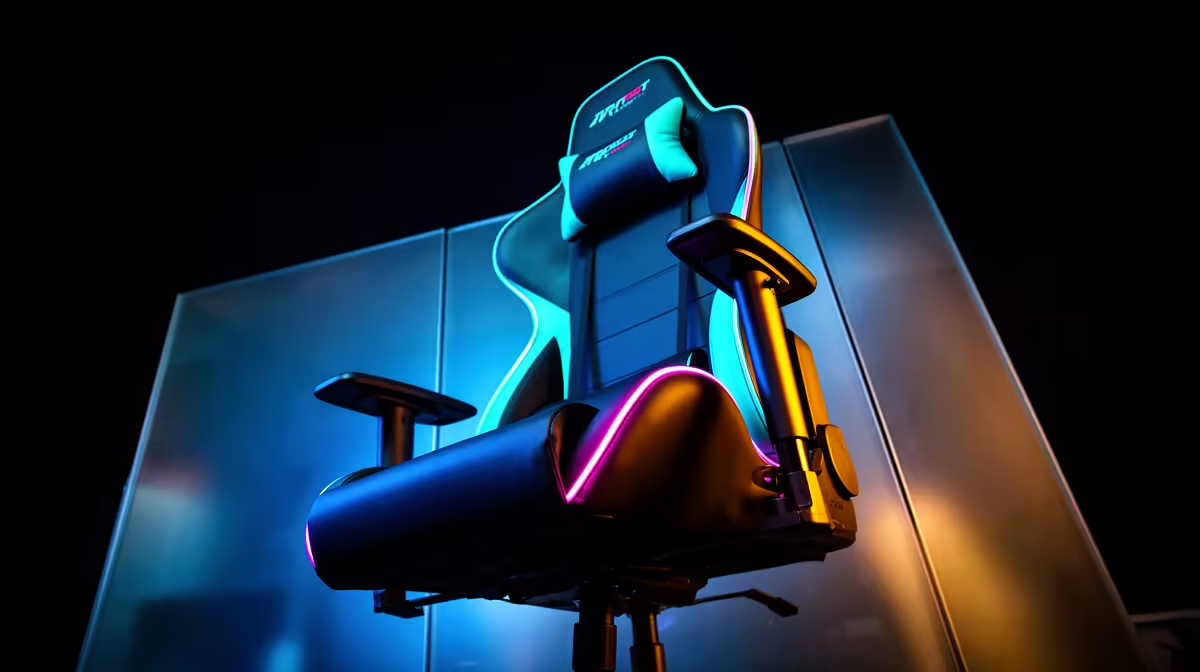
A gaming chair can make long sessions more comfortable, but it has no effect on how accurately older consoles are emulated. The computer, emulator settings, controller and display timing decide the experience. Choose a chair only after confirming that it fits the person and desk for ordinary daily use.
Fix the play setup in order
First test legal game dumps on the intended emulator and hardware. Check controller mapping, aspect ratio, audio delay and frame pacing. A suitable wired controller or display setting may improve retro play more than furniture. Place the monitor at a comfortable distance and keep wrists neutral during repeated inputs.
For seating, the GAMDIAS ZELUS E5 gaming chair has a verified R1,540 price. The GAMDIAS ZELUS E4 costs a verified R1,650. Compare seat dimensions, height range, armrest movement, lumbar support, materials and warranty. Sit in the normal playing position if possible; body fit cannot be confirmed from styling or a product photo.
Buy for every desk task
A chair is easier to justify when the same station supports study, work and gaming. Adjust seat height so feet are supported and the desk does not force raised shoulders. Stand and change position regularly rather than expecting one posture to remain comfortable for hours.
Spend on seating when the existing chair causes a measured fit problem or discomfort. If retro emulation is the only concern, direct attention to compatible controls and stable software first.
Improving a mixed-use gaming desk? > Ask Evetech to compare chair dimensions and current gaming accessories.