Quick Answer
For budget upgraders, accessory rails on a gaming desk are worth paying for only if you use headset hooks, cable trays or monitor mounts daily; otherwise they are a markup. A desk with built-in rails at Evetech runs R1,800-R3,500 versus R1,200-R2,500 for a plain one.
When rails earn their premium
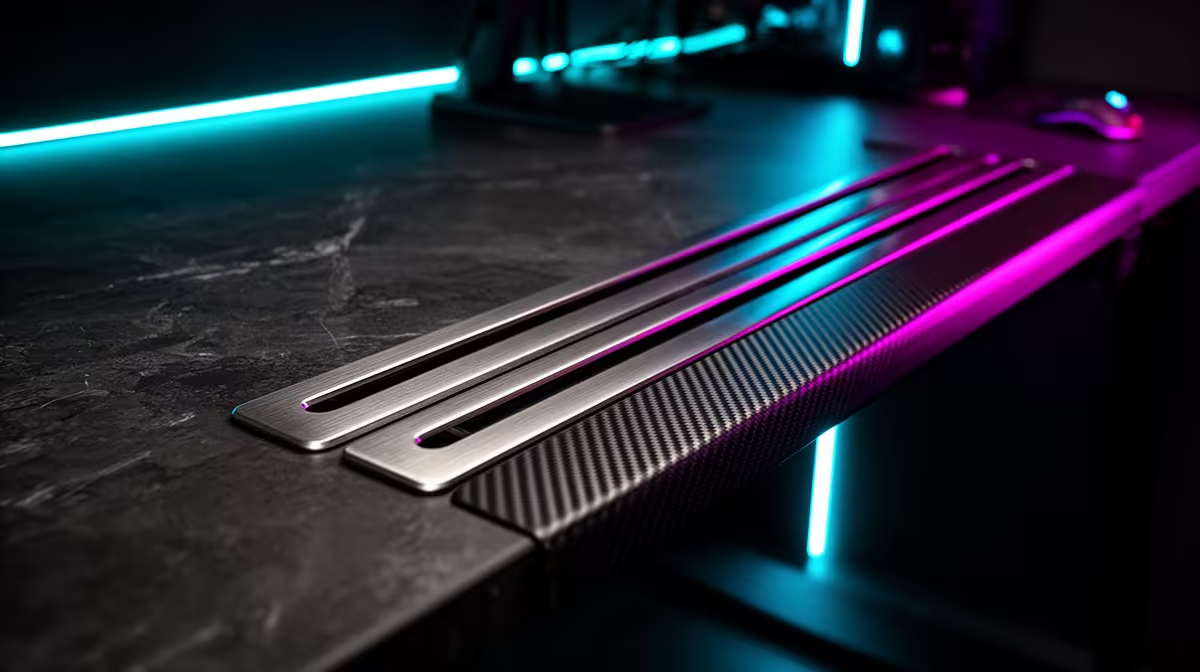
Accessory rails (the underside or rear channels for mounting hooks, trays and arms) earn their roughly R500-R800 premium if you genuinely use them to mount a headset hook, route cables in a tray and clamp a monitor arm. For a buyer who keeps the desk surface busy with peripherals, rails turn clutter into a tidy, modular setup. If you just need a flat surface, skip them and save the money.
Budget desk specs that matter more than rails
Before paying for rails, ensure the basics: a steel frame rated for 40-60kg, a 120cm+ width and a scratch-resistant top. These decide whether the desk holds your monitor and tower steadily for years. A R1,500 desk with a solid frame and no rails beats a wobbly R2,500 desk with rails, so prioritise stability first.
Pairing a desk with budget upgrades
Rails make sense alongside the gear they hold: a monitor arm to free surface space, a headset stand and a cable tray for a tidy 144Hz gaming setup. If you run an RTX 4060-class rig (100-144 fps at 1080p) on the desk, the cable tray helps manage its leads. Decide which accessories you will actually mount before paying the rail premium, so the money goes to features you use.
FAQ
Are accessory rails on a gaming desk worth paying for?
Only if you'll use them for a headset hook, cable tray or monitor arm daily. The roughly R500-R800 premium is worth it for a modular setup, but a flat-surface user should skip it and save the money.
What matters more than rails on a budget desk?
A steel frame rated 40-60kg, 120cm+ width and a scratch-resistant top. These decide stability and longevity. A solid R1,500 desk without rails beats a wobbly R2,500 desk with them, so buy stability first.
What accessories do desk rails actually hold?
Monitor arms to free surface space, headset hooks and under-desk cable trays. They suit a busy gaming setup with a 144Hz monitor and an RTX 4060 rig. Decide what you'll mount before paying the rail premium.
accessory rails only if you'll mount a monitor arm, headset hook or cable tray. Otherwise put the R500-R800 toward a steel frame rated 40-60kg, which matters more than rails.