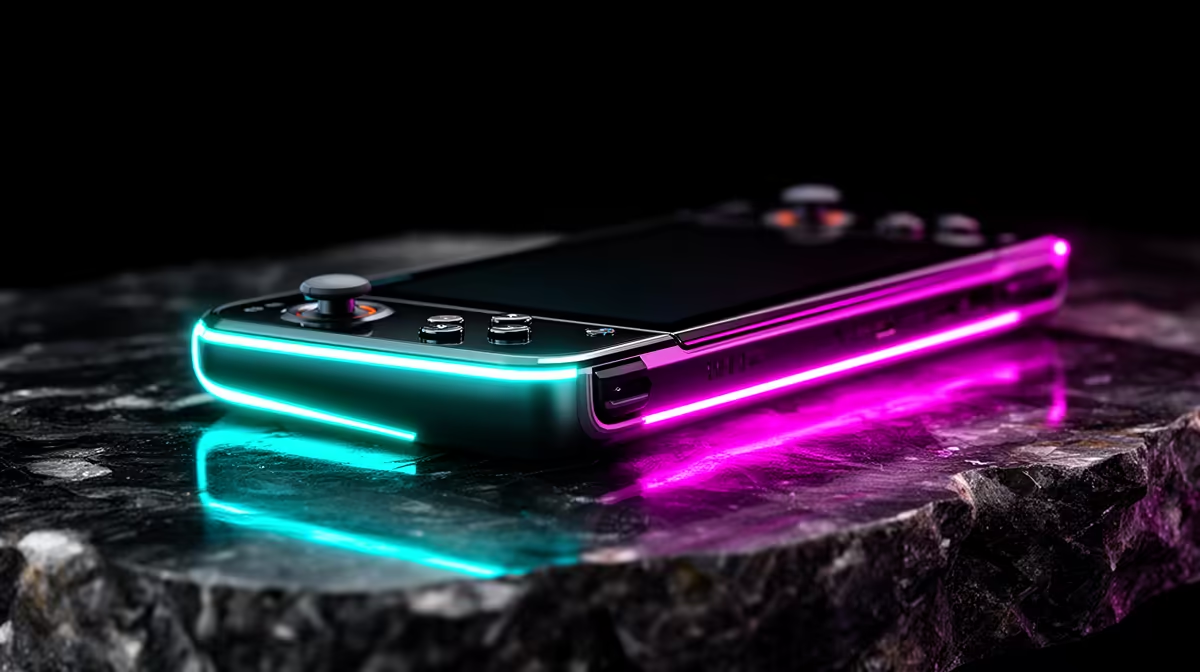
Playing from the sofa, bed or taxi sounds freeing until tiny text and demanding games test the idea. Using a handheld as your only gaming machine is a trade between portability, screen space and performance you can live with every day.
Quick Answer
A handheld can be your only gaming machine, but you give up some comfort, screen space, sustained performance and upgrade freedom. The compromise feels small if you travel, play controller-friendly games and value one device that follows you around the house. It feels much bigger if you enjoy competitive shooters with a mouse, strategy games with dense menus or new releases at high settings. Before replacing a desktop or console, use the handheld as your only machine for a week and include the cost of the dock, display and controls you will add.
The screen changes how games feel
A 7-inch or 8-inch screen can look sharp at 1080p, yet physical size still matters. Small subtitles, inventory grids and map labels can make a desktop game tiring. Interface scaling helps when the developer supports it. Some games offer little control.
The built-in display also sits where your hands need to hold the controls. You cannot move it closer without changing your wrist position. A docked monitor solves that at a desk, then the handheld becomes a compact PC rather than a complete one-piece setup.
Performance has a power limit
Handheld processors share a tight power and cooling budget between CPU and graphics work. They can run impressive games with reduced settings, upscaling and a sensible frame cap. A desktop graphics card has more electrical and thermal headroom, so it can hold higher settings for longer.
That does not make the handheld weak. It means you tune for its job. A stable 30fps or 40fps can feel good in a story game. A fast competitive title may expose the gap through lower detail, softer resolution or less consistent frame times.
Battery becomes part of every session
Runtime changes with the game, brightness, wireless use and power mode. A light indie can last far longer than a demanding open-world release. If the handheld is your only machine, you may spend many sessions connected to a charger.
Think about plug position and cable strain. Playing at full power beside the sofa is still portable around the home, though it is a different freedom from gaming through a long trip.
Storage fills quickly
Modern PC games can occupy well over 100GB. A 512GB handheld may hold only a few large releases once the operating system and updates take their share. A 1TB model gives you breathing room, and it can still fill faster than expected.
Check whether the device accepts a standard NVMe SSD, a shorter format or a microSD card. Storage speed and replacement difficulty differ. Include the correct expansion in your starting budget if your regular library is large.
Controls cannot suit every genre
Built-in sticks and buttons work well for racing, action and platform games. Long strategy sessions, detailed creative tools and mouse-led shooters benefit from a desk. Touchpads, gyro aiming and control remapping can close part of the gap, but they need setup and practice.
Ergonomics deserve the same attention as frame rates. Your hands support the screen, battery and cooling system for the whole session. Deep grips help. Weight still adds up. Try the device before buying if you have wrist or hand discomfort.
Repairs and upgrades are narrower
A desktop lets you replace a monitor, controller, graphics card or storage without disturbing the rest. A handheld combines most of the machine into one shell. A damaged screen or worn control can take the whole system out of use during a repair.
Some models make SSD replacement straightforward, while memory and processor hardware remain fixed. Check parts availability, service routes and opening requirements for the exact device. Avoid assuming that every handheld in the same family is built the same way.
Price the machine you will really use
Browse handheld gaming consoles and popular PC products, then add the extras your routine needs. A dock, charger, case, controller, keyboard and display can turn a neat handheld purchase into a larger setup.
The handheld-only life works best when portability is the feature you use every day. If most sessions happen at one desk or television, compare a full PC or console setup before accepting the smaller screen and fixed hardware.
FAQ
Can a handheld replace a desktop gaming PC?
It can cover controller-friendly games and docked desktop use. You accept a lower performance ceiling, a smaller built-in screen and fewer core hardware upgrades.
Is 1TB enough for a handheld?
It depends on your library. Several large releases can fill 1TB once Windows and updates are included. Check your named games before choosing capacity.
Do I need a dock?
You do not need one for handheld play. A suitable dock becomes useful when you want a monitor, Ethernet, keyboard, mouse or several USB accessories.
Compare handheld gaming systems and price the complete portable or docked setup you will use.